-
Windows Clipboard History: Press Win+V to Find the Text You Copied Earlier
Windows clipboard history can show recent copied items in a small panel. Turn it on with Win+V and clear entries you do not want retained.
-
Windows C: Drive Almost Full? Storage Sense Has One Folder You Should Check
Storage Sense can automatically clear temporary files and Recycle Bin content, but Downloads and cloud files are excluded unless you opt in.
-
YouTube Transcript Shortcut: Jump to the Exact Line You Want to Rewatch
For videos with captions, YouTube’s transcript can help find a phrase and jump to that point in the video.
-
Send a Gmail at the Perfect Time—Then Find It Before It Goes Out
Schedule Send can hold a Gmail message until a chosen time. Scheduled messages can be reviewed, edited or canceled before they send.
-
iPhone Keyboard Haptics: Make Typing Feel Different With One Toggle
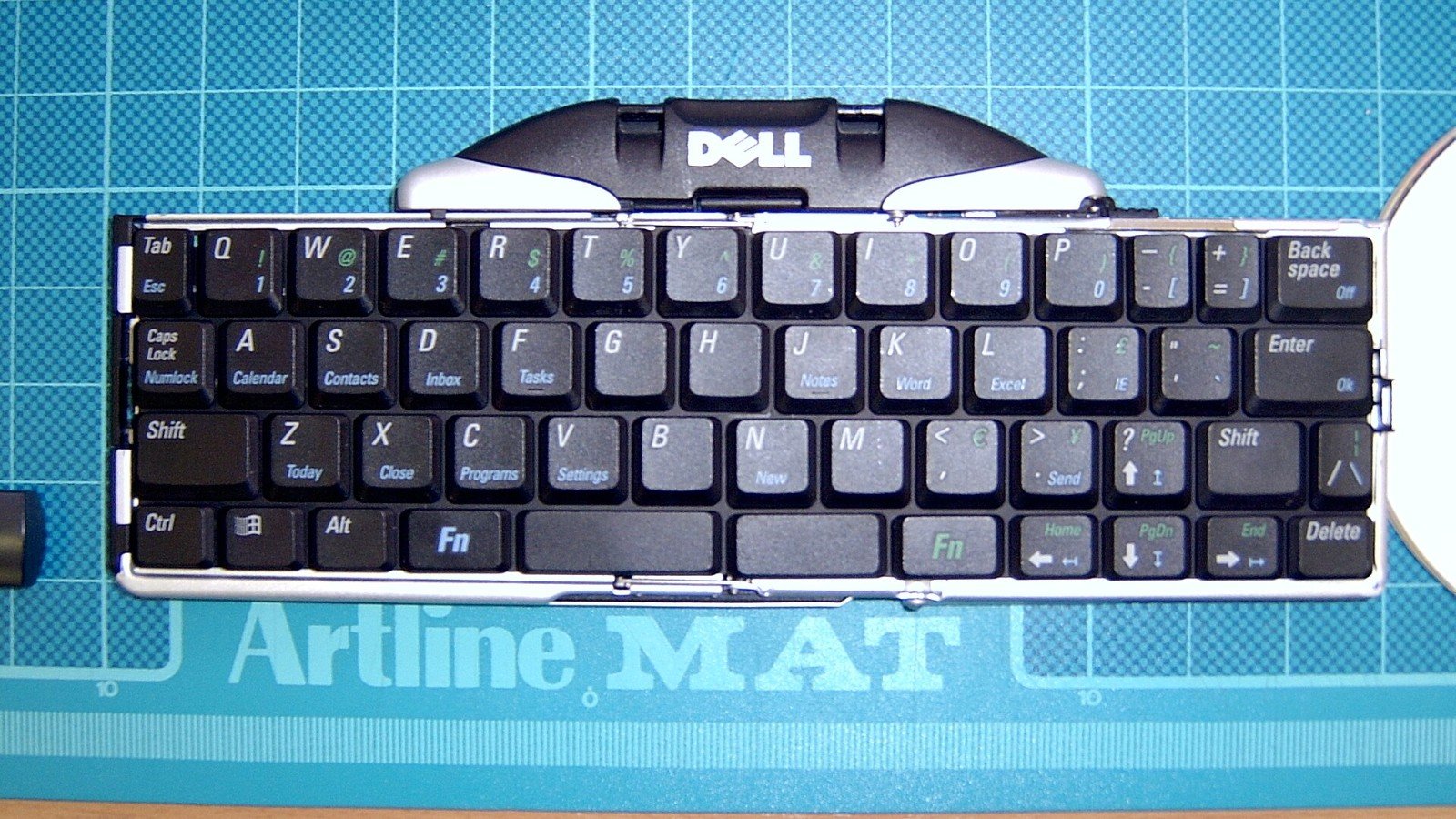
Turn on the iPhone keyboard’s haptic feedback in Settings. Apple notes it may affect battery life and depends on vibration settings.
-
Google Photos Locked Folder: The Backup Setting That Could Decide Whether You Keep Your Files

Locked Folder hides selected media, but items are device-only unless you enable backup. Know what happens before clearing app data or changing phones.
-
Scan a Receipt Into a Searchable PDF With Google Drive on Android
Google Drive’s Android app can scan a receipt or document, crop it, name the file and save it as PDF or JPG.
-
Share Your Wi-Fi With a Guest From Android—Without Reading the Password Aloud
Android’s saved-network sharing flow can display a QR code for a guest to scan. Confirm the network and share it only with someone you trust.
-
Android Phone Only Charges When Plugged Into a PC? Switch This USB Setting
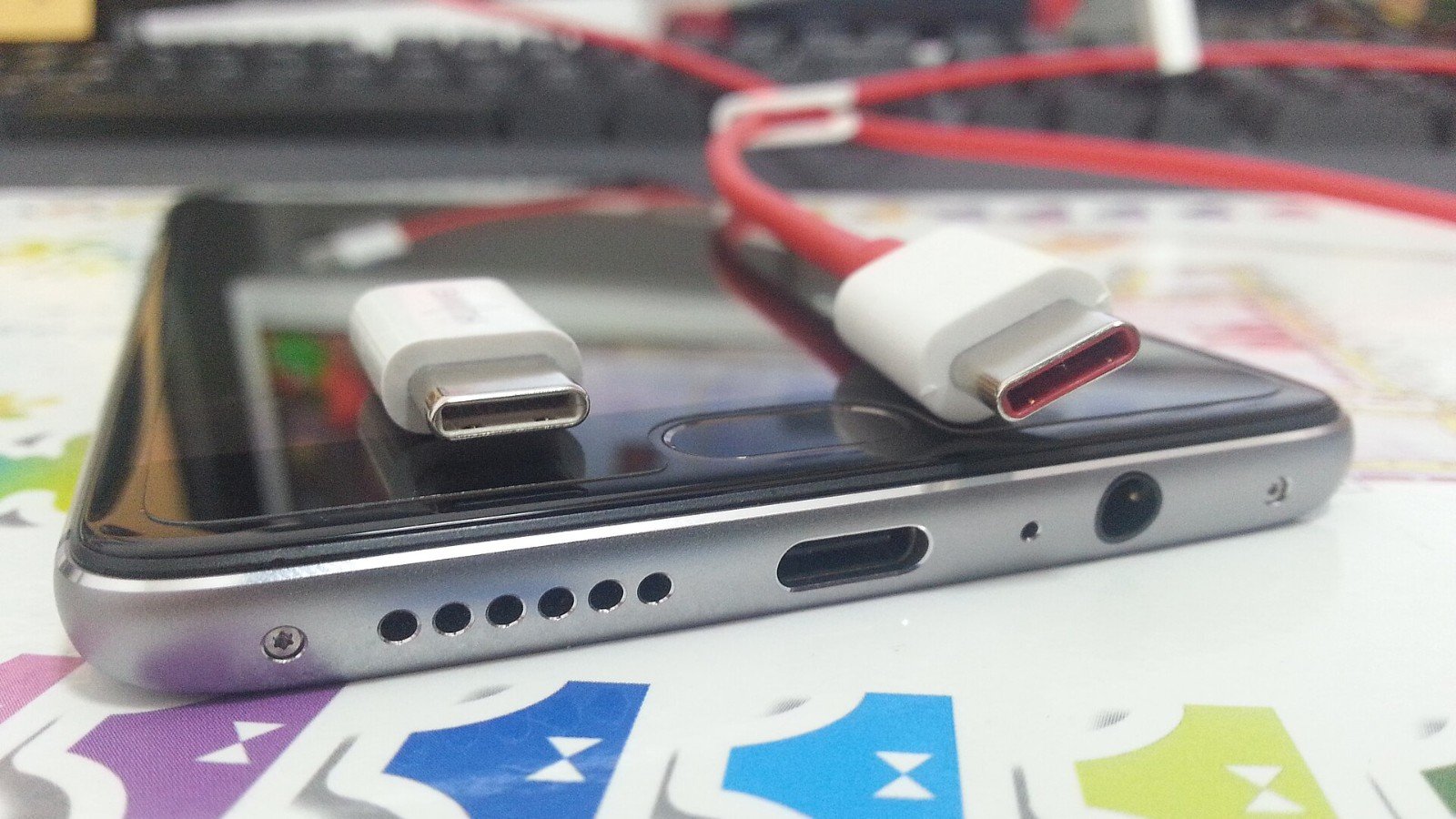
A USB cable may charge an Android phone without moving files. Unlock the phone and choose File Transfer in its USB notification.
-
Android Scrolling Screenshot: Capture the Whole Page, Not Just What’s Visible
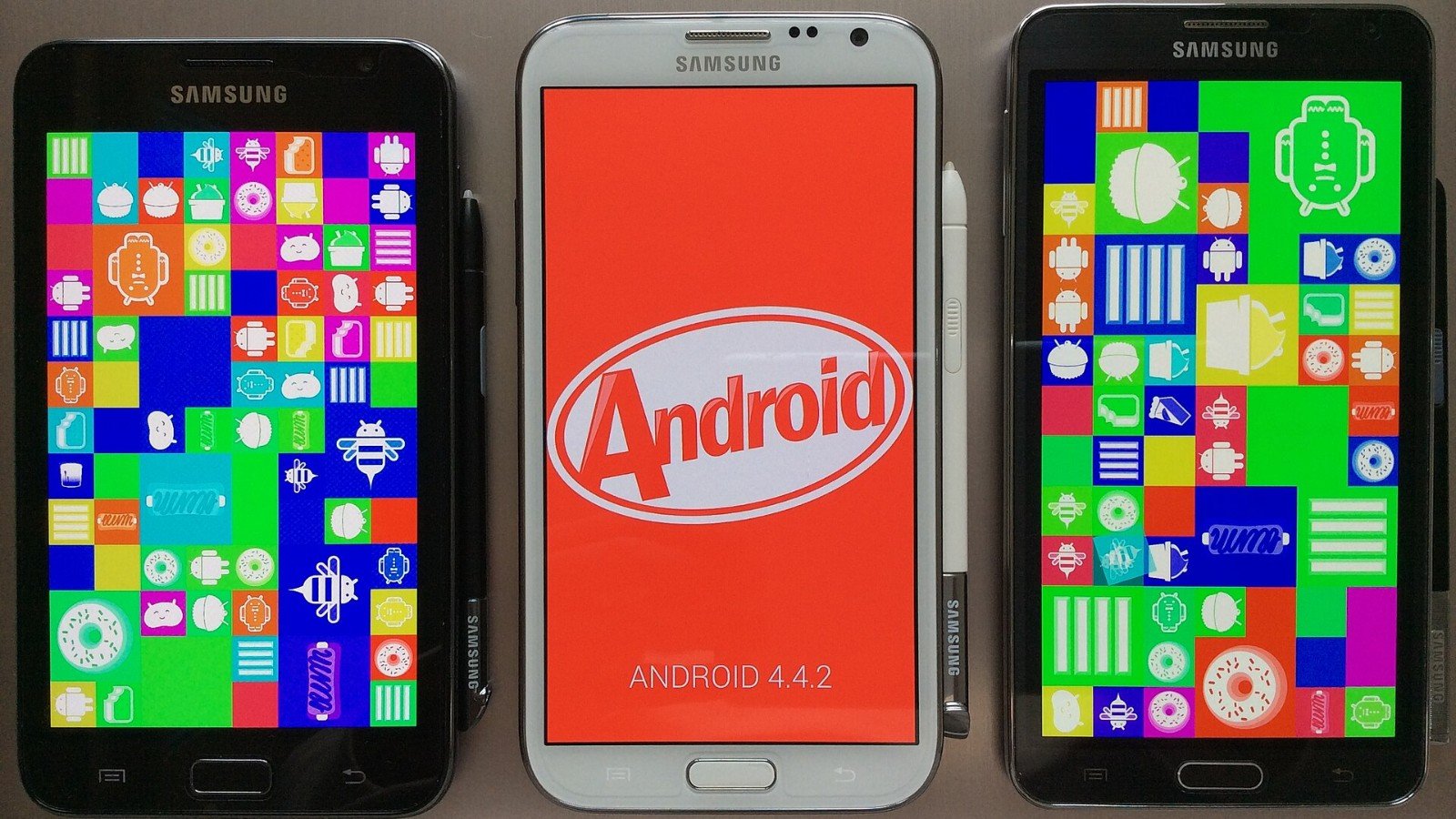
Android 12 and later can capture more than one screen on many scrollable pages. Here is how to use Capture more—and when it will not appear.
-
Windows Activation: Do You Need a Product Key or a Digital License?
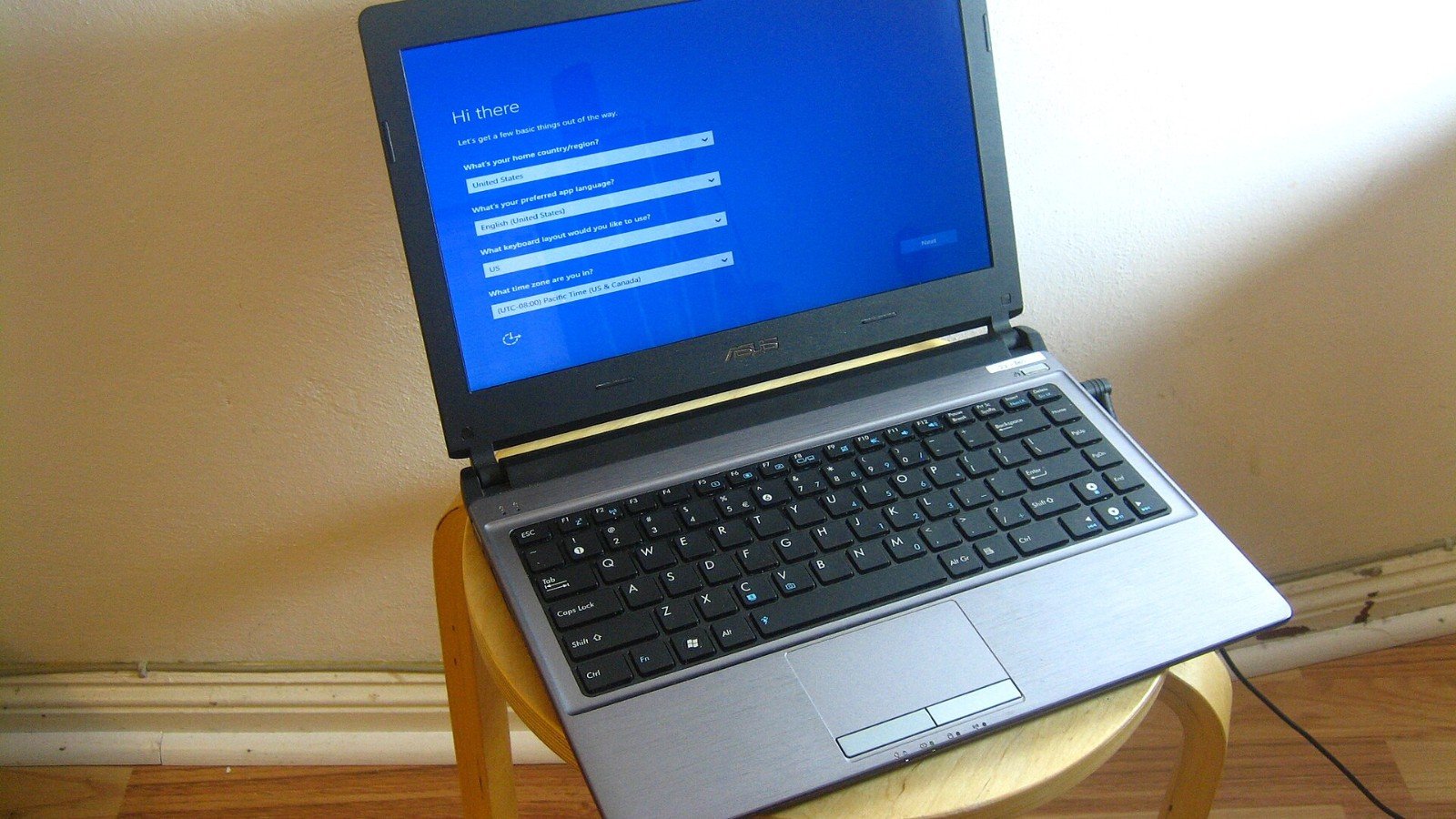
Windows 10 and 11 can activate with a 25-character product key or a digital license. How you acquired Windows determines which applies.
-
Gemini Can Look Back at Past Chats—Here’s How to Ask About Them

When the feature is available, ask Gemini about past conversations by topic or timeframe and check whether it cited a previous chat.
-
Sharing a NotebookLM Link? Chat View Does Not Hide Every Source
NotebookLM public sharing gives anyone with a Google account access to a notebook link. Chat View is not a privacy boundary for underlying sources.
-
NotebookLM Sources: Make Answers Focus on the Files You Actually Chose
Add only the material you intend to use, then name relevant sources in your question to guide NotebookLM toward a narrower answer.
-
Mac Screenshot Trick: Capture One Window or Choose Where Files Go
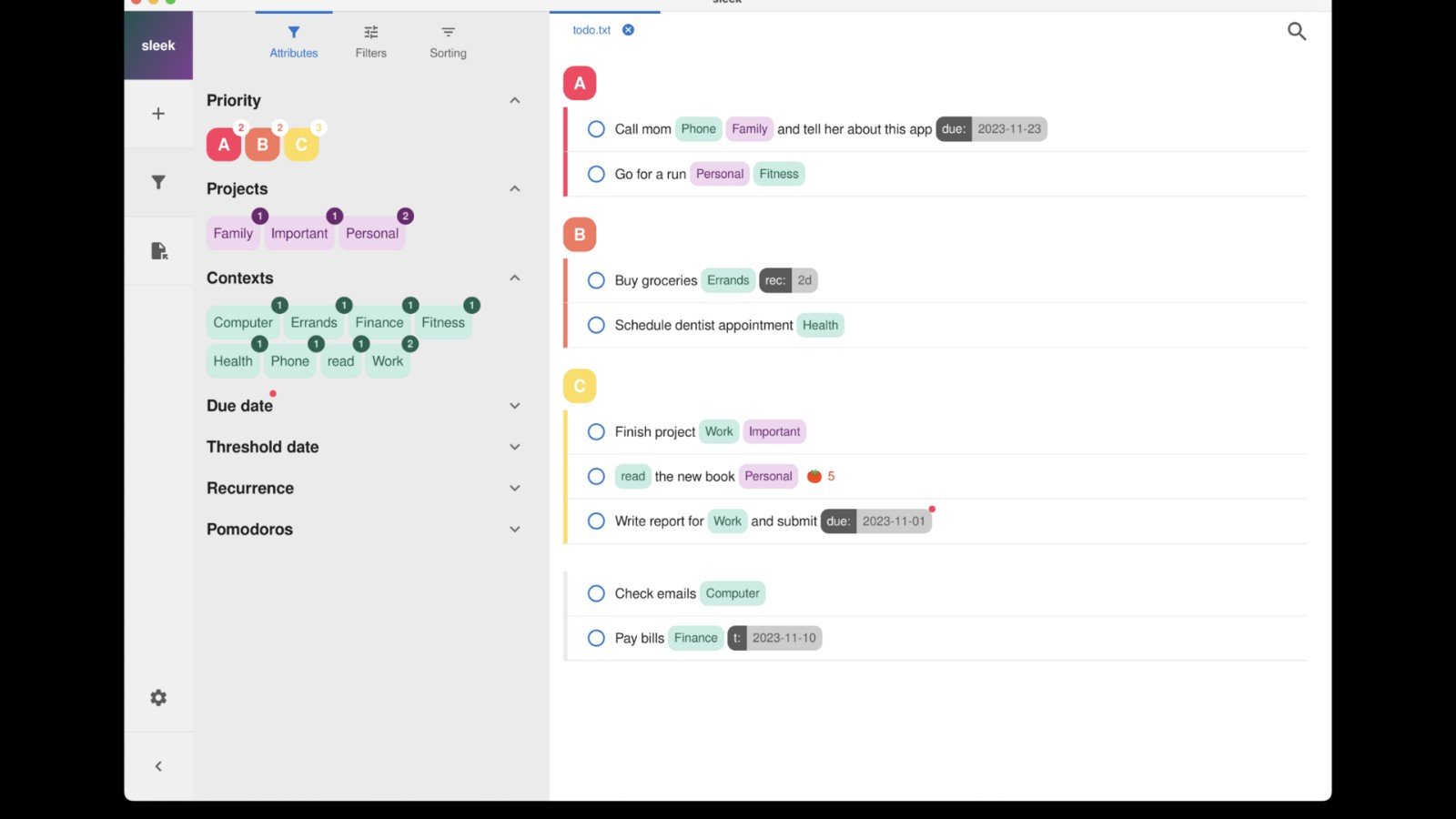
Shift-Command-5 opens the Mac Screenshot controls for windows, selected areas and save-location options.
-
Your iPhone Can Copy Text From a Photo—Here’s the Fastest Way
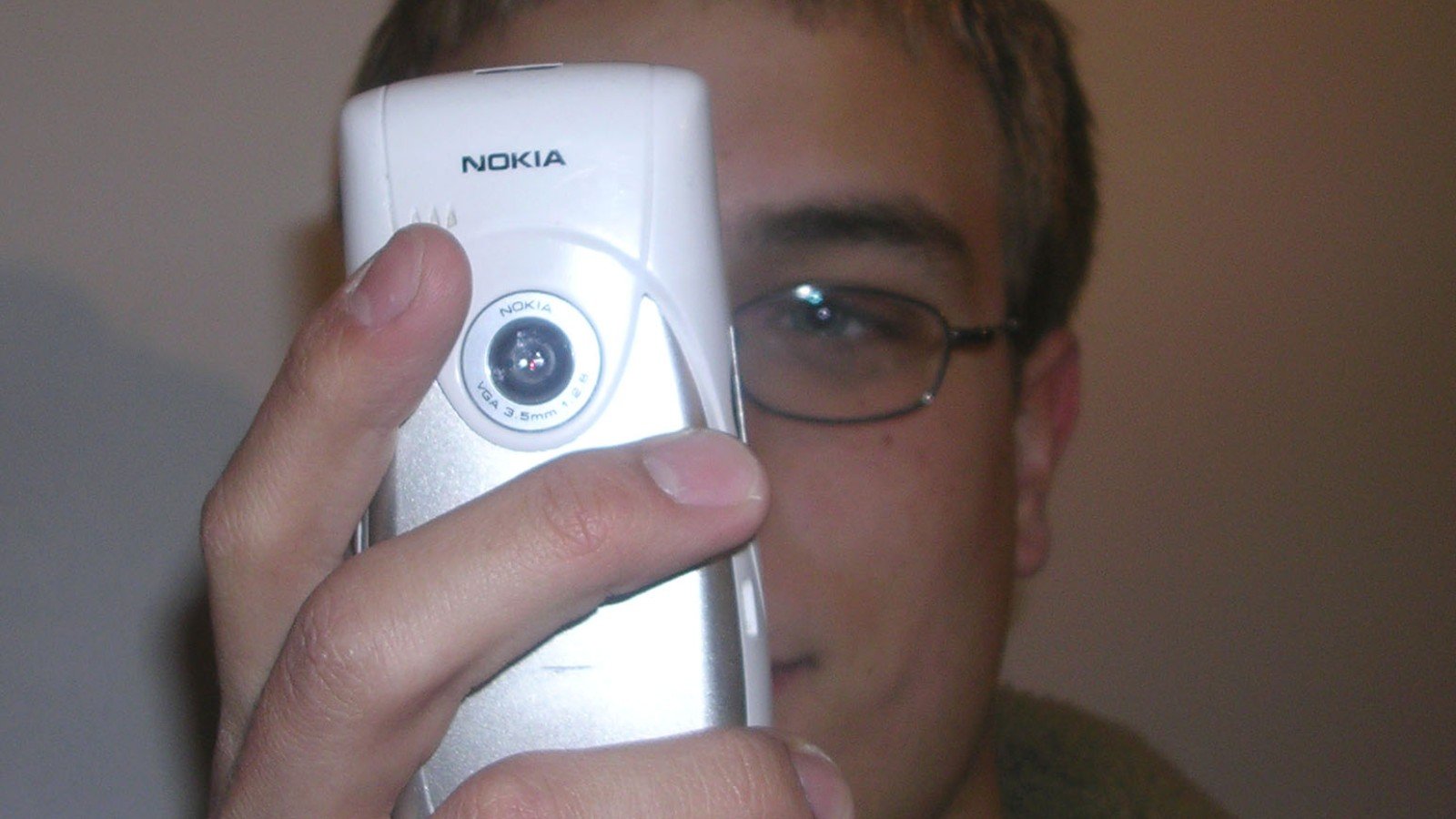
Live Text can select text in photos and supported videos, and it can recognize text through the camera on compatible devices.
-
Lift a Person or Pet Out of an iPhone Photo—No Extra App Needed
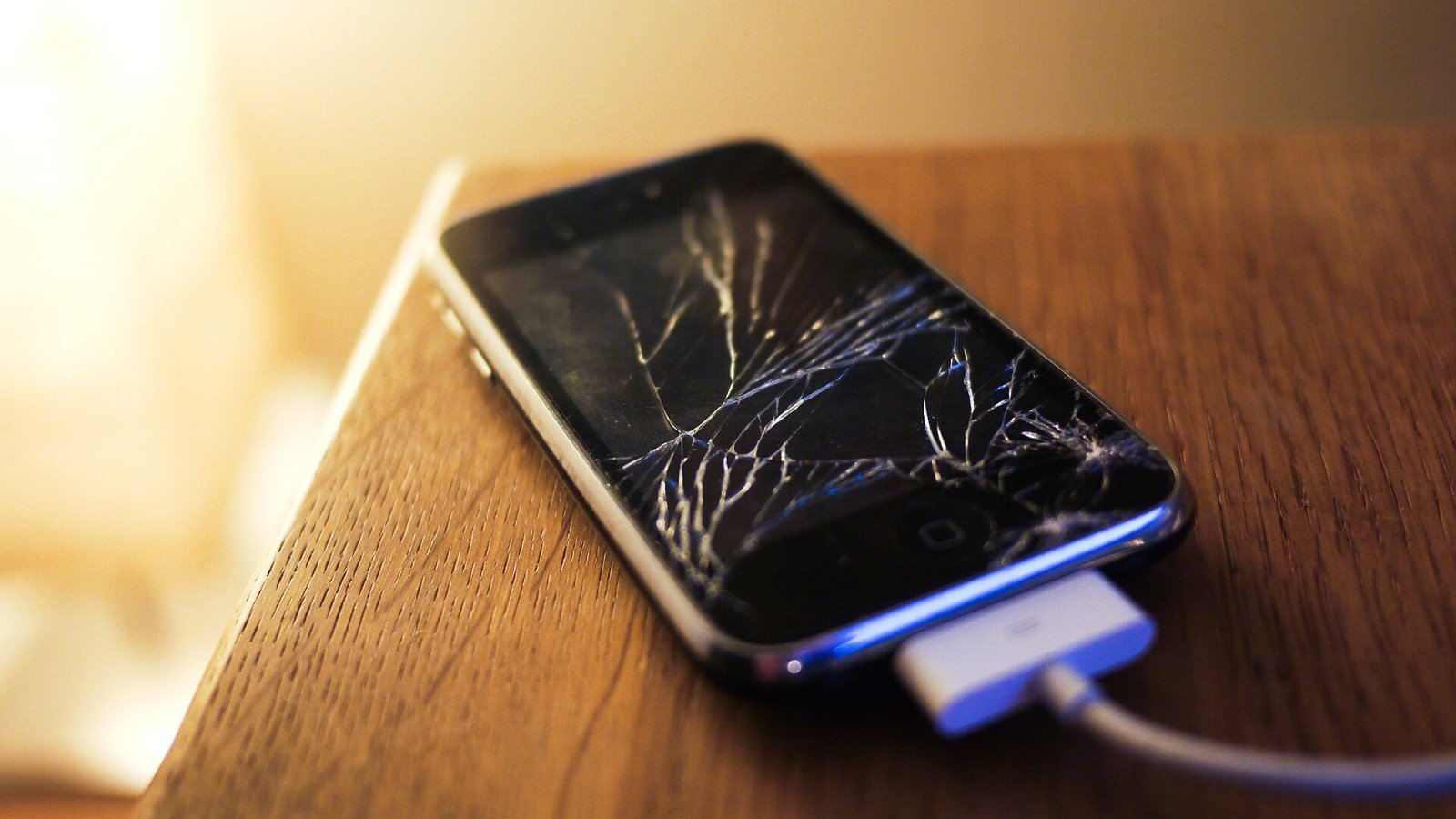
On supported iPhones, touch and hold a photo subject to copy, share or turn it into a sticker. It has device and iOS limits.
-
Chrome Can Translate a Whole Page—or Just the Lines You Select
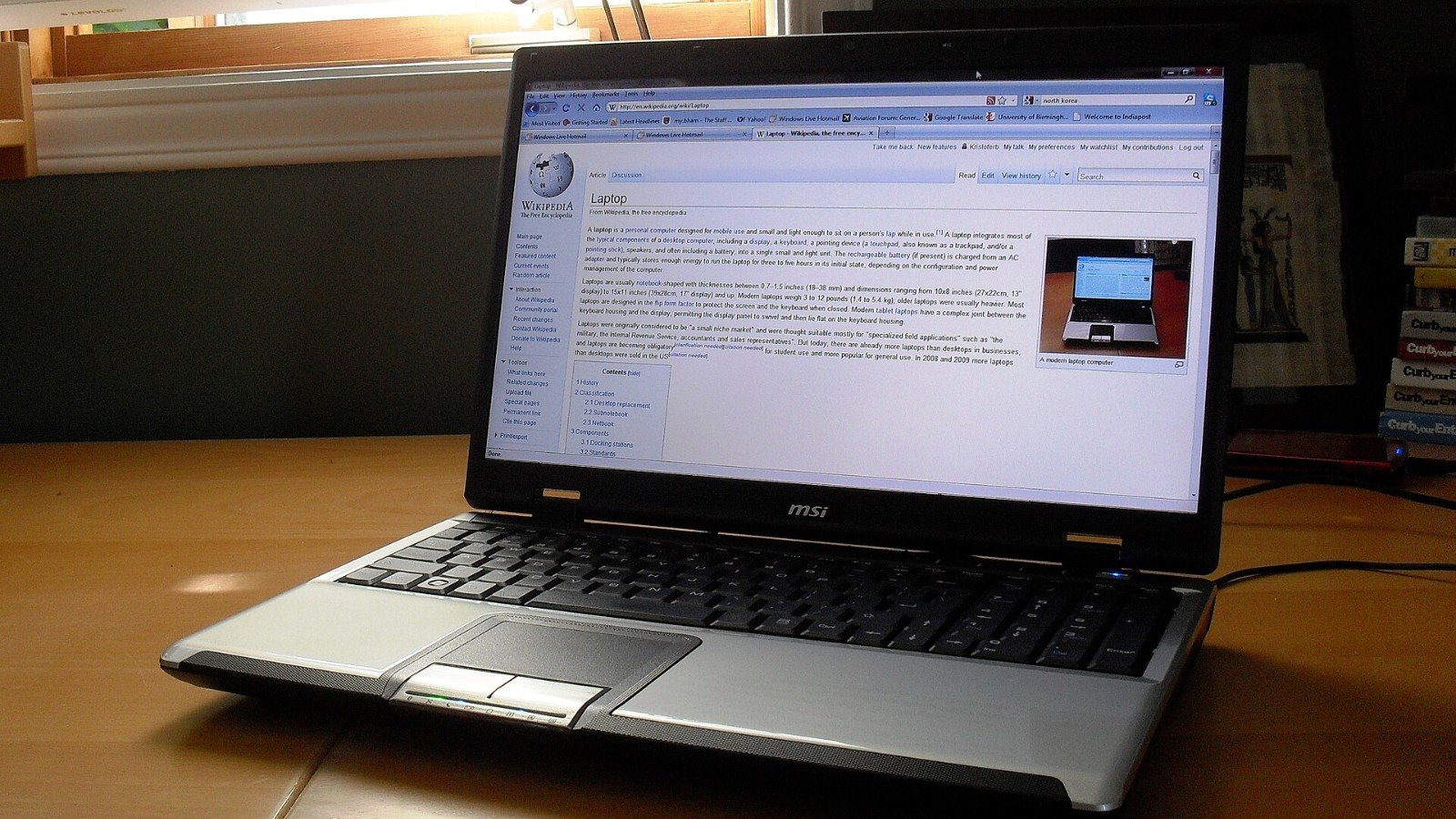
Use Chrome’s built-in translation for a full webpage or highlight only the passage you need. Always double-check important translated details.
-
Chrome’s Keyboard Shortcuts That Rescue a Tab-Crowded Browser
A handful of built-in Chrome shortcuts can move between tabs, jump to a page and recover a closed tab without reaching for the mouse.
-
Closed a Chrome Tab by Mistake? Bring It Back with Ctrl+Shift+T
Chrome can reopen closed tabs in order with a quick shortcut. Here is how it works on Windows, Linux and Mac—and when history is the better fallback.
-
Send Files Between Android and Windows Without a Cable: Quick Share Setup
Google Quick Share can move photos and documents between nearby Android devices and Windows PCs. Set your visibility deliberately before sending.
-
Android Battery Saver: What It Changes—and What May Stop Updating
Battery Saver can stretch a low charge, but it may limit background activity and delay some apps. Know the trade-offs before a long day out.
-
Missed a Notification? Android History May Bring Some Alerts Back
Some Android phones keep a notification history for recently dismissed alerts and the past day. Find the setting now, before an alert disappears.
-
Android Focus Mode Can Pause Distracting Apps—Set a Schedule That Fits
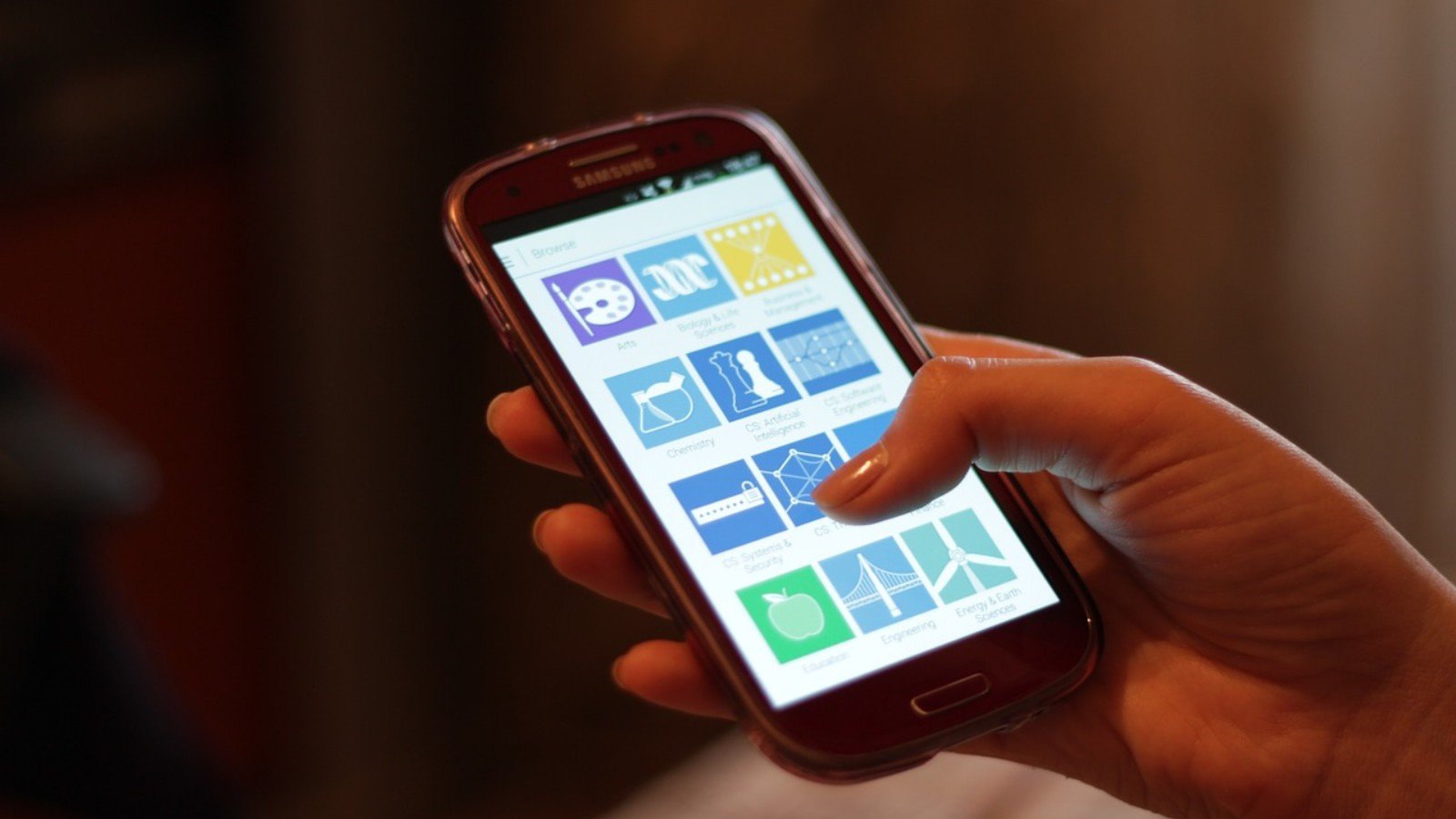
Digital Wellbeing Focus mode pauses selected apps and their notifications. Set it up before you need a quiet block of time.
-
One Google Backup Code Can Save Your Login—but Each Code Works Once

Google backup codes are an offline recovery option for 2-Step Verification. Generate a set, store it safely and know when old codes stop working.
-
Changing Phones? Sync Google Authenticator Before You Wipe the Old One
Google Authenticator can sync codes across devices when you sign in. Confirm the new phone has the right entries before erasing the old one.
-
Google Authenticator Codes Work Offline—Set This Up Before You Lose Signal
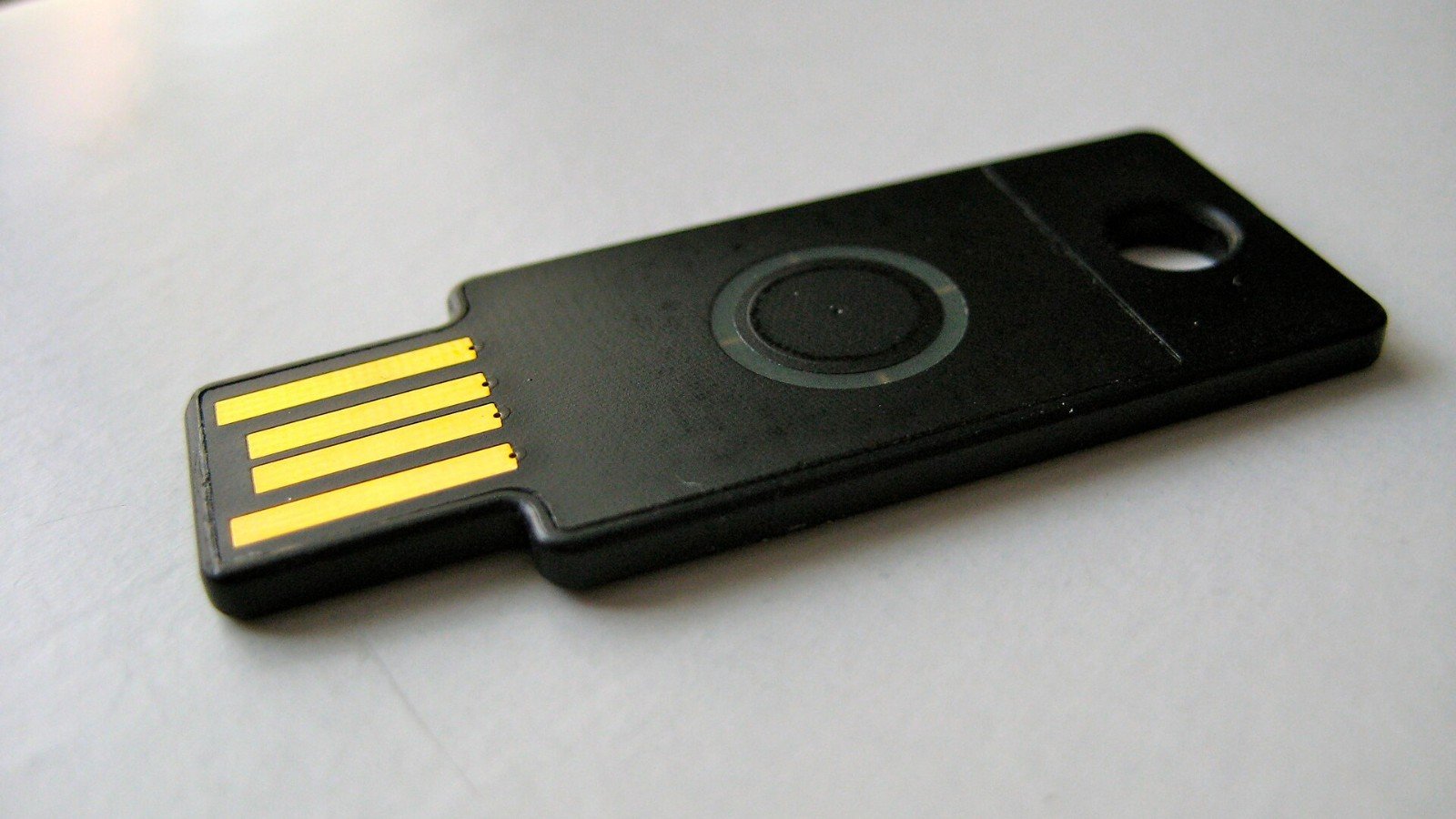
Google Authenticator can generate one-time codes without mobile service or an internet connection. Here is what to check before relying on it.
-
Google Photos Partner Sharing Can Send New Pictures Automatically—Check These Filters
Partner sharing can automatically share backed-up photos with one person. Review the people and date filters before enabling it.
-
Free Up Android Photo Space Without Deleting the Cloud Copy—Check This First
Google Photos can remove backed-up local copies from an Android phone, but the timing and the button you tap matter.
-
Google Photos Says Backup Is On—but Are Your Newest Pictures Actually Safe?
A quick Google Photos check can show which account is backing up your pictures, whether backup is enabled and if anything is still waiting to upload.
-
Android Has a Quick Lockdown Option—Useful When You Need to Secure It
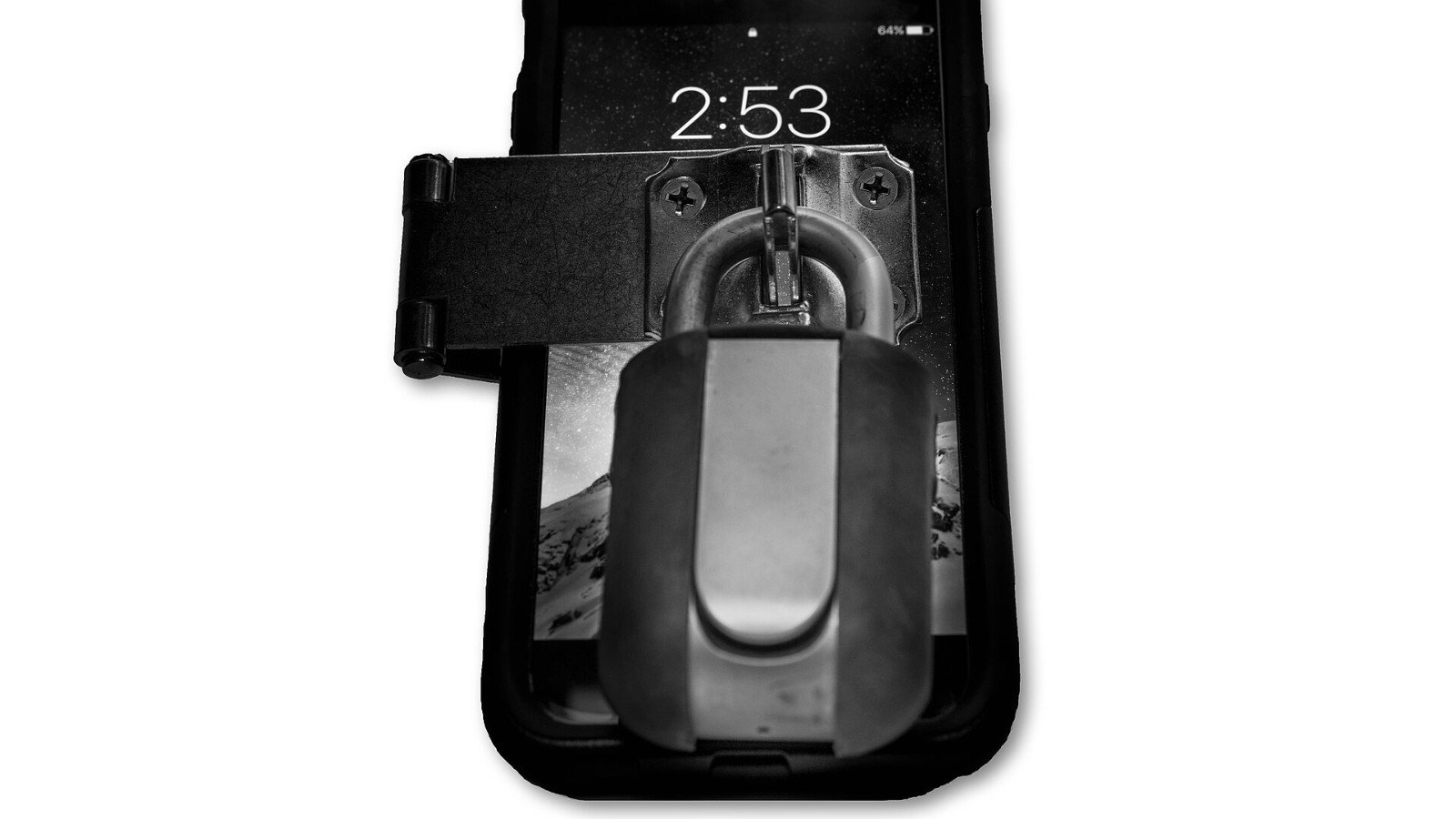
Android’s Lockdown option can temporarily disable Extend Unlock behavior until you unlock again. Find it in supported settings and understand the convenience trade-off.
-
Windows Snipping Tool Can Record a Screen Clip—No Extra App Needed
Windows Snipping Tool includes video snips for a selected screen area. Record only what you need and check for private notifications before sharing.
-
Download a Google Maps Area Before You Travel—Then Check What Offline Mode Cannot Do
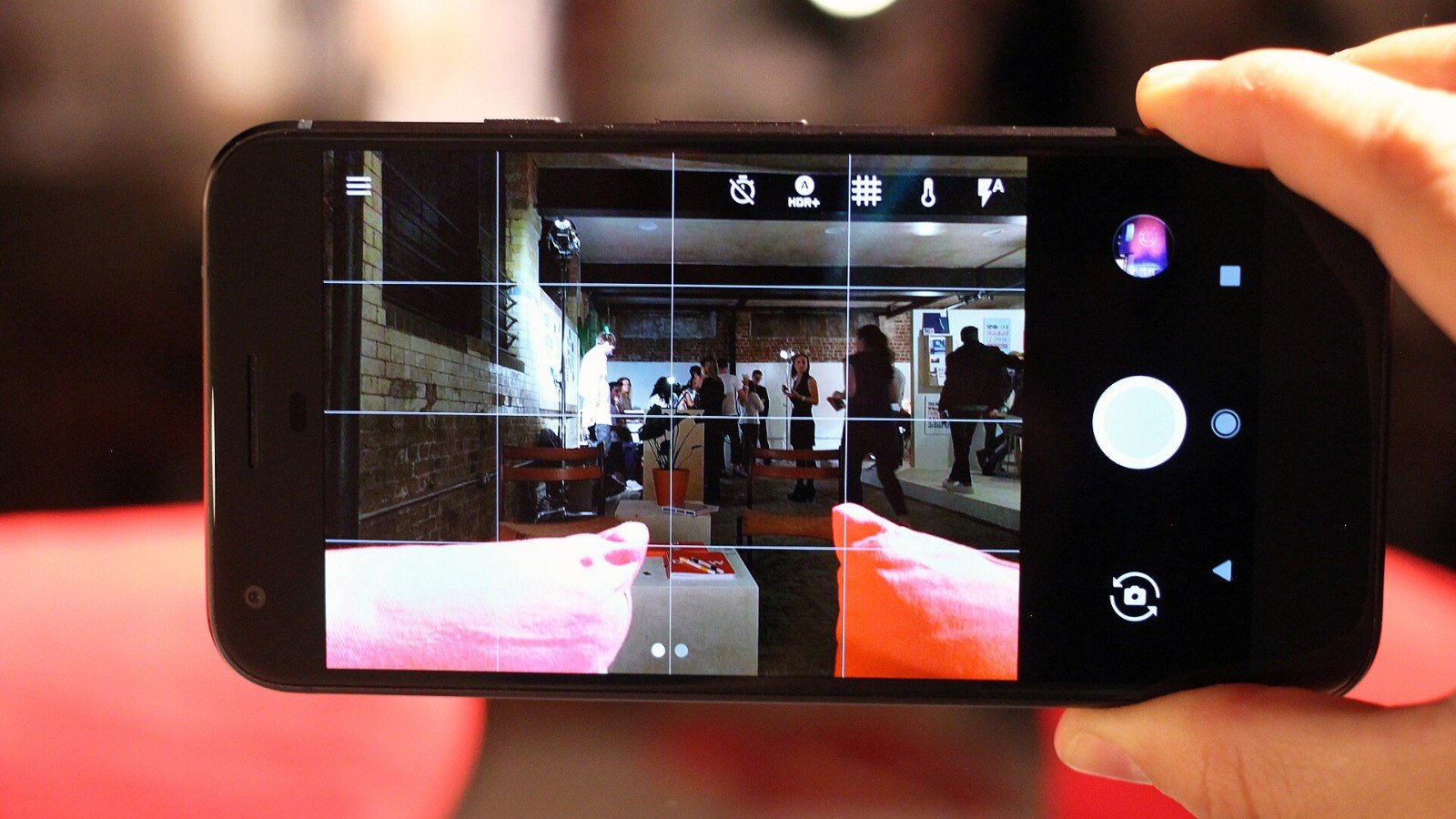
Google Maps can guide you offline when your whole driving route fits within a saved area. Transit, cycling, walking, traffic and alternate routes may be unavailable.
-
Before You Clear Chrome Data, Check These Boxes—One Can Sign You Out
Chrome lets you choose which browsing data to remove. Cookies can sign you out, while history, cache, passwords and site settings are separate selections.
-
Chrome Memory Saver Can Keep Your Laptop Snappy—Without Closing Every Tab
Chrome Memory Saver deactivates tabs you are not using and reloads them when reopened. Choose a level and whitelist sites where unfinished work matters.
-
A Drone Under 250 Grams Is Not Automatically Legal Everywhere

The 250-gram threshold changes some drone rules, but it is not a worldwide exemption. Compare U.S. recreational rules with Europe’s category-based framework.
-
Flying a Drone for Fun in the U.S.? The Free TRUST Test Is Part of the Checklist
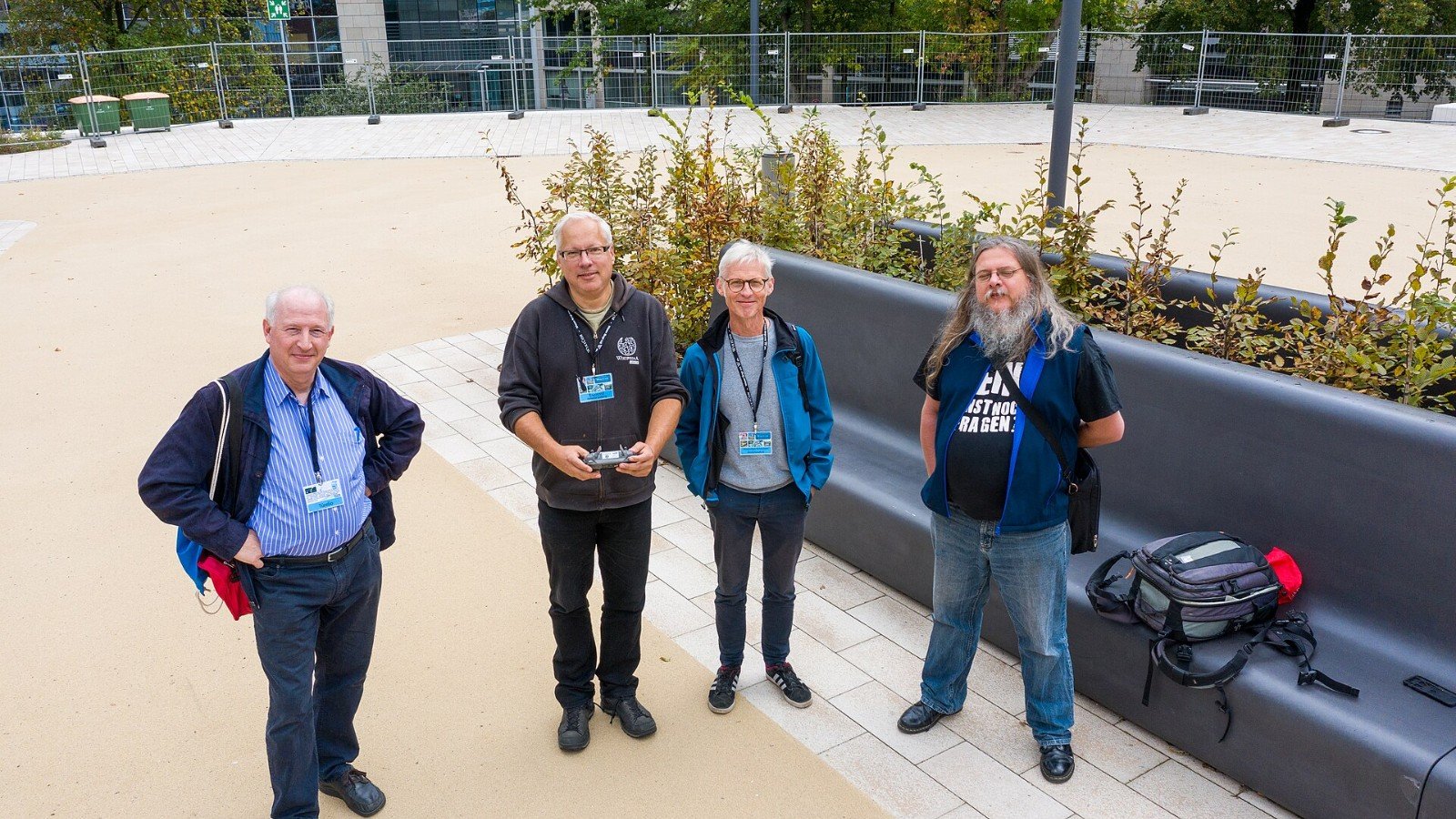
The FAA requires recreational drone flyers in the U.S. to pass TRUST and carry proof. Registration and Remote ID are separate checks with different conditions.
-
Before You Fly a Drone in the U.S., Check This Airspace Map
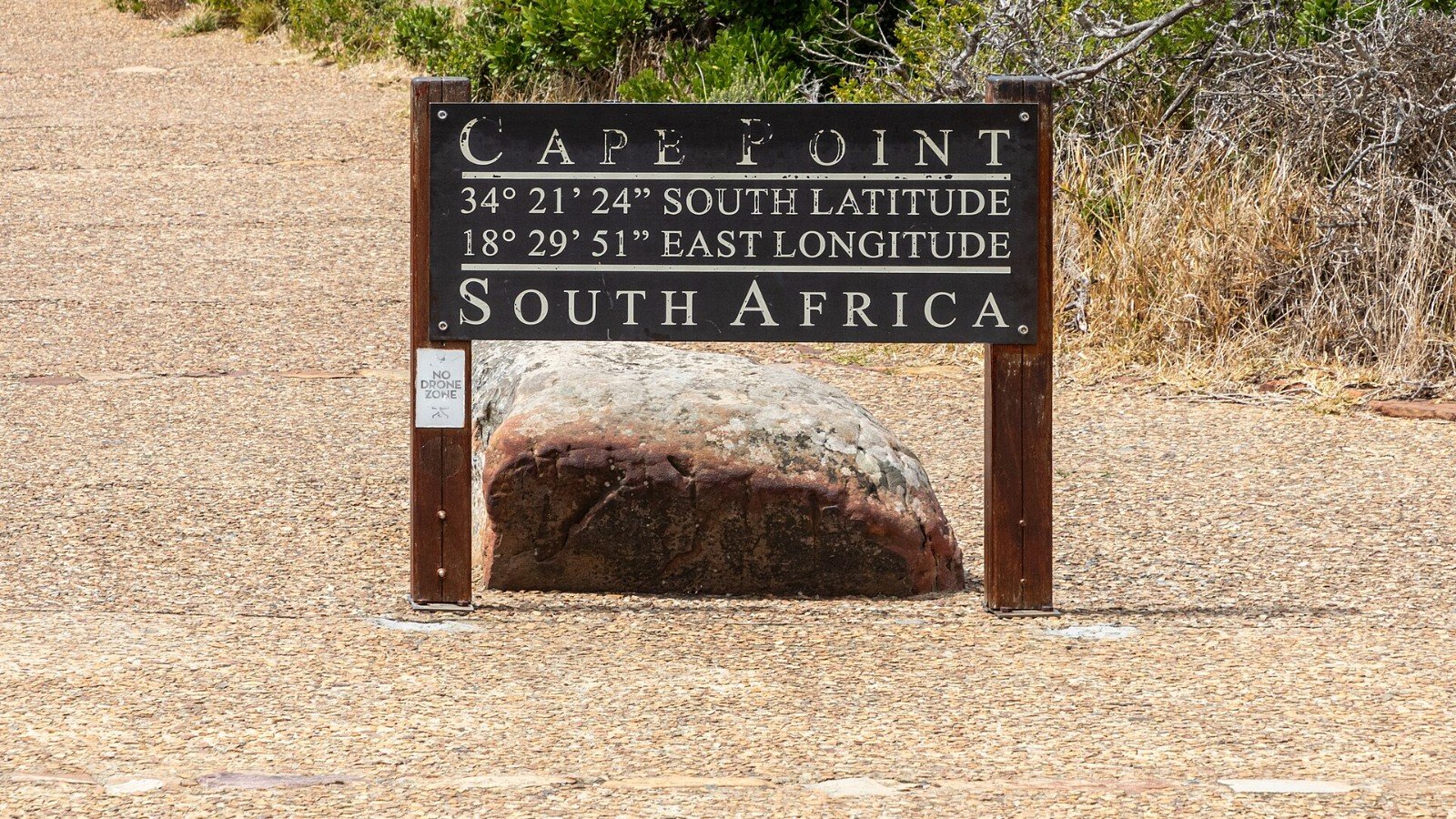
FAA-approved B4UFLY services show airspace information for U.S. drone flyers. The map supports awareness; it does not replace rules or required authorization.
-
DJI Neo Says 18 Minutes of Flight—Here’s What That Number Actually Means
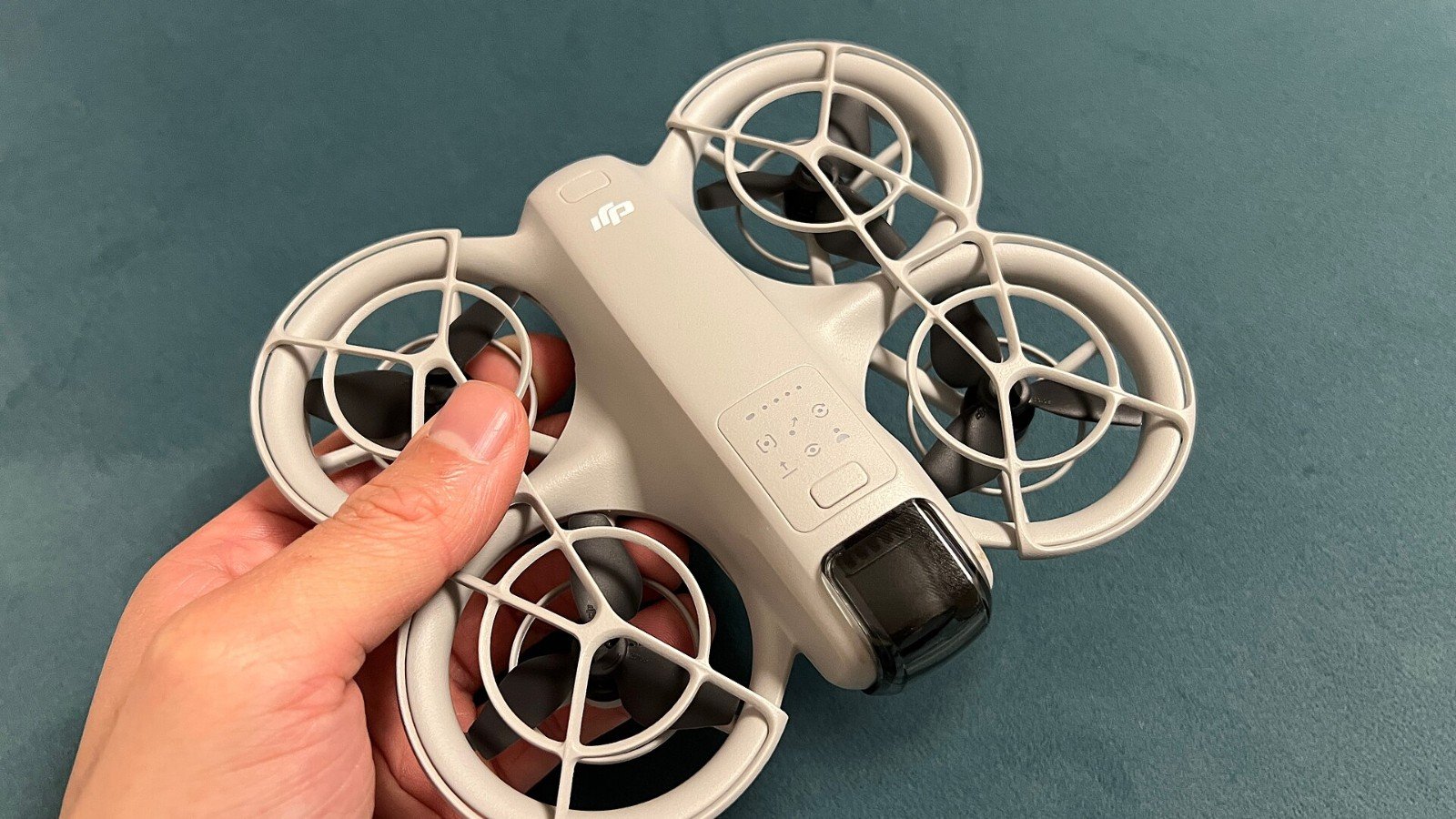
DJI’s 18-minute Neo figure comes from controlled test conditions and running the battery to forced landing. Use it as a comparison, not a flight plan.
-
DJI Neo Phone Control Has a Short Range—Know the Limit Before You Launch
DJI says Neo mobile-app control is limited to 30 metres high and 50 metres away. Learn why that is a control limit, not permission to fly farther.
-
The DJI Neo Can Launch From Your Palm—Check These Safety Rules First
DJI Neo supports palm takeoff and landing, but the manufacturer gives specific handling cautions. Use a clear, calm area and never reach for a moving drone.
-
Windows Snipping Tool’s AI Screenshot Upgrade Is Only for Copilot+ PCs
On eligible Copilot+ PCs, Snipping Tool offers Perfect Screenshot and a color picker. The AI-linked options are hardware-limited; ordinary snips work on more Windows PCs.
-
Gemini Can Make Images From a Prompt—Here’s How to Get a More Useful First Draft
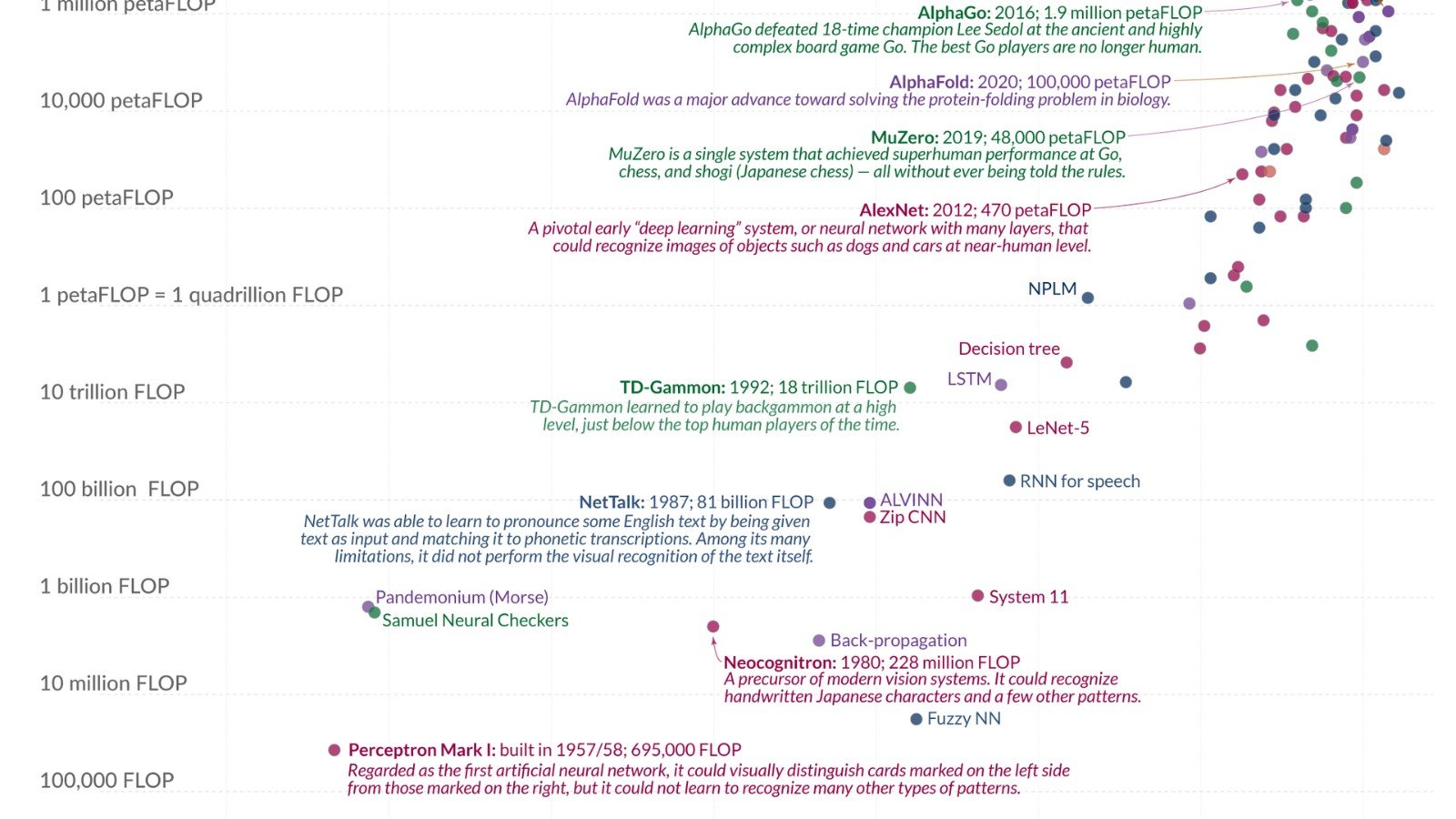
Gemini’s mobile app supports image generation in eligible accounts. A focused prompt can improve the first draft, but check availability and avoid presenting generated images as documentary proof.
-
Before You Upload a Work Document to NotebookLM, Read This Data Rule
NotebookLM’s privacy documentation distinguishes regular use from feedback. Understand the consumer-account feedback rule before uploading sensitive documents.
-
NotebookLM Mind Maps Turn a Source Pile Into a Visual—But Check the Branches
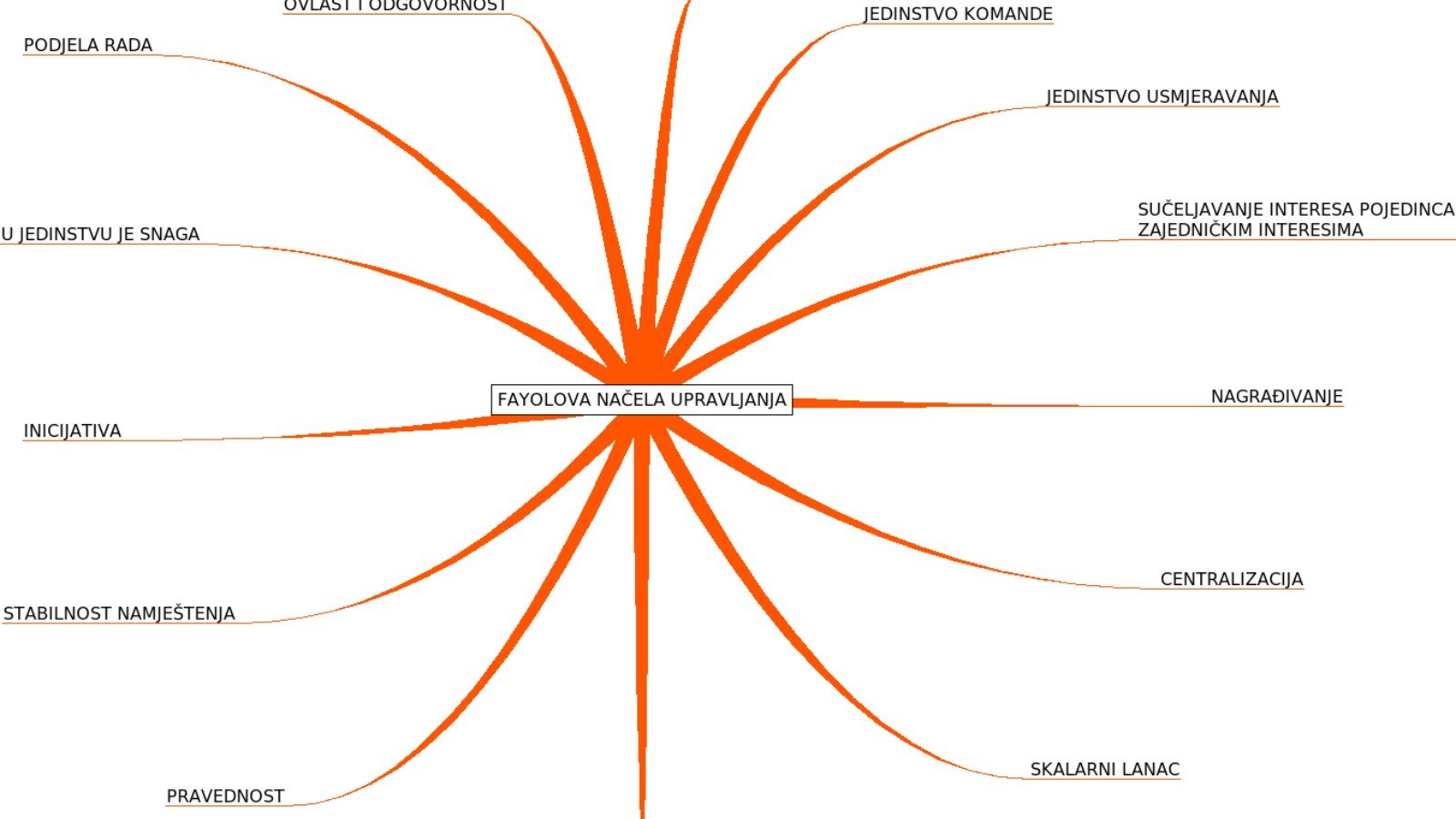
NotebookLM can generate a visual mind map from notebook sources. Use it to find themes, then verify the connections against the original documents.
-
Let NotebookLM Quiz You From Your Own Sources—Then Fix the Questions It Gets Wrong
NotebookLM can generate quizzes and flashcards from notebook sources, with difficulty and focus options. Treat the deck as a study aid, not an answer key.
-
Turn Your Notes Into an AI Audio Briefing: NotebookLM’s Audio Overview Explained
NotebookLM can turn uploaded sources into an AI-generated audio overview. Choose a format and focus, then check important claims against the originals.
-
Gemini Temporary Chat Is Not Incognito for AI—Know This Before You Use It
Gemini Temporary Chat will not appear in your recent chats or Gemini Apps Activity, but it has feature limits and is not a blanket privacy guarantee.
-
Gemini Can Read the Page on Your Android Screen—Try This Built-In Feature

On supported Android setups, Gemini can answer questions about a page or image already on screen. Here is where to find the feature and its limits.
-
Point Gemini at a Real-World Problem: Ask About a Photo Before You Search
Gemini’s mobile app can answer questions about a photo or camera view. Here is a useful prompt pattern—and what to verify before acting on its answer.
-
No Signal on a Remote Trip? Set Up iPhone Emergency SOS via Satellite First
Emergency SOS via satellite may connect eligible iPhones to emergency services when cellular and Wi-Fi are unavailable. Check device, region and setup limits before travel.
-
Android Running Slowly? Safe Mode Can Help Find the App Behind It
Android Safe mode temporarily turns off downloaded apps. If the problem disappears there, a downloaded app may be involved—here is a careful way to investigate.
-
Android Already Has an App Safety Scanner—Here’s How to Check Play Protect
Google Play Protect checks apps for potentially harmful behavior. See where to review its status and why it is helpful—but not a guarantee.
-
Lock an iPhone Note With Face ID—And Know What Happens If You Forget
Apple Notes can lock individual notes with your iPhone passcode or a separate password. Learn the setup and the recovery limitation before you rely on it.
-
iPhone Screen Recording Can Capture Your Voice Too—If You Turn This On

iPhone’s built-in screen recorder can include microphone narration. Here is how to enable it, find the clip and avoid recording private details.
-
Passkeys on Your Phone: The Password Shortcut With One Important Catch
Passkeys can make sign-ins faster and resist phishing, but anyone who can unlock your phone may be able to use a passkey stored on it.
