
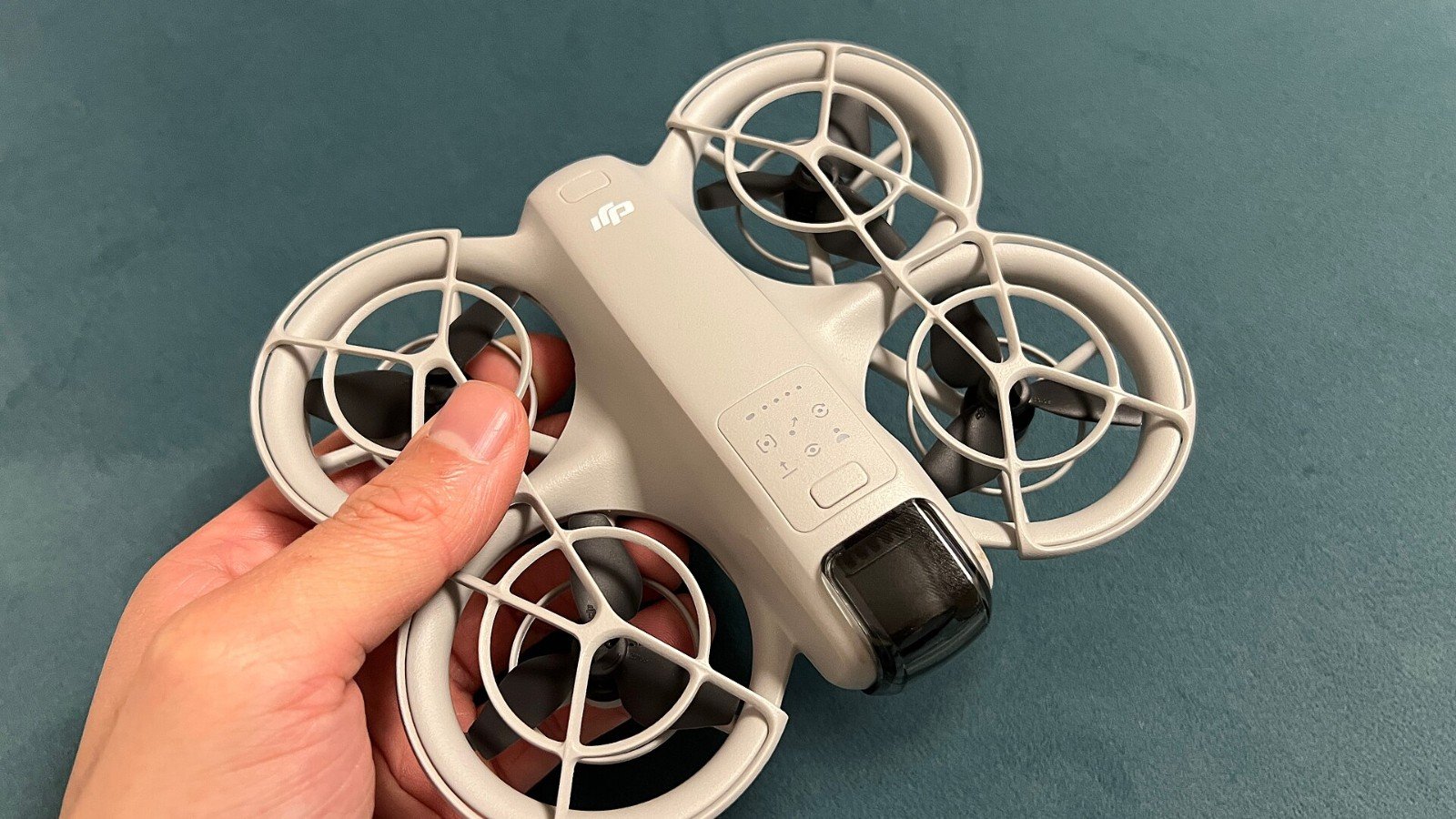
The DJI Neo can be flown using the DJI Fly app, but phone control is not the same as a full remote controller. DJI’s FAQ says the app’s virtual joysticks are for fine-tuning position and returning the aircraft, and that app control is limited to a maximum height of 30 metres and distance of 50 metres. Treat that as a product limit—not a target to push against.
Keep the drone visible and the route clear
Before takeoff, choose an open area where you can see the aircraft, understand its path and land safely. DJI says the Neo does not support obstacle avoidance, so do not assume it will detect a tree, wire, window or person in front of it. A follow mode or automatic shot still needs a responsible pilot watching the aircraft.
Learn the control interface in a calm, legal location. Check battery, GPS and app warnings, and leave enough reserve to return and land. If the connection or visibility becomes uncertain, stop the shot and use the manufacturer’s return procedure; do not fly beyond the manual’s limits or local law.
Check local requirements, not just app prompts
Phone apps and built-in geofencing do not replace national airspace rules, permits or privacy laws. Check where recreational flight is allowed before launching, and follow any local restrictions on people, protected areas or filming. The Neo’s light weight does not automatically exempt every operation or jurisdiction.
Bottom line: A 50-metre app limit is not a promise of safe connectivity at that distance. Keep visual contact, stay inside local rules and choose a shorter flight whenever the environment is busy or uncertain.
Official sources
DJI: Neo FAQ and control methods
Featured image: NAN LIU via Wikimedia Commons, CC BY-SA 2.0. Image source and license.
Leave a Reply