Tag: Latest News

  • A “Successful Build” Is Not the Same as a Reproducible Yocto Image

    A “Successful Build” Is Not the Same as a Reproducible Yocto Image

    A build that completes without errors is not necessarily reproducible. If the same product source and configuration produce different binaries on another machine—or months later—the team may struggle to identify what changed in a security update or field release.

    The Yocto Project defines reproducibility as producing the same binary output from a given input configuration regardless of when or where it is built, including filesystem path and host environment. Its test manual strongly advises projects to verify reproducibility before finalizing production images, rather than waiting until an urgent update is needed.

    Why it matters after shipping

    Imagine rebuilding a product to address a vulnerability long after its original release. If unrelated components also change at the binary level, engineers need to spend more time determining what actually changed and what must be revalidated. Reproducibility makes that comparison clearer and can improve confidence in the release process.

    Yocto’s documentation points to several contributors: stable path mappings, explicit recipe dependencies and configuration, isolated recipe sysroots, controlled host tools, and building images from the packages they actually depend on. A clean build is useful, but reproducibility requires controlling the inputs that influence it.

    Make it an engineering test

    • Record the metadata revisions, configuration, toolchain and host environment used for a release.
    • Build the same inputs in a second path or controlled environment and compare outputs.
    • Investigate timestamps, host autodetection and undeclared dependencies when outputs differ.
    • Keep CI logs and artifact hashes so the comparison can be repeated.
    • Run the reproducibility check before a product release, not only after a problem appears.

    Reproducible output does not prove a system is free of vulnerabilities or that its configuration is correct. It does give teams a stronger way to answer a crucial maintenance question: can we reconstruct what we shipped from the source and build inputs we recorded?

    For devices expected to receive long-term updates, that capability is part of release readiness—not a nice-to-have build-system experiment.

    Sources

    Featured image credit: Illustrative circuit board photo by Samtoucan via Wikimedia Commons, CC BY-SA 3.0. Cropped to 16:9. Source.
  • ESP32-C6 Secure Boot and Flash Encryption Solve Different Problems

    ESP32-C6 Secure Boot and Flash Encryption Solve Different Problems

    “Security enabled” is not one switch. On ESP32-C6, Secure Boot and flash encryption address different parts of the device lifecycle, and combining them does not remove the need to plan updates, recovery and key management.

    Espressif’s Secure Boot v2 guide describes signature verification for the second-stage bootloader and application images. The flash-encryption guide covers encryption of off-chip flash contents. One feature helps ensure the device boots authorized software; the other helps protect stored firmware and data against physical flash readout.

    Separate the security goals

    Secure Boot is about authenticity and execution: the boot process verifies signed code before it runs. Espressif’s guide describes RSA-PSS or ECDSA verification and notes that public keys are stored on-device while their corresponding private keys should remain protected outside the device.

    Flash encryption protects data at rest in external flash. Espressif warns that enabling it affects the options available for future updates and says production use should follow its release-mode guidance. That is a strong reason to validate the production workflow on test devices before committing a manufacturing process.

    Plan for the day a key or update must change

    A secure product needs a documented signing-key custody process, a recovery and update strategy, and a clear understanding of irreversible provisioning settings. Decide how a key rotation or compromise would be handled before deployment, and test the normal update path and recovery behavior on hardware representative of production.

    • Keep signing keys out of developer workstations and routine build jobs.
    • Document who can approve a release and how artifacts are signed.
    • Test the intended update and recovery path before manufacturing.
    • Review the ESP-IDF guide’s eFuse and production implications with the hardware team.
    • Record the security configuration for each shipped hardware revision.

    This is an architecture overview, not a step-by-step provisioning guide. Consult Espressif’s version-matched documentation before configuring a device. Secure Boot and flash encryption are powerful controls, but incorrect lifecycle planning can make legitimate maintenance difficult.

    Sources

    Featured image credit: Illustrative ESP32-C6-WROOM-1 development board photo by Popolon via Wikimedia Commons, CC BY-SA 4.0. Cropped to 16:9. Source.

  • Test Zephyr Before You Have the Board: What Twister Can—and Can’t—Prove

    Test Zephyr Before You Have the Board: What Twister Can—and Can’t—Prove

    Waiting for a board to arrive should not be the moment a firmware team discovers that a basic build or test is broken. Zephyr’s Twister test runner can help teams exercise applications and tests across configured platforms, including supported emulated targets, earlier in development.

    That makes it useful for catching compile failures, configuration regressions and some software-level behavior. It does not mean every hardware-dependent test can be proven on a simulator. Timing, radio behavior, electrical interfaces, sensor quirks and vendor-specific peripherals still need validation on the actual hardware.

    Use emulation for the questions it can answer

    Start with tests that have clear inputs and expected software outputs. A unit-style test or a subsystem test that runs on a supported emulated platform can provide fast feedback on logic and build configuration. Run the same test across the platforms relevant to your product when the configuration permits it.

    Keep test results tied to the source revision, board target and configuration. If a test passes only on an emulated platform, label that scope clearly. Do not report it as proof that an entire product is qualified on physical hardware.

    Keep a real-board gate in the plan

    As soon as hardware is available, add tests for the interfaces the simulator cannot represent faithfully. Verify the exact board revision, external components and firmware configuration. For networked or timing-sensitive systems, measure behavior with the actual radio, clocking, power supply and connected peripherals.

    • Use Twister early to catch build and test regressions.
    • Record which tests run on emulated and physical targets.
    • Keep test fixtures small, deterministic and easy to reproduce.
    • Test hardware-specific peripherals on the intended board.
    • Retain logs and configuration details for failed runs.

    Emulation is a multiplier for feedback, not a substitute for the test bench. The best workflow uses fast software checks continuously and reserves focused hardware time for the behaviors that only real devices can reveal.

    Sources

    Featured image credit: Illustrative computer sound card photo via Wikimedia Commons, public domain. Cropped to 16:9. Source.

  • Rust in the Linux Kernel: A Practical First Step for C-Focused Embedded Developers

    Rust in the Linux Kernel: A Practical First Step for C-Focused Embedded Developers

    Rust support in the Linux kernel is an increasingly visible part of kernel development, but the practical message for embedded engineers is more measured than “rewrite your driver.” Kernel Rust has a documented toolchain and build path; it coexists with a large body of C code and is not a universal replacement for existing interfaces.

    The kernel’s Rust documentation points developers to a Quick Start guide, coding guidelines, architecture support information and testing guidance. The Quick Start notes that kernel Rust development depends on a compatible Rust toolchain and LLVM/Clang setup; distro packages may work when they match the project’s requirements.

    What to verify before writing code

    First check whether the kernel configuration and target architecture support the Rust features you need. Then verify the exact compiler, Rust components and bindgen requirements documented for the kernel version you are building. A system Rust compiler that works for user-space applications is not automatically the correct toolchain for a kernel tree.

    Next, read the kernel’s Rust coding and testing documentation. The kernel has its own APIs and constraints; learning general Rust syntax is only one step. A small in-tree example or existing Rust-supported subsystem is a better starting point than designing a product around a hypothetical abstraction.

    How embedded teams can evaluate it

    • Pin the kernel revision and toolchain used for the experiment.
    • Confirm support for the target architecture and configuration.
    • Build a minimal Rust-enabled kernel before porting product code.
    • Compare the required maintenance and integration effort with the existing C path.
    • Keep the experiment narrow and review upstream kernel guidance as it evolves.

    For device makers, the decision should be based on supported kernel APIs, staff expertise, upstream maintenance and the product’s lifecycle—not on a language debate in isolation. Rust can provide useful safety properties, but it does not remove the need for careful review, testing or correct hardware integration.

    The kernel’s own documentation is the place to check current prerequisites. Treat Rust as an additional kernel development option with specific requirements, not as a drop-in language switch.

    Sources

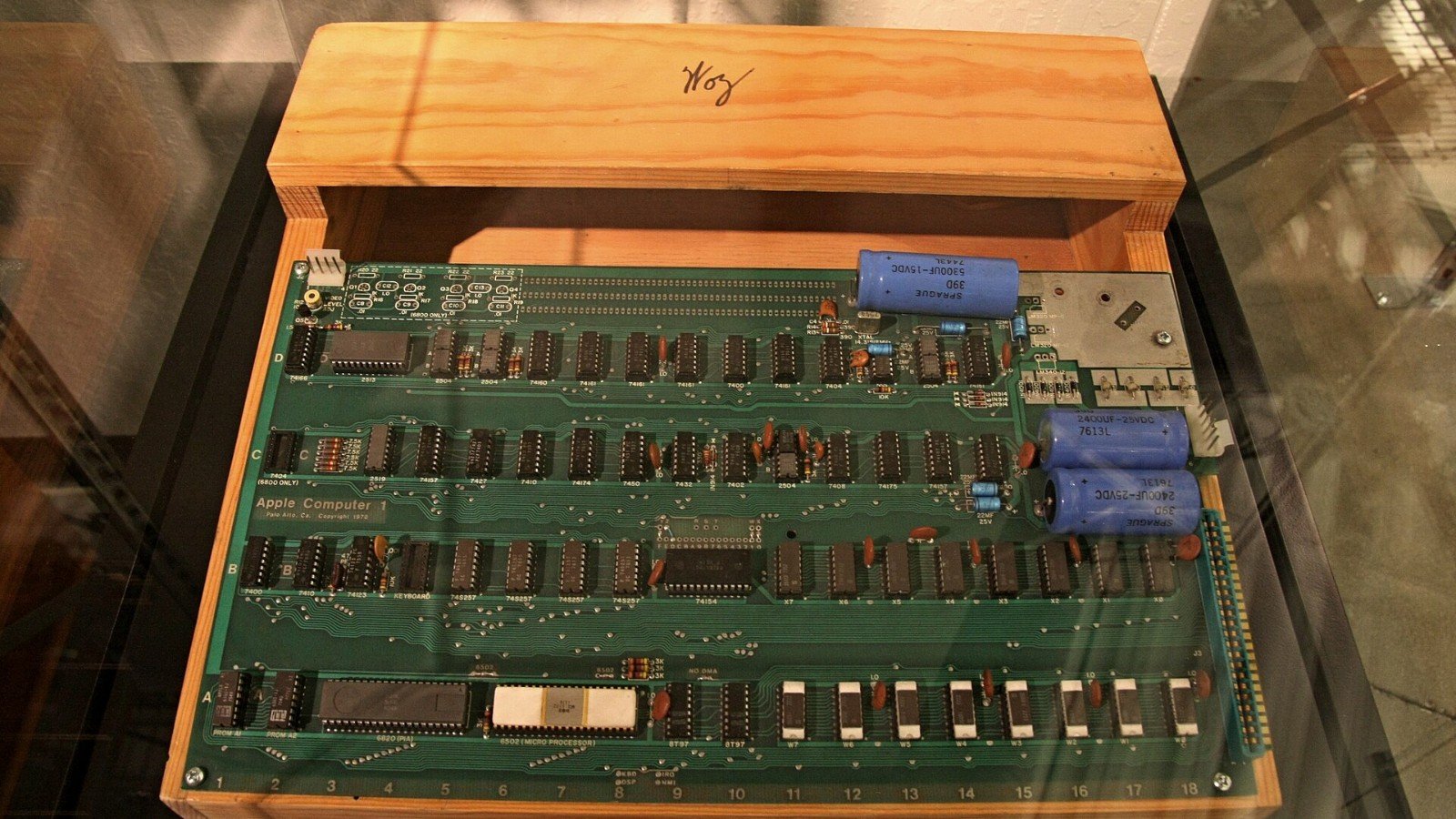
    Featured image credit: Illustrative historic Apple I computer photo by Kazuhisa OTSUBO via Wikimedia Commons, CC BY 2.0. Cropped to 16:9. Source.

  • Zephyr West Manifests: The Small File That Makes a Firmware Workspace Reproducible

    Zephyr West Manifests: The Small File That Makes a Firmware Workspace Reproducible

    A firmware build can fail to reproduce even when the application repository has not changed. The cause may be a module, vendor HAL or other dependency that moved independently. Zephyr’s west manifest model exists to describe a workspace made up of multiple repositories and the revisions expected from each project.

    Zephyr’s documentation explains that each manifest commit specifies the corresponding commits expected in the workspace’s project repositories. In practical terms, the manifest is part of the source configuration for a build—not just a setup file to run once on a developer’s laptop.

    Why a moving branch is a hidden input

    If a project follows a branch tip rather than a known revision, two builds made on different dates may use different dependency code. That difference can alter compiler results, APIs, generated files or runtime behavior. When a defect appears, teams then have to determine whether the application changed or a dependency moved underneath it.

    Commit the manifest with the product source and review its changes like code. For release builds, record the exact manifest revision and the resolved project revisions used by the build. That gives QA, manufacturing and support teams a concrete source set to reproduce later.

    A disciplined workspace workflow

    1. Initialize a workspace from the project’s maintained manifest repository.
    2. Use the documented west commands to fetch and update projects.
    3. Keep dependency changes explicit in reviewed manifest commits.
    4. Capture the resolved revisions for each release build.
    5. Re-run the build and test suite after updating the manifest, not just after editing application code.

    Manifest imports and project groups can help organize larger workspaces, but they add structure that should be documented for the whole team. Avoid private local overrides that are not checked in, because they create “works on my machine” failures that are difficult to diagnose.

    West does not replace a release process, artifact storage or test records. It gives those processes a better foundation: a versioned description of the repositories that made up the firmware workspace.

    Sources

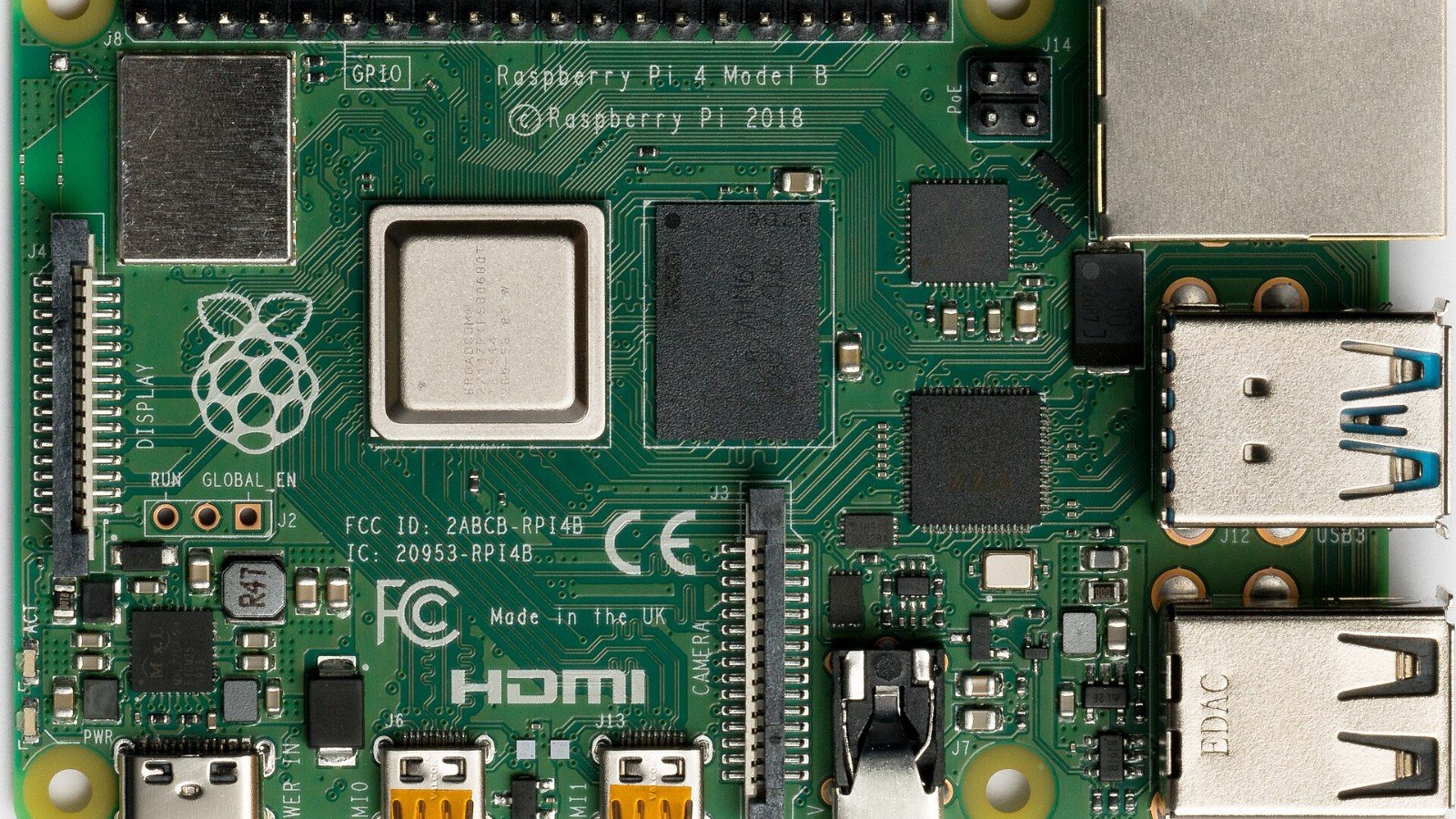
    Featured image credit: Illustrative Raspberry Pi 4 photo by Laserlicht via Wikimedia Commons, CC BY-SA 4.0. Cropped to 16:9. Source.

  • Yocto Layers Explained: How to Keep Board Support, Product Policy and Apps Apart

    Yocto Layers Explained: How to Keep Board Support, Product Policy and Apps Apart

    A Yocto build can begin as a handful of local changes and slowly become a tangle of patches, recipes and machine settings. Layers are the project’s way to organize that metadata so board support, distro policy and product-specific changes can evolve without being mixed together.

    The Yocto Project manual describes layers as a way to isolate different types of customization. It recommends checking the OpenEmbedded Metadata Index before creating a new layer, because an existing community layer may already provide some or all of the metadata you need.

    Give each layer a clear job

    A board-support layer should hold machine-specific configuration and support for the hardware family. A distro layer can express policy shared across products, such as package selection or configuration defaults. A product layer can hold application recipes and customizations unique to a device or product line.

    The exact split depends on the organization, but the test is practical: can another team reuse or upgrade one concern without inheriting unrelated product decisions? A single “everything” layer often makes it difficult to review why a change exists and whether a patch is still needed upstream.

    Use the tooling instead of hand-editing every file

    The manual documents bitbake-layers create-layer for creating a general layer and bitbake-layers add-layer for adding it to the build configuration. Those commands require an initialized build environment; running them before the project’s setup script means the shell may not know where BitBake tools are located.

    When reviewing a new layer, check its declared compatibility, dependencies, priority and licensing. Prefer upstream fixes over carrying long-lived local patches, and record the source revisions that produced a release image.

    A small review checklist

    • Search the metadata index before creating a new layer.
    • Give the layer a narrow, documented purpose.
    • Keep machine, distro and product changes distinguishable.
    • Declare layer dependencies and compatibility honestly.
    • Test the image from a clean, version-pinned build configuration.

    Layer boundaries are not bureaucracy. They make it easier to upgrade a BSP, maintain product variants and explain exactly which metadata shaped a shipped image.

    Sources

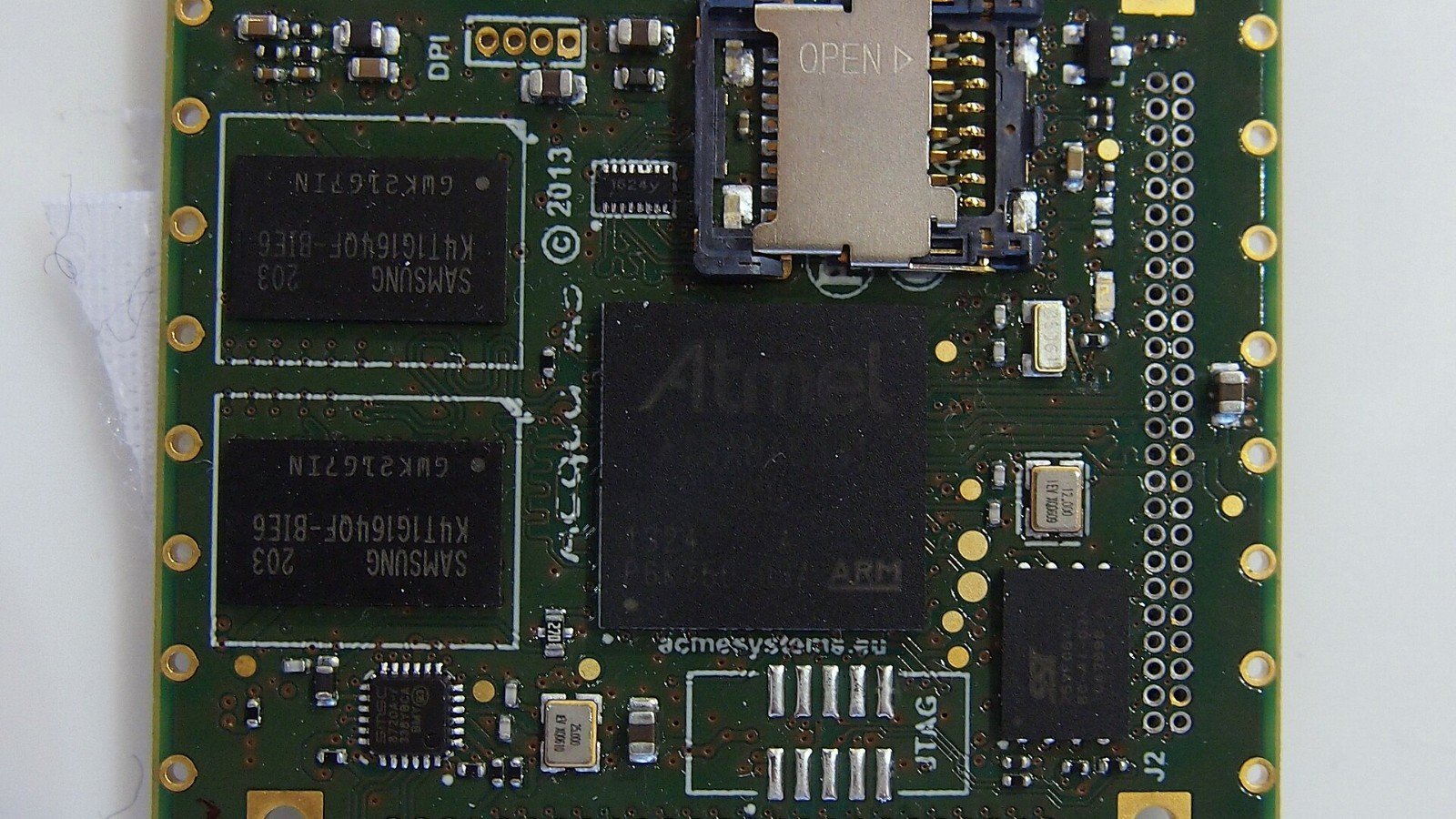
    Featured image credit: Illustrative Atmel Acqua A5 board photo by Ordercrazy via Wikimedia Commons, CC0. Cropped to 16:9. Source.

  • Raspberry Pi Pico SDK: The C/C++ APIs That Keep You Out of Register Hell

    Raspberry Pi Pico SDK: The C/C++ APIs That Keep You Out of Register Hell

    When a microcontroller project needs precise timing or direct peripheral control, it is tempting to start by writing to registers. Raspberry Pi’s Pico SDK offers a more structured starting point for RP-series boards: headers, libraries and a build system for C, C++ and assembly, plus APIs for accessing the hardware.

    The SDK repository describes libraries for timers, synchronization, PIO, USB, multicore programming and networking features where the board supports them. Its goal is to make common hardware operations accessible without forcing application code to use raw register addresses for every task.

    Start at the SDK layer, then go lower if needed

    For a first project, use the board and platform settings and build a known example. Raspberry Pi’s example repository says most examples apply to both RP2040- and RP2350-based boards, while chip-specific examples may only build on one platform. A board selection such as Pico 2 can select the RP2350 platform automatically.

    PIO is a good example of why the SDK is useful. It gives a dedicated programmable I/O subsystem and software support for loading and coordinating programs. This can help with timing-sensitive interfaces, while keeping most application code in a familiar C/C++ project structure. The SDK also exposes multicore and synchronization facilities, which should be used with clear ownership rules for shared state.

    A practical learning path

    1. Install the SDK and toolchain using the official getting-started documentation.
    2. Build and flash a simple serial or GPIO example for your exact board.
    3. Study one peripheral example that matches your project, such as PIO or USB.
    4. Use SDK APIs first; consult register definitions when the API does not meet a measured requirement.
    5. Keep the board selection and SDK revision pinned so another developer can reproduce the build.

    Remember that wireless examples are only relevant to boards with the required radio hardware. The Pico SDK is a development framework, not a guarantee that every Pico-family board has identical peripherals.

    For new developers, the best payoff is often not a clever register trick. It is getting a small program, board configuration and build environment working repeatably before adding complexity.

    Sources

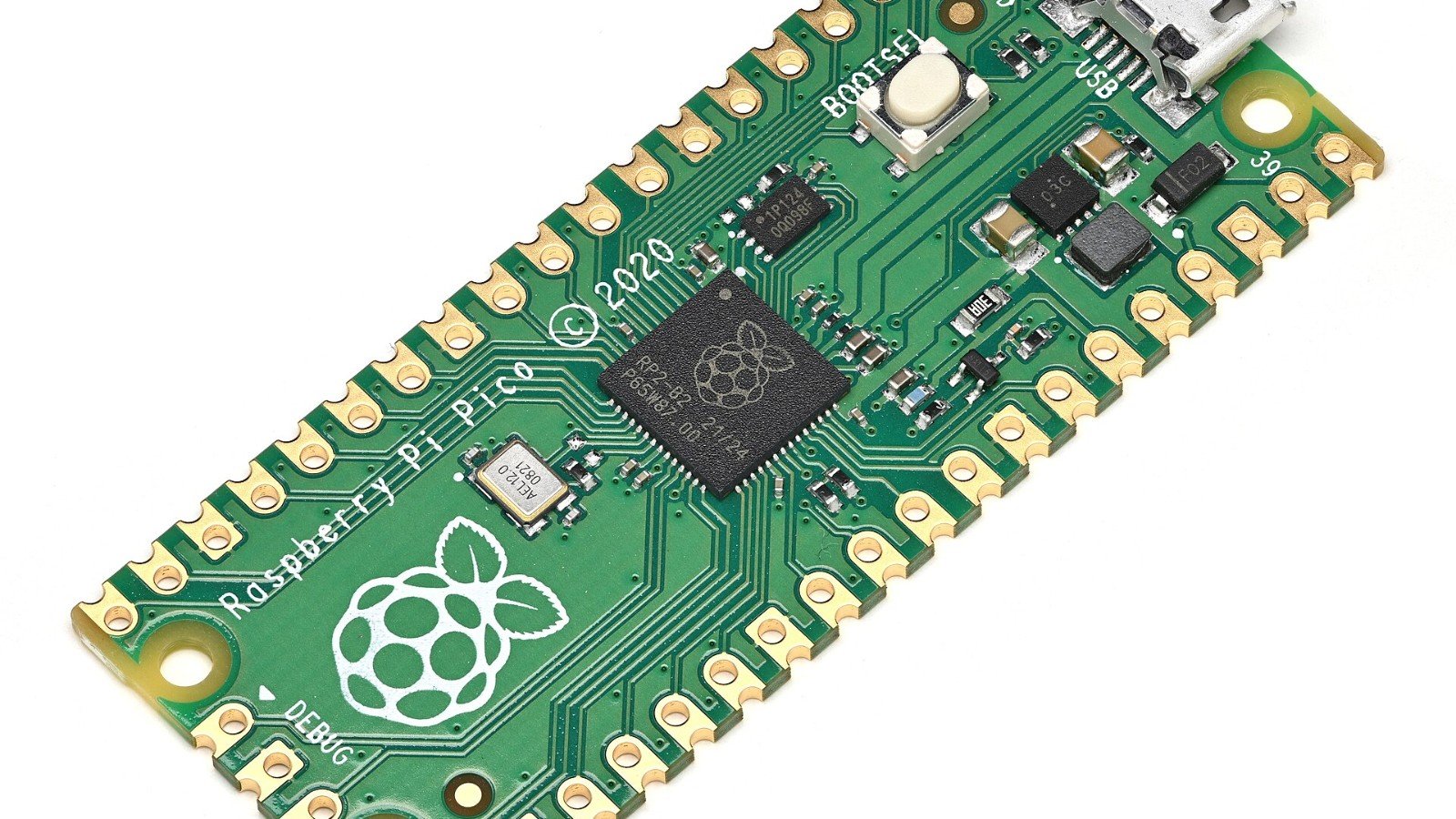
    Featured image credit: Raspberry Pi Pico photo by Phiarc via Wikimedia Commons, CC BY-SA 4.0. Cropped to 16:9. Source.

  • ESP32-C6 Has Three Radios. That Still Doesn’t Make a Matter Device Plug-and-Play

    ESP32-C6 Has Three Radios. That Still Doesn’t Make a Matter Device Plug-and-Play

    The ESP32-C6’s radio combination looks tailor-made for connected products: 2.4 GHz Wi-Fi 6, Bluetooth 5 LE and IEEE 802.15.4. The chip can be used in Matter Wi-Fi endpoint devices or Matter Thread endpoint devices, according to Espressif’s platform documentation.

    But having the radios on one chip does not make a device automatically interoperable. A Matter product still needs the right protocol stack, data model, commissioning flow, product behavior and testing. Choosing Wi-Fi or Thread affects the device’s connectivity assumptions and the surrounding network architecture.

    Wi-Fi and Thread are different product choices

    Espressif lists Wi-Fi 6 support alongside Bluetooth LE and 802.15.4 connectivity. The latter can enable Thread and Zigbee use cases. For Matter, Espressif describes Wi-Fi-capable SoCs as a path for Matter Wi-Fi devices and 802.15.4 SoCs such as ESP32-C6 as a path for Matter Thread devices.

    That distinction matters during product planning. A Wi-Fi endpoint depends on the home’s Wi-Fi setup. A Thread endpoint needs a compatible Thread network, typically with a border router connecting that network to the IP infrastructure. Bluetooth LE may participate in onboarding, but it is not the same thing as the device’s normal Matter transport.

    What should the firmware team prove?

    • Decide whether the product is a Matter-over-Wi-Fi or Matter-over-Thread device before selecting examples and architecture.
    • Confirm that the specific ESP-IDF and ESP-Matter versions support the board and features you plan to use.
    • Test commissioning, reconnect behavior and recovery after credentials or network availability change.
    • Validate the device’s Matter data model and user-visible behavior with the target ecosystem.
    • Measure memory, radio coexistence and power on the actual hardware—not only in a sample build.

    Espressif also documents gateway and border-router designs that combine devices, so do not assume every architecture fits on a single C6. Start from the project’s supported reference design and verify the whole system end to end.

    The useful headline is not “one chip does every smart-home protocol.” It is that the C6 gives developers several connectivity options, while the product still needs a deliberate network and interoperability design.

    Sources

    Featured image credit: Illustrative Matter-related photo by Exey Panteleev via Wikimedia Commons, CC BY 2.0. Cropped to 16:9. Source.

  • Zephyr LTS or Latest Stable? The Support Trade-Off Embedded Teams Should Check

    Zephyr LTS or Latest Stable? The Support Trade-Off Embedded Teams Should Check

    Choosing an RTOS release is a product-lifecycle decision. A fast-moving project may benefit from newer APIs and features, while a long-lived device may need a support window that fits years of field maintenance.

    Zephyr’s release table distinguishes its latest stable release from its Long Term Support line. As of the project’s current release page, Zephyr 4.4.0 is listed as latest stable, while Zephyr 3.7.0 is the LTS release with a published end-of-life date of July 27, 2029. The project notes that stable releases are maintained for a shorter period than LTS, and that LTS branches are maintained independently.

    What LTS buys—and what it does not

    An LTS branch can make planning easier when a device must remain supportable after launch. It provides a longer maintenance horizon, but it does not remove the need to review security advisories, maintain the toolchain, validate board support or plan product-specific fixes. Nor does “LTS” mean every vendor board or third-party module has the same lifecycle.

    Latest stable can be the right choice when a project needs new functionality and has the engineering capacity to track releases. The trade-off is a more frequent upgrade and regression-testing cadence. Teams should budget that work before selecting a branch, rather than treating an upgrade as a one-time build-system chore.

    A simple decision framework

    • Write down the product’s expected support lifetime and field-update policy.
    • Check the official Zephyr support table for the exact branch’s current status and EOL date.
    • Confirm that your board, vendor SDK, modules and toolchain support the same branch.
    • Estimate the cost of migrating drivers, Devicetree files, Kconfig and test suites.
    • Define who monitors security advisories and schedules maintenance releases.

    Finally, pin the release and its dependencies in the project’s manifest so builds are repeatable. A support choice is only useful if the team can reproduce the firmware and maintain it over time.

    Zephyr’s published release table can change as new releases arrive. Recheck the project’s current table when making a production decision.

    Sources

    Featured image credit: Illustrative Raspberry Pi 4 image by Laserlicht via Wikimedia Commons, CC BY-SA 4.0. Cropped to 16:9. Source.

  • Zephyr 4.4 Brings WireGuard, Wi-Fi Direct and New USB Host Support

    Zephyr 4.4 Brings WireGuard, Wi-Fi Direct and New USB Host Support

    Zephyr 4.4.0 is more than a routine version bump for embedded teams. The release notes list changes in networking, USB, supported architectures and developer tooling that could affect a product’s build matrix or test plan.

    Among the headline additions: OpenRISC architecture support; support for Zephyr SDK 1.0; C17 as the minimum required C standard; Wi-Fi P2P (Wi-Fi Direct) in the Wi-Fi management stack; and WireGuard VPN support. The release also expands experimental USB host capabilities, including a host-class driver framework and UVC camera support.

    What should teams evaluate first?

    Start with features that touch your product’s interfaces. If a device uses Wi-Fi, check whether the P2P management APIs fit your use case and how they behave on the specific board and radio combination you support. If you are evaluating WireGuard, validate memory use, configuration and key-management practices in your own system; a supported networking feature is not a complete product security plan.

    USB host support deserves a separate qualification pass. Zephyr describes the expanded host framework and UVC support as experimental, so treat them as evaluation targets rather than assuming production readiness. Validate the actual host controller, camera, bandwidth and failure behavior you intend to ship.

    New drivers and tools are worth a test pass

    The release notes also describe new driver APIs for OTP memory, biometrics and wake-up controllers, as well as a dashboard that brings build information such as RAM/ROM footprint and Devicetree configuration into one report. Those additions can be useful, but teams still need to verify support in their board, driver and application combinations.

    Before upgrading a product branch, pin the Zephyr release and toolchain, run the existing build and test suite, and compare configuration and memory reports. Then add targeted tests for the subsystems you plan to adopt. The most useful question is not “What’s new?” but “Which of these changes affects the exact boards and interfaces we ship?”

    Zephyr’s release notes are the authoritative source for the 4.4.0 feature list. Read the migration guidance for your project before changing versions.

    Sources

    Featured image credit: Illustrative circuit board photo by Rob Swystun via Wikimedia Commons, CC BY 2.0. Cropped to 16:9. Source.