
Tag: Latest News

  • A $20 ESP32-S3 Scanner Turns Small Objects Into 3D Meshes—Here’s the Trick

    A $20 ESP32-S3 Scanner Turns Small Objects Into 3D Meshes—Here’s the Trick

    A maker has turned a tiny ESP32-S3 board into a handheld 3D-scanning proof of concept—using a camera, a tracking target and geometry algorithms rather than a conventional depth camera. The striking idea is not that a microcontroller has become a professional scanner; it is how carefully the project narrows the problem.

    CircuitDigest’s October 2026 coverage of the creator’s project describes a Seeed Studio XIAO ESP32-S3 paired with a round-screen expansion. The report says the hardware cost is roughly $20, but that figure is the project coverage’s estimate, not a verified shopping total for every region or bill of materials.

    How can a small MCU reconstruct a shape?

    The scanner uses fiducial markers on a tracking target to estimate the camera’s position as the operator moves around an object. Software then combines multiple views using space carving: a 3D voxel grid is tested against what each camera image could see, and inconsistent regions are removed. A marching-cubes lookup table converts the remaining voxel surface into a triangle mesh.

    That pipeline trades generality for a constrained setup. The camera must observe the markers reliably, the object needs enough views, and the reconstruction code has to fit the board’s memory and processing budget. The project reportedly uses a low-resolution live preview for the display while capturing higher-resolution frames for the heavier processing stage.

    What the project report says—and what it doesn’t prove

    The coverage reports approximately 1mm structural resolution and says the creator targets small objects such as trinkets or field specimens. Treat those as project-reported results: we have not independently tested the scanner, reproduced the build or verified that resolution across different objects.

    A small demo is also not a substitute for calibrated metrology. Shiny, transparent, featureless or moving surfaces can be difficult for camera-based reconstruction. Lighting, tracking accuracy, camera calibration, surface texture and the number of viewpoints all affect the result. A mesh that looks convincing on screen may still be unsuitable for dimension-critical parts.

    Why it is still a useful embedded-computing story

    The project illustrates a broader design lesson: embedded vision improves when the problem is divided into manageable stages. A low-cost board does not need to run a giant neural model to do useful computer vision. In this case, pose estimation and classical geometry do much of the work, while a display offers immediate feedback.

    For a student or maker who wants to reproduce the idea, start by studying the creator’s original post, bill of materials and source code before buying parts. Validate camera capture, marker tracking and memory use separately. Then test a simple object under controlled light, and record the measured dimensions against a known reference. Do not infer that every XIAO ESP32-S3 kit includes the same display, camera or software.

    Bottom line: The reported scanner is a clever low-cost proof of concept, not a ready-made replacement for photogrammetry apps or industrial scanners. Its real hook is the engineering: constrained capture, tracking markers and efficient 3D reconstruction on a very small computer.

    Sources: Original ESP32 object-scanner project shared by its creator; CircuitDigest project coverage; Seeed Studio XIAO ESP32-S3 documentation.

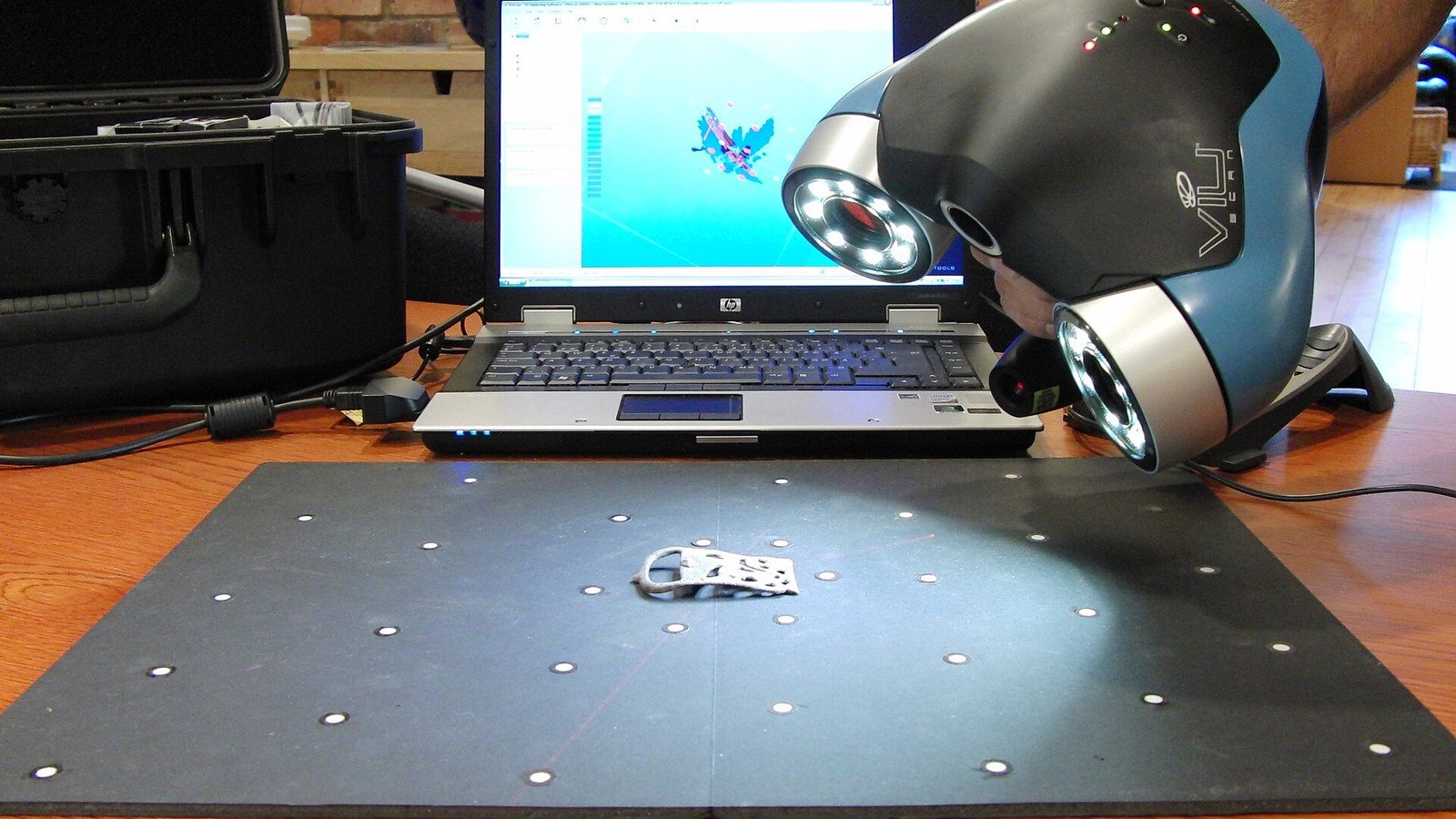
    Featured photo: Illustrative photo of a separate handheld 3D mapping scanner by CSIRO; it is not the ESP32-S3 DIY project pictured in the source. Photo via Wikimedia Commons, licensed under CC BY 3.0. The image was cropped and resized for this article.
  • Your ESP32 Deep-Sleep Battery Project May Be Wasting Power Here

    Your ESP32 Deep-Sleep Battery Project May Be Wasting Power Here

    Your ESP32 sketch may call deep sleep and still drain a battery far sooner than expected. The usual reason is that “the chip is asleep” and “the whole board is using almost no current” are not the same thing.

    In deep sleep, the ESP32 shuts down or clocks off parts of the chip, and wake-up sources can restart the application. But a development board also has a voltage regulator, USB-to-serial chip, power LED and sometimes sensors or displays. Any of those can draw current while the MCU sleeps. A sensor left powered or a network connection that takes longer than expected can dominate the average.

    Measure at the battery, not just in the datasheet

    Start by measuring current in series with the actual battery supply, with the exact board, regulator, sensors and firmware you intend to use. Capture both sleep current and the complete active cycle: boot, sensor warm-up, Wi-Fi association, transmission, retries and return to sleep. A multimeter that averages slowly can miss short current peaks; use an instrument or logger suited to the time scale and current range.

    Record the voltage and current over time. Then estimate average current using the full period, not just the low point between wake-ups. A current measurement taken directly at a bare module will not predict a finished product powered through a different regulator.

    A worked estimate—and its limits

    Suppose a project draws 100mA for two seconds once per minute and 10µA during the remaining 58 seconds. The simplified average is about 3.34mA: (100mA × 2/60) + (0.01mA × 58/60). A 2,000mAh battery divided by 3.34mA gives roughly 25 days in an ideal calculation.

    That is a planning estimate, not a runtime promise. It ignores regulator losses, battery capacity at the chosen load and temperature, self-discharge, Wi-Fi retries, startup variation and aging. Measure your own duty cycle and leave margin; battery chemistry and voltage conversion affect usable energy.

    Five places to look for hidden drain

    • Power LED: disable or remove it only if the board design permits and you understand the modification.
    • USB-to-serial interface: some dev boards keep this circuitry powered continuously.
    • Regulator quiescent current: a regulator can consume meaningful current even when the load is tiny; inspect its datasheet and measure the board.
    • Peripherals: switch sensors, displays and pull-up circuits off when appropriate, or choose parts with a real low-power mode.
    • Wake workload: reduce unnecessary scans and retries, send only the needed data, and verify that firmware actually enters sleep after every branch.

    Espressif’s ESP-IDF power-management documentation explains chip sleep modes and wake sources. The exact sleep current depends on chip configuration and board implementation, so do not apply a bare-chip value to a complete dev board without measurement.

    A practical test loop

    1. Measure baseline current with your board powered but the application idle.
    2. Measure deep-sleep current with the peripherals attached and then isolate them one by one.
    3. Log current through at least dozens of wake-and-send cycles, including weak Wi-Fi conditions.
    4. Estimate lifetime from average current and the battery’s usable capacity, then validate with a longer real-world run.

    Bottom line: Deep sleep is a firmware feature, not a battery-life guarantee. Measure the whole power path and the complete duty cycle before changing batteries or promising a service interval.

    Sources: ESP-IDF low-power mode overview; ESP-IDF sleep modes and wake-up sources.

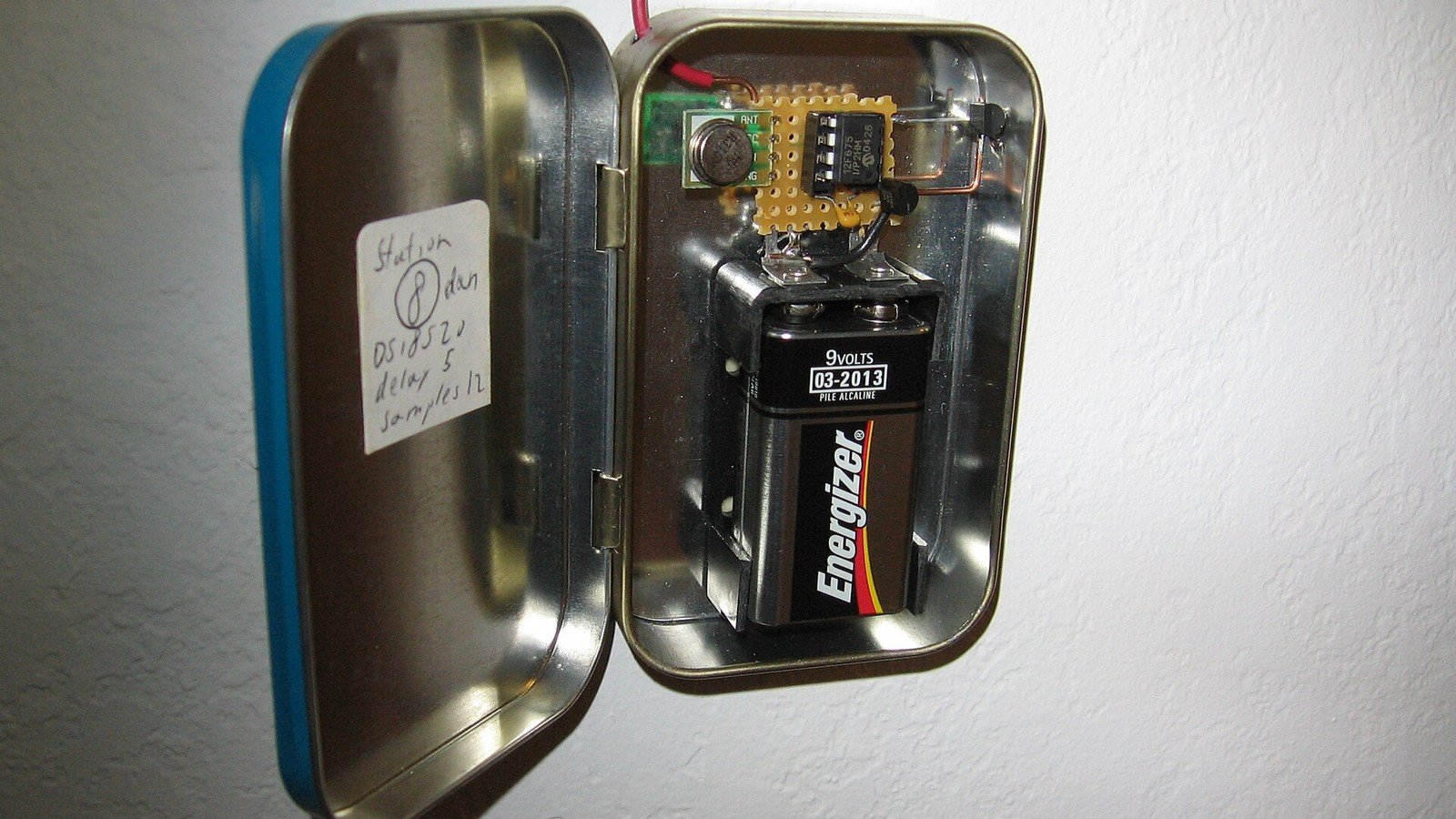
    Featured photo: Illustrative wireless temperature-sensor prototype by Micah Elizabeth Scott. Photo via Wikimedia Commons, licensed under CC BY-SA 2.0. The image was cropped and resized for this article.
  • ESP32-C5 Adds 5GHz Wi-Fi 6—but Will It Fix Your IoT Connection?

    ESP32-C5 Adds 5GHz Wi-Fi 6—but Will It Fix Your IoT Connection?

    If your IoT device struggles on a crowded 2.4GHz network, the ESP32-C5 has an unusual feature for this family: dual-band Wi-Fi 6, including both 2.4GHz and 5GHz. But the extra band does not automatically mean better range, lower power or faster real-world data in every room.

    Espressif lists the ESP32-C5 as a single-core RISC-V MCU running up to 240MHz, with 2.4GHz and 5GHz Wi-Fi 6, Bluetooth LE and 802.15.4 connectivity for protocols such as Thread and Zigbee. The chip has been in mass production since May 2025; development boards and module implementations have since broadened the ways makers can evaluate it.

    When 5GHz can help

    Wi-Fi at 5GHz can avoid some interference and congestion in a busy 2.4GHz environment. It can be a useful choice for a powered device close to an access point that moves images, updates or other larger payloads. Wi-Fi 6 features such as OFDMA and Target Wake Time can also be useful in supported network and device configurations.

    Those capabilities are not a promise that every router will schedule every IoT endpoint more efficiently. Device, access point, firmware and traffic pattern all matter. An 802.11ax label alone does not guarantee a measurable improvement for a simple sensor sending a few bytes.

    The trade-off: 5GHz is not a range upgrade

    Higher-frequency 5GHz signals generally lose strength more quickly through distance and obstacles than 2.4GHz signals. A sensor at the edge of a home may stay connected more reliably on 2.4GHz, even if that band is more crowded. A tiny antenna, enclosure, board layout and installation location can matter as much as the chip name.

    Also check region-specific radio rules and the exact module’s antenna design. A chip’s capabilities do not override a finished product’s certification, antenna restrictions or local regulations.

    ESP32-C5 versus ESP32-C6: the simple difference

    The key networking distinction is that C5 adds 5GHz Wi-Fi; C6 is a 2.4GHz Wi-Fi 6 platform with 802.15.4 and Bluetooth LE. Both can be relevant to connected-device designs, so choose by actual radio environment and ecosystem requirements—not by assuming the larger model number is always the right buy.

    For a Matter-over-Thread endpoint, compare the board’s supported stack, antenna, power design and certification path. For a Wi-Fi camera or image uploader, check throughput and memory requirements. For a tiny battery sensor, measure energy per full wake-and-send cycle before prioritising peak Wi-Fi capability.

    Before you switch boards

    1. Map the real install location and test signal strength through the actual walls and enclosure.
    2. Measure packet loss and reconnect behaviour on both bands with the intended router.
    3. Compare application-level latency and energy per message, not a headline PHY rate.
    4. Confirm ESP-IDF, module, antenna and certification support for your production design.

    Bottom line: ESP32-C5 is a meaningful option when 5GHz compatibility solves a demonstrated network constraint. It will not cure poor antenna placement, weak router coverage or a device that needs a low-power protocol instead of Wi-Fi.

    Sources: Espressif ESP32-C5 specifications; Espressif mass-production announcement; ESP-IDF Wi-Fi driver guide.

    Featured photo: Illustrative ESP32 development board by Edwiyanto; this is not an ESP32-C5 board. Photo via Wikimedia Commons, licensed under CC BY-SA 4.0. The image was cropped and resized for this article.
  • Arduino UNO Q Has Two Brains—and That Changes What It Can Build

    Arduino UNO Q Has Two Brains—and That Changes What It Can Build

    Arduino’s UNO Q looks like a new board in the familiar UNO family, but its defining feature is that it combines two different kinds of processor: a Linux-capable Qualcomm Dragonwing QRB2210 microprocessor and an STM32U585 microcontroller for real-time control.

    That “two brains” design is more than a headline. It gives a project a place to run Linux applications, Python, networking and supported AI software, while a separate MCU handles direct hardware work such as reading sensors and controlling outputs. The two sides are designed to work together; they do not have identical timing or responsibilities.

    Why put a microcontroller beside Linux?

    A Linux computer is useful for tasks such as a web dashboard, image handling, file storage and network services. But a general-purpose OS can schedule other work at inconvenient times, so it is not the right place to assume hard, repeatable deadlines for every pin transition.

    The microcontroller side is designed for lower-level, time-sensitive I/O. In a practical machine-vision sorter, for example, the Linux processor might receive and analyse a camera frame, while the MCU controls a conveyor sensor and actuator sequence. The design still needs appropriate safety interlocks and timing validation; putting an MCU on the board does not make an unsafe mechanism safe by itself.

    What UNO Q brings, according to Arduino

    • Debian-capable Qualcomm Dragonwing QRB2210 MPU plus STM32U585 MCU
    • 2GB or 4GB RAM configurations and 16GB or 32GB eMMC storage, depending on model
    • Dual-band Wi-Fi 5 and Bluetooth 5.1
    • Arduino App Lab, with support for mixing sketches, Python and supported AI workflows
    • A USB-C connection, expansion headers and an LED matrix for local feedback

    Check the exact model’s storage and memory before ordering: the variants are not interchangeable merely because they share a board family name. Arduino’s official product page also documents power and accessory requirements.

    UNO Q versus a classic Arduino or a Raspberry Pi

    A classic UNO-class microcontroller board is simpler when the job is to read inputs, drive relays or LEDs, and run a compact control loop. It typically starts quickly and has no general-purpose Linux environment to maintain. A Raspberry Pi single-board computer is more natural when the project needs a full desktop or server-style Linux environment and abundant software packages. UNO Q is aimed at designs that need both styles of work in a single platform.

    That does not make UNO Q a drop-in replacement for every Pi or Arduino. Linux adds boot time, software updates and a larger power budget than a simple MCU project. The MCU and MPU also have different toolchains and memory spaces. Before committing, make a small proof of concept that covers the sensor interface, Linux-to-MCU communication, startup behaviour and failure recovery.

    Who should consider it?

    UNO Q is worth evaluating for edge-vision prototypes, connected instruments and interactive devices where Linux features and predictable low-level I/O belong together. For a battery sensor that wakes briefly, or a basic motor controller, the additional Linux system may be unnecessary. For a camera-only Linux project, a standard SBC may be simpler.

    Bottom line: UNO Q’s interesting proposition is not “Arduino but faster.” It is the separation of application-level computing from microcontroller-level control. Choose it when your project genuinely needs both, and test how the two processors share work before building the final product.

    Sources: Arduino UNO Q official product page; Arduino UNO Q documentation.

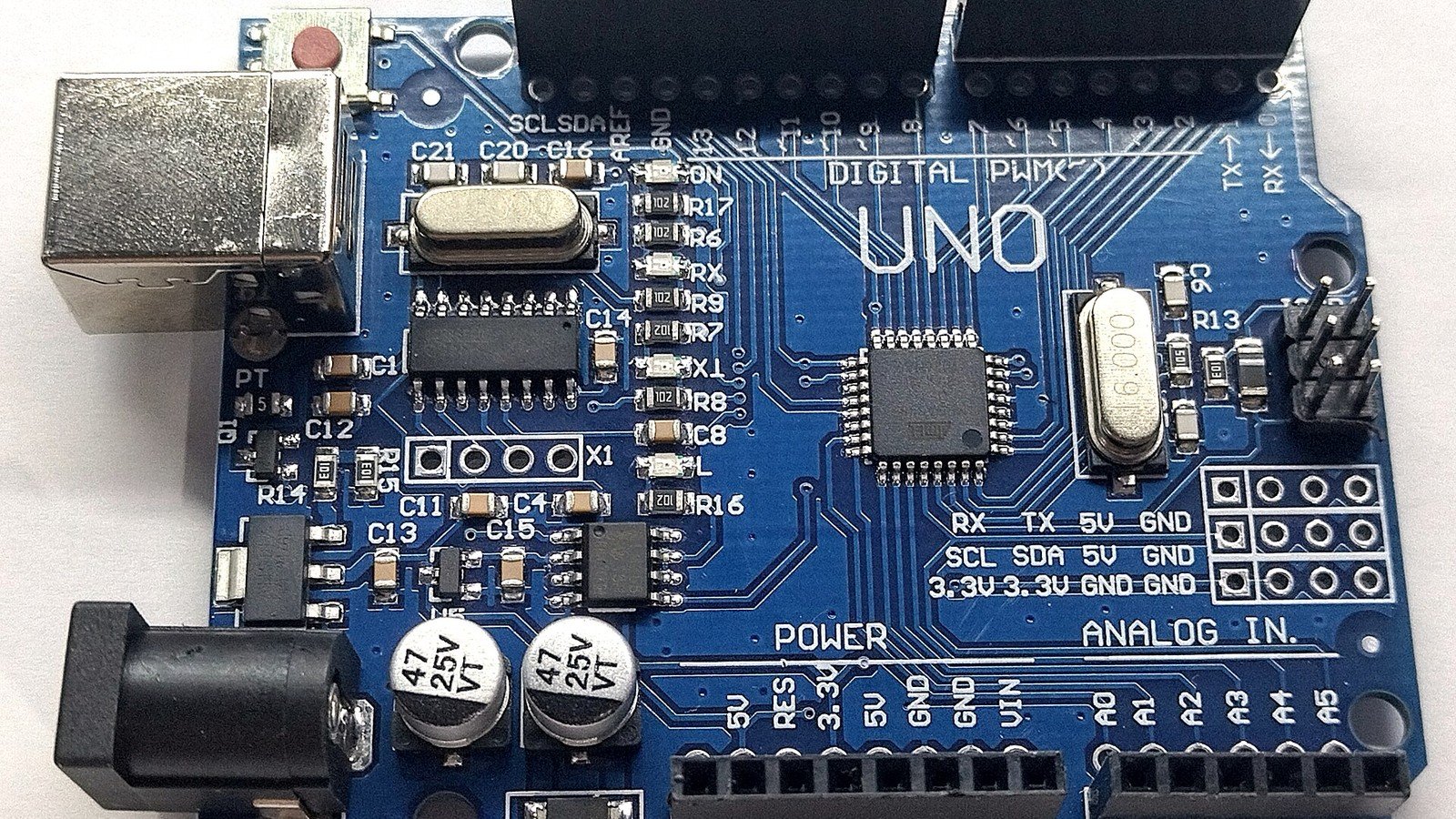
    Featured photo: Illustrative photo of a classic Arduino Uno board by JrawX; it is not the UNO Q. Photo via Wikimedia Commons, licensed under CC0. The image was cropped and resized for this article.
  • The Raspberry Pi 5 Can Run Local AI—but What 40 TOPS Actually Means

    The Raspberry Pi 5 Can Run Local AI—but What 40 TOPS Actually Means

    A Raspberry Pi 5 can now run selected generative-AI workloads locally with an add-on board—but the headline number, 40 TOPS, does not tell you how fast a chatbot will answer or whether every model will fit.

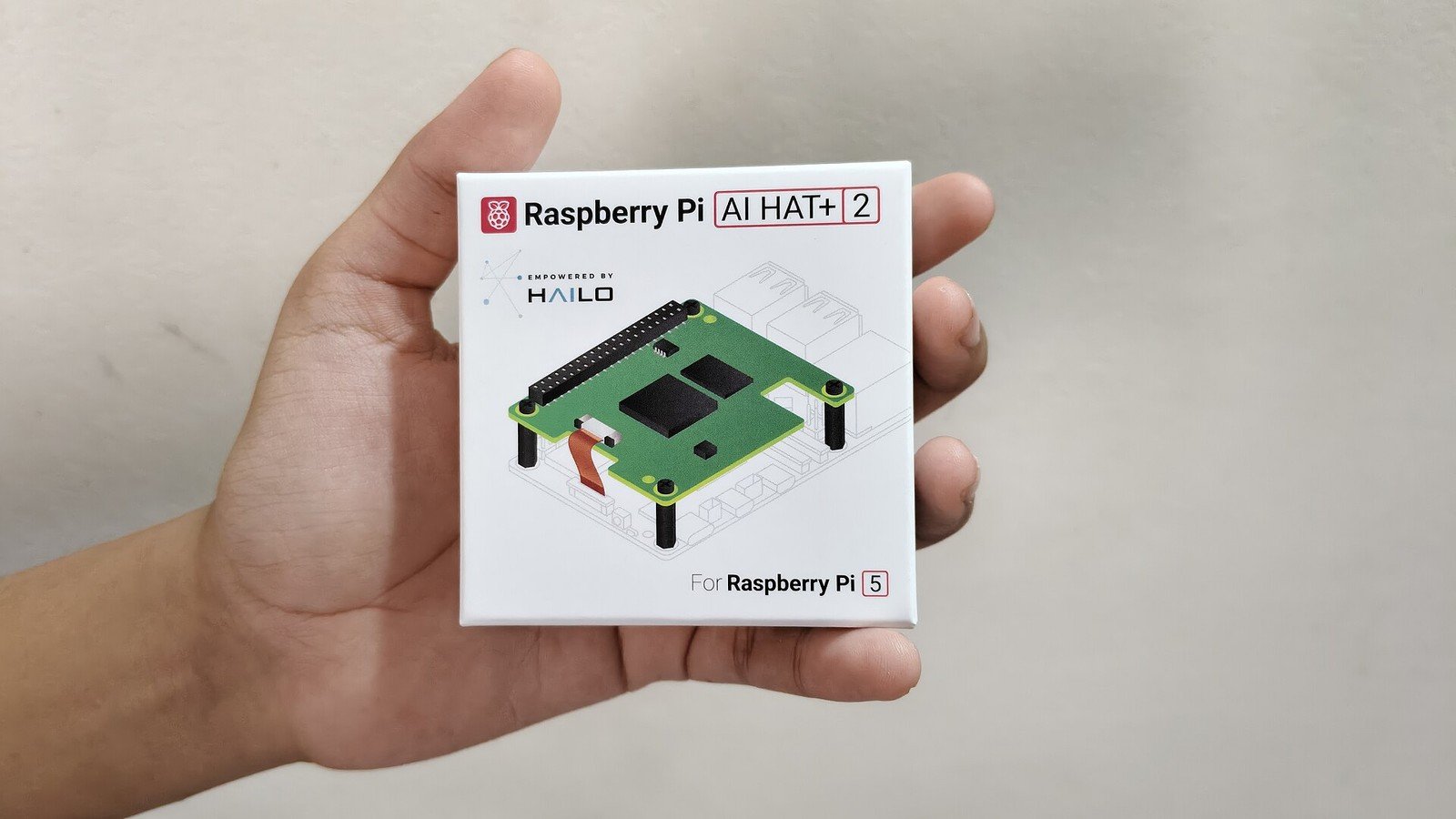
    Raspberry Pi’s AI HAT+ 2 pairs a Hailo-10H neural-network accelerator with 8GB of dedicated on-board memory and connects to Raspberry Pi 5 through PCIe. The manufacturer says it supports local generative-AI workloads, including selected language and vision-language models. That makes this a different kind of add-on from an accelerator aimed only at computer-vision pipelines.

    What does 40 TOPS mean?

    TOPS means trillions of operations per second. The 40 TOPS figure is specified for INT4 inference, a low-precision calculation format. It describes a peak accelerator capability under suitable conditions—not a promise of 40 trillion useful AI operations in every app, and not a direct measurement of tokens per second.

    Real performance depends on the model, quantisation, supported operators, memory movement, software runtime, input size and the rest of the system. A model that is not supported by the software stack cannot use the headline throughput. Likewise, the 8GB on the HAT is its own accelerator memory; it does not turn a 2GB Raspberry Pi 5 into an 10GB system for ordinary Linux applications.

    AI HAT+ versus AI HAT+ 2: check the workload

    The earlier AI HAT+ comes in 13-TOPS and 26-TOPS variants and is a strong fit for supported vision inference. AI HAT+ 2 is the model to investigate when your goal specifically includes generative workloads. Do not choose on TOPS alone: check the current Raspberry Pi documentation for supported models, setup steps and software versions, then confirm that the camera or other input device in your project is supported.

    That distinction matters for common maker projects. A camera that classifies a known set of objects is not the same workload as a local assistant that interprets a prompt and generates text. Both can involve neural networks, but they have different model, memory and software requirements.

    Before you spend money, ask these four questions

    • Is the exact model and runtime you want supported on the HAT+ 2 today?
    • Does your project need a local generative model, or would a smaller vision accelerator be enough?
    • Can the Pi 5, HAT, cooling and power supply fit your enclosure and thermal budget?
    • Have you compared on-device inference with a cloud service for privacy, network dependence, latency and total cost?

    Local inference can keep data on your device and continue when a network is unavailable, but it is not automatically more private or safer: applications still need secure updates, access controls and careful handling of prompts and stored data.

    The useful takeaway

    The AI HAT+ 2 is a specific accelerator for Raspberry Pi 5, not a magic upgrade that makes every AI model fast or compatible. The 40-TOPS figure is a useful hardware specification when compared on the same precision and workload; it is a poor substitute for checking supported models and application-level results.

    Sources: Raspberry Pi’s AI HAT+ 2 announcement; AI HAT+ 2 product information; Raspberry Pi AI HAT documentation.

    Featured photo: Photo of the Raspberry Pi AI HAT+ 2 packaging by Suyash Dwivedi. Photo via Wikimedia Commons, licensed under CC BY-SA 3.0. The image was cropped and resized for this article.
  • Raspberry Pi 4 and 5 2GB Prices Rose $12.50: What Builders Should Check

    Raspberry Pi 4 and 5 2GB Prices Rose $12.50: What Builders Should Check

    A Raspberry Pi that fit a project budget last month may now cost more. On October 1, 2026, Raspberry Pi raised the published US price of both 2GB Raspberry Pi 4 and 2GB Raspberry Pi 5 by $12.50. The bigger question for makers is not simply which board is cheaper—it is whether the project actually needs that memory, and what the full build will cost.

    Quick answer: The new published prices are $67.50 for the 2GB Pi 4 and $77.50 for the 2GB Pi 5. Raspberry Pi says the 1GB Pi 4 and Pi 5 and the 2GB Compute Module 4 and 5 are unchanged in this October announcement. These are manufacturer-published US prices; local reseller prices, tax, availability and shipping vary. For a new build, right-size RAM using measurements from your actual workload before choosing a lower-memory board.

    What changed on October 1?

    Board variantPublished US price after the changeOctober change
    Raspberry Pi 4, 2GB$67.50+$12.50
    Raspberry Pi 5, 2GB$77.50+$12.50
    Raspberry Pi 4, 1GBUnchanged in this announcementNo change
    Raspberry Pi 5, 1GBUnchanged in this announcementNo change
    Compute Module 4 and 5, 2GBUnchanged in this announcementNo change
    Figures reflect Raspberry Pi’s October 1, 2026 announcement, not a live quote from every shop or country.

    Raspberry Pi attributed the increase to rising memory costs and said it had previously held the 2GB board prices while raising prices on higher-memory products. The company also said these market conditions may ease in the future and that it hopes to reverse increases when they do. That is the manufacturer’s stated expectation, not a date or guarantee shoppers can plan around.

    The practical lesson: price RAM against your workload

    More RAM is not automatically better value, but a 1GB model is not a universal replacement for a 2GB one either. A headless sensor gateway with a small service set has different needs from a desktop, browser-based dashboard, camera pipeline, container stack or local AI workload. The right choice depends on the operating system, services, libraries, data buffers and peak load—not just the label on the board.

    Before changing a bill of materials, test the real application on the target configuration. Measure memory during startup and the busiest expected workload, including camera or network bursts. On Raspberry Pi OS, free -h and cat /proc/meminfo give a quick view of available and used memory; /usr/bin/time -v your-command can report peak resident memory for a process. These are diagnostic starting points, not substitutes for testing the complete system over time.

    • Include the OS, background services, logging, cache and peak application buffers in the test.
    • Watch for out-of-memory events, slowdowns and sustained swapping; a board that boots can still fail under a realistic workload.
    • Leave measured headroom for updates and foreseeable feature changes, but avoid paying for capacity the product cannot use.
    • Repeat tests after changing board revision, software stack or peripherals; the board-only memory number is not the whole system budget.

    When should a builder choose Pi 4, Pi 5 or a Compute Module?

    Do not switch from Pi 5 to Pi 4 solely to save the $10 difference between the announced 2GB prices. Compare the performance and interfaces your design actually depends on, then price the complete build: board, storage, power supply, cooling, enclosure, carrier board and shipping. A cheaper board can make the finished product more expensive if it needs adapters or extra engineering work.

    For an embedded product or classroom fleet, the price increase is also a prompt to recheck purchasing assumptions. Update quotations and per-unit BOMs, confirm the exact memory variant with your reseller, and retest any proposed substitute before ordering in volume. Compute Module products have different integration requirements; the fact that the 2GB CM4 and CM5 were unchanged in this particular notice does not mean every configuration or carrier costs the same.

    If your project only needs basic I/O or a compact controller, compare an MCU or Pico-class design as well as another Linux SBC. They are not drop-in Raspberry Pi replacements: operating system, networking, storage, application code and development effort differ. The right comparison is total project cost and capability, not just the cheapest board number.

    Buying advice for readers outside the US

    The $67.50 and $77.50 figures are the published US prices in Raspberry Pi’s announcement. They do not tell you the checkout total in India, Europe or elsewhere. Taxes, currency conversion, reseller pricing and stock can change the local price. Check an authorised Raspberry Pi reseller in your region, compare the exact memory variant and included accessories, and be cautious of listings with unusually high markups or unclear product descriptions.

    Bottom line: The October increase is real, but it does not automatically mean you should buy immediately, pay for more RAM, or abandon an existing design. Measure the workload, compare the complete system cost and validate any hardware change before committing.

    Useful next reads

    If you are setting up a new board, see our Raspberry Pi Imager guide. For a camera-and-sensor project, our Raspberry Pi object-detection project is a practical starting point.

    Sources and update note

    We checked the manufacturer announcements on October 23, 2026. Prices and availability can change; check the current local listing before purchasing.

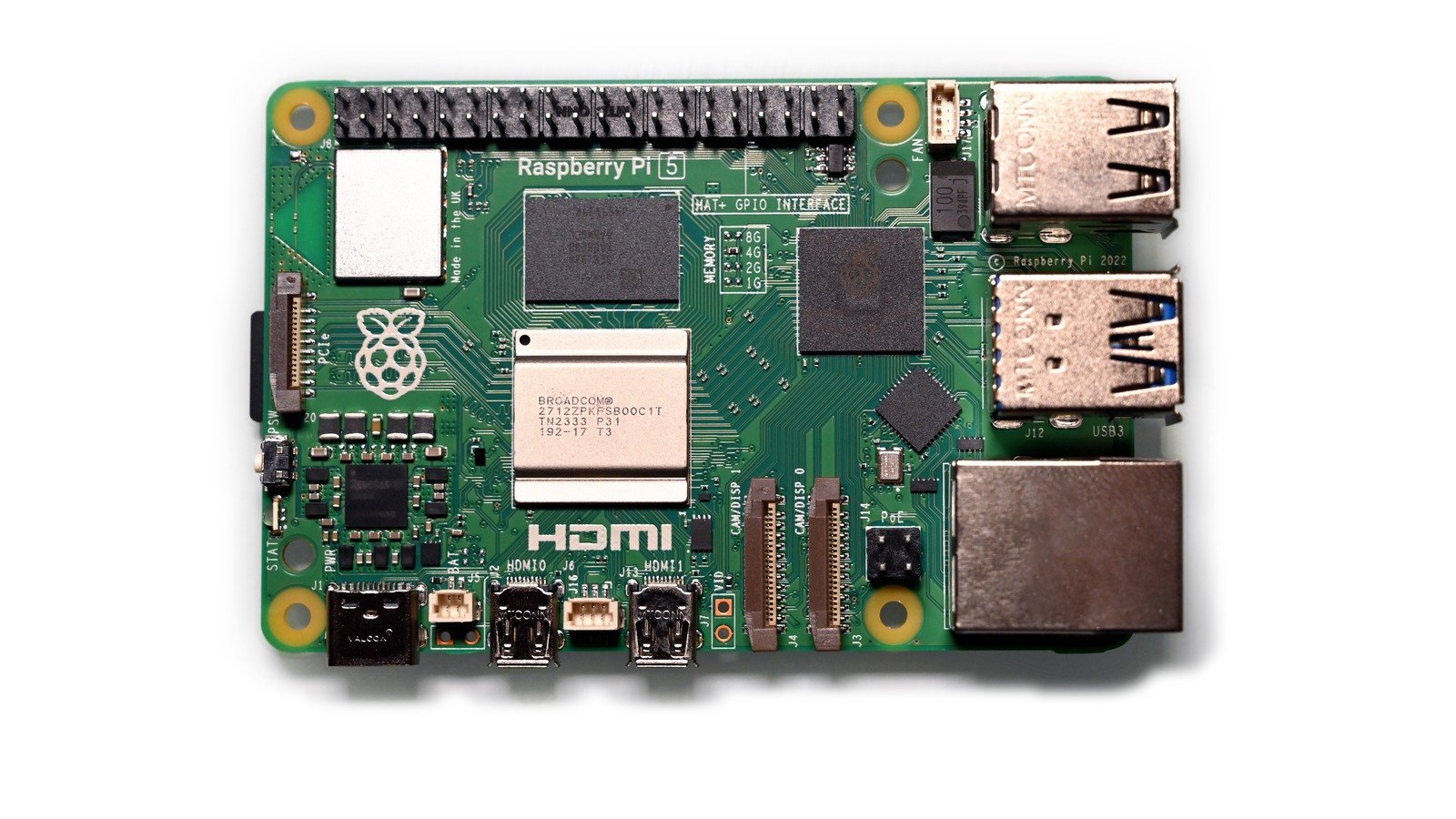
    Featured image: Photo of a Raspberry Pi 5, “Raspberry Pi 5” by Simon Waldherr, via Wikimedia Commons, licensed under CC BY 4.0. Resized to a 1600 × 900 canvas with white padding. The photograph is illustrative and does not identify a specific 2GB retail variant.

  • DJI Neo 2 vs Lito X1 vs Flip: Which Beginner Drone Fits You?

    DJI Neo 2 vs Lito X1 vs Flip: Which Beginner Drone Fits You?

    A drone advertised for 36 minutes may give you much less time to film. DJI’s own typical-flight test for the Lito X1 lists 23 minutes, compared with its 36-minute maximum under controlled conditions. That gap is one reason a first-time buyer should compare more than a headline battery number.

    Quick answer: Pick the DJI Neo 2 for short selfie-style clips and the simplest launch routine, the DJI Lito X1 for the stronger camera-and-sensing mix on paper, or the DJI Flip if full propeller guards and a three-axis mechanical gimbal are your priorities. This is a specification-based comparison, not a hands-on review. We checked the manufacturers’ published specifications on October 23, 2026.

    The useful comparison: sensor, weight and advertised flight time

    DroneBest fitPublished weightCamera sensorMaximum flight time
    DJI Neo 2Close-up selfie clips151 g without digital transceiver; 160 g with it1/2-inchAbout 19 min (about 17 with guards)
    DJI Lito X1All-round camera useAbout 249 g standard takeoff weight1/1.3-inch36 min; DJI’s typical-flight test lists 23 min
    DJI FlipTravel video with guardsUnder 249 g1/1.3-inch31 min
    Manufacturer specifications checked October 23, 2026. Maximum flight times are controlled-test figures, not a promise of filming time.

    These numbers are not a complete camera-quality test: sensor size is only one factor, and flight-time methods differ between models. Weather, temperature, recording settings, battery choice and flying style affect real use. Treat maximum time as a comparison point, not the time you can safely plan to stay airborne.

    1. DJI Neo 2: easiest for short, personal clips

    The Neo 2 is the most direct fit if you want a small drone for quick selfie or follow-style footage. DJI lists palm takeoff and landing, subject tracking, full propeller guards, and a 1/2-inch sensor. Its listed weight is 151 g without the digital transceiver and 160 g with it.

    The trade-off is endurance: DJI lists about 19 minutes maximum flight time, dropping to about 17 minutes with the guards installed. Choose it for portability and a low-friction start—not for the longest aerial sessions or the largest sensor in this comparison. Confirm the camera modes and included controller in the official Neo 2 specifications.

    2. DJI Lito X1: the all-rounder on paper

    The Lito X1 combines a 1/1.3-inch CMOS camera, 48 effective megapixels, and obstacle-sensing features including forward-facing LiDAR. DJI lists a standard takeoff weight of about 249 g. Those sensors can support awareness, but they do not detect every hazard or replace a careful pilot.

    Here is the detail many quick roundups skip: DJI’s maximum flight-time figure is 36 minutes, while its published typical-flight test reports 23 minutes in a breezy scenario with 4K/60 recording. Neither number is a guarantee for your flight, but the second is a more useful reminder to allow for conditions and keep a return-and-landing reserve. The optional Plus battery weighs more than 249 g, so check the exact bundle and local rules. See the official Lito X1 specifications.

    Best fit: a beginner who wants a more capable travel or landscape camera and is comfortable learning conventional drone controls. This is the most balanced choice in this shortlist based on published specifications—not a claim that we tested it in flight.

    3. DJI Flip: a gimbal-and-guard choice for travel

    The Flip stands out for full-coverage propeller guards and a three-axis mechanical gimbal, which can help keep footage steady as the aircraft moves. DJI lists a 1/1.3-inch sensor, a takeoff weight below 249 g, and up to 31 minutes of flight time in its controlled test.

    Guards are not obstacle avoidance, and they do not make it safe to fly near people. As with the other models, the maximum battery figure is not a usable-filming-time promise. Compare the controller and battery included in your local bundle, and check the official DJI Flip specifications before buying.

    Which one should you choose?

    • Choose Neo 2 if compact selfie clips, palm launch and guarded propellers matter more than longer flight sessions.
    • Choose Lito X1 if you want the broader camera-and-sensing feature set and understand that advertised maximum time differs from DJI’s typical test.
    • Choose Flip if stabilized travel footage and full propeller guards are your deciding features.

    Before paying, check the exact kit: controller, battery count, charging hub, spare propellers, local warranty and app/controller compatibility can vary by region. There is no universal “best” drone independent of budget, use and local availability, so compare current local prices rather than relying on an old deal roundup.

    Buying it to learn drone programming? Read this first

    These are consumer camera drones, not interchangeable ArduPilot or PX4 development kits. Do not assume a product supports the SDK, telemetry access or control workflow you need. If writing autopilot software is the main goal, start with a flight controller and simulator explicitly supported by your chosen stack, then confirm current model-level SDK compatibility before buying hardware. EmbeddedPrep’s drone programming setup guide starts with simulation; our ArduPilot setup guide covers safe bench checks.

    Check local rules before your first flight

    A drone under 250 g is not automatically exempt from every rule worldwide. Registration, training, airspace, privacy and restrictions around people depend on your location and how you fly; battery and accessory choices can also change takeoff weight. In the United States, recreational flyers must complete TRUST and follow applicable safety rules. In the EU, requirements depend on drone class and operation category. Review the current FAA recreational-flyer guidance or EASA open-category guidance, then check your national aviation authority. Keep the drone in visual line of sight, avoid restricted airspace, and never treat obstacle sensing as permission to take risks.

    Sources and methodology

    This guide compares the manufacturers’ published specifications and official safety guidance; EmbeddedPrep did not flight-test these models. Product features, bundle contents, rules and availability can change. We checked these pages on October 23, 2026:

    Featured image: DJI Mini 4 Pro (illustrative). Photo by Jacek Halicki, via Wikimedia Commons, licensed under CC BY-SA 4.0. Cropped to 16:9 and resized to 1600 × 900; this adapted image is also shared under CC BY-SA 4.0. This is not one of the three drone models compared in this article.