

Tag: Latest News

  • From Drone Prototype to Field Pilot: 7 Engineering Gates to Add Before Deployment

    From Drone Prototype to Field Pilot: 7 Engineering Gates to Add Before Deployment

    A drone that flies in a lab or an empty field has passed an important milestone—but not the final one. Before a prototype becomes a field pilot, the team needs to show that the aircraft, software, operator process and data pipeline work together under defined limits.

    This checklist is aimed at embedded developers moving from proof of concept toward a controlled evaluation. It is not an authorization to fly; operating rules and approvals depend on the aircraft, location and purpose. The FAA reminds pilots that they are responsible for knowing where they can fly and for following applicable requirements.

    Seven gates worth documenting

    1. Configuration: Record the exact hardware, firmware, payload and controller versions.
    2. Operating envelope: Define the conditions the test is designed to cover—and the conditions it excludes.
    3. Failure behavior: Test loss of communications, low battery, sensor faults and interrupted updates in a safe, controlled setting.
    4. Data quality: Verify timestamps, location references, units and stale-data indicators from sensor through dashboard.
    5. Security: Review accounts, update sources, access to stored data and support procedures.
    6. Human roles: Identify who operates, monitors, approves changes and can stop the test.
    7. Review: Capture deviations, near misses and user feedback before expanding the pilot.

    Use a gate, not a promise

    Each gate should have an owner and an observable pass condition. “Works reliably” is not a test; a repeatable scenario, expected output and recorded result are. If a condition is not tested, mark it as an open risk rather than assuming the prototype will handle it.

    Keep the initial pilot narrow and lawful. Check current airspace restrictions and any required approvals before each operation, and involve qualified operators and the organization’s safety stakeholders. A carefully bounded evaluation produces better engineering evidence than a dramatic demo—and gives the team a defensible basis for deciding what to improve next.

    Sources

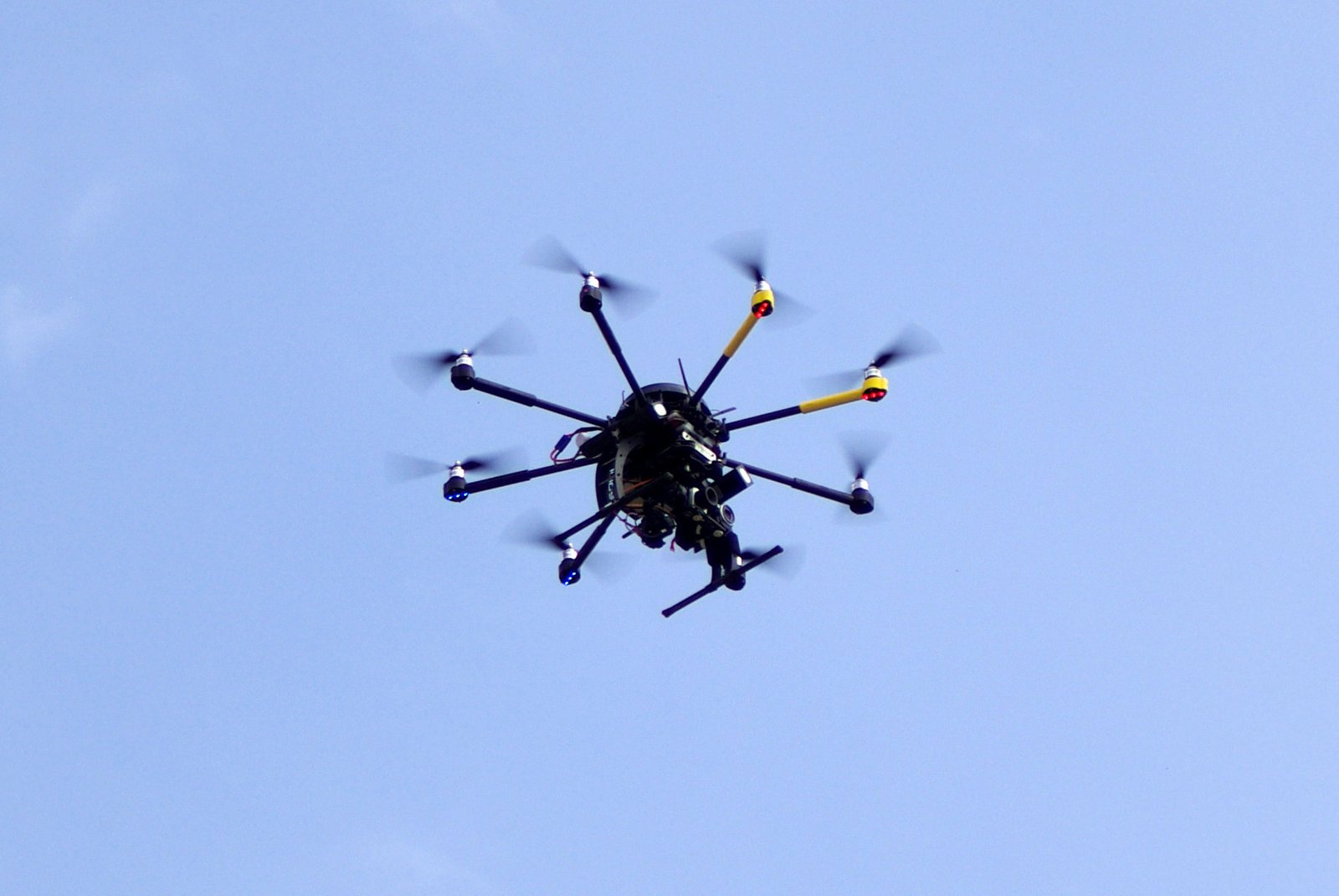
    Featured image: Geran de Klerk, “Drone Forest (Unsplash),” CC0, via Wikimedia Commons. Illustrative image; not an FAA-authorized operation. Image may be cropped for display. Source.

  • Drone Telemetry You Can Trust: 6 Checks Before It Reaches Your Dashboard

    Drone Telemetry You Can Trust: 6 Checks Before It Reaches Your Dashboard

    A map marker moving across a screen feels authoritative. But telemetry can be delayed, duplicated, incomplete or associated with the wrong device. If the user cannot tell whether a reading is current and where it came from, a polished dashboard can create false confidence.

    For developers, trustworthy telemetry starts with making uncertainty visible. Give messages a device identity, timestamp and sequence context. Preserve units and coordinate conventions from sensor to display. When data is stale or missing, show that state explicitly instead of quietly holding the last value as if it were current.

    Make the data pipeline auditable

    Keep a record of where a value originated and which transformations were applied before it reached the user. Validate inputs at system boundaries, handle clock drift and out-of-order messages, and make the UI distinguish a measured value from a derived estimate. If data is aggregated or filtered, document that behavior where engineers can find it.

    Privacy belongs in the design too. Decide which telemetry is necessary for the feature, how long it is retained and who can access it. Avoid collecting more location or imagery data than the product needs. When the system exports records to a service, disclose that pathway and provide administrators with appropriate controls.

    A short validation checklist

    • Show freshness and quality indicators alongside important values.
    • Test delayed, duplicated, malformed and missing messages.
    • Keep units, coordinate reference and device identity consistent end to end.
    • Log software and firmware versions needed to reproduce an issue.
    • Separate raw readings, estimates and operator-entered annotations.
    • Set retention and access rules for sensitive location or image data.

    These are engineering practices, not a claim that one format or protocol guarantees safe operations. The FAA’s Remote ID material is a useful example of why identification and location information has defined scope and rules. Follow the current regulation for required broadcasts, and keep product telemetry features clearly separate from any claim of regulatory compliance.

    Sources

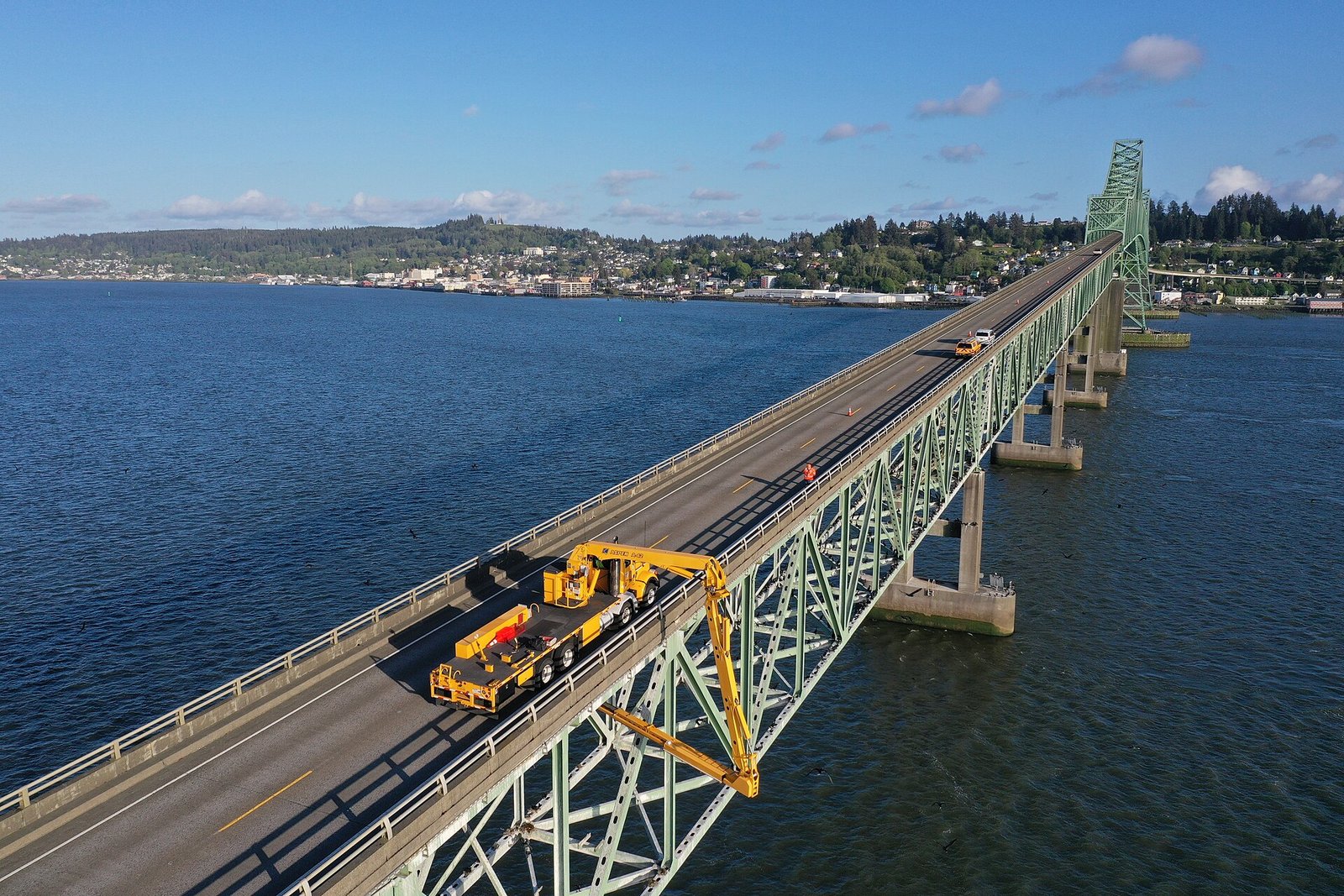
    Featured image: Oregon Department of Transportation, “Drone’s eye view of the inspection,” CC BY 2.0, via Wikimedia Commons. Image may be cropped for display. Source.
  • Drone Fleet Cybersecurity Starts Before the First Flight

    Drone Fleet Cybersecurity Starts Before the First Flight

    A drone fleet is more than aircraft. It can include controllers, mobile apps, update services, cloud dashboards, operator accounts and data-sharing integrations. If a team secures only the airframe, it may miss the systems that manage identities, updates and recorded information.

    CISA’s Be Air Aware program describes both physical and cybersecurity risks associated with UAS, including for critical infrastructure and public gatherings. For developers, the useful takeaway is to map the whole system before deployment and decide which components are trusted, which data they handle and who can administer them.

    Map the fleet’s data and access

    List the aircraft, controllers, software versions, network connections and cloud services in scope. Identify what telemetry, imagery and account information is collected, where it is stored, who can see it and how long it is retained. Give operators and administrators distinct permissions, and remove access promptly when roles change.

    For connected components, define how updates are authenticated and how security issues are reported. Keep a process for documenting a vulnerability or vendor change and deciding whether it affects the deployed configuration. These basics improve response without requiring teams to expose sensitive operational details or build a complicated security stack.

    Plan for ordinary failures

    • Know which device and software versions are deployed at each site.
    • Use unique accounts and appropriate access controls for operators and administrators.
    • Protect stored and transmitted information according to its sensitivity.
    • Set a retention period and a process for secure disposal.
    • Document who investigates a lost device, suspicious account activity or unexpected software change.

    CISA’s material is a starting point for awareness and risk management, not a substitute for an organization-specific security assessment. Teams handling critical infrastructure or public events should coordinate with their security, legal and operational stakeholders and follow current guidance for their sector.

    Sources

    Featured image: SBDhanawat, “College of Agriculture Pune (Drone view),” CC BY-SA 4.0, via Wikimedia Commons. Image may be cropped for display. Source.
  • AI on a Drone? NIST’s Risk Framework Gives Developers a Better Test Plan

    AI on a Drone? NIST’s Risk Framework Gives Developers a Better Test Plan

    Adding an AI model to a drone can make a prototype look capable very quickly. The harder question is whether the system remains understandable and dependable when its environment changes—or when the model is uncertain.

    NIST’s AI Risk Management Framework (AI RMF) is a voluntary framework for managing risks across the design, development, deployment and use of AI systems. NIST organizes the work around four functions: Govern, Map, Measure and Manage. It is not a drone-specific certification, and following it does not by itself prove that a system is safe.

    Map the context before tuning the model

    Before selecting a metric, describe the intended use, users, operating conditions and consequences of a wrong output. A model used to label images for later review has a different risk profile from one that feeds a real-time control decision. Document assumptions about lighting, motion, sensor quality, connectivity and the people who will interpret an alert.

    Then measure performance on representative data, including conditions that differ from the training set. Report error types and uncertainty, not just a single accuracy score. Ask what happens when inputs are missing, delayed or out of distribution. An engineering test plan should include a safe response to those conditions, with clear boundaries on what the model can command.

    Keep responsibility with the system team

    The framework’s Govern function encourages clear ownership, policies and accountability. For a drone project, that can mean recording who approves model updates, who reviews incidents and how operators are trained. Manage then becomes an ongoing task: monitor performance, investigate unexpected behavior and revisit the risk assessment when sensors, software or mission context change.

    NIST says the AI RMF is intended for voluntary use and is being revised; its site also describes a concept note for a critical-infrastructure profile. Teams should check the current NIST resources rather than treating an older checklist as permanent. The central lesson is simple: responsible autonomy needs an evidence trail, not a clever demo.

    Sources

    Featured image: David Perez, “UAV de Smart Drone España 01,” CC BY-SA 3.0, via Wikimedia Commons. The photo is illustrative and does not represent an AI-enabled aircraft. Image may be cropped for display. Source.
  • A Drone Firmware Update Can Become a Flight-Safety Event

    A Drone Firmware Update Can Become a Flight-Safety Event

    On a connected aircraft, a firmware update can change how sensors are interpreted, how the vehicle reports its state and how it behaves after an error. That makes update security part of product reliability—not an isolated IT task.

    NIST Special Publication 800-193, Platform Firmware Resiliency Guidelines, describes three useful goals: protect firmware against unauthorized changes, detect changes that occur, and recover securely. Although the publication is not a drone certification standard, its principles apply to embedded product teams that need to preserve trustworthy boot and recovery behavior.

    Build a trustworthy update path

    Start with a clear inventory of what code can be updated, who is allowed to authorize a release and how a device checks that release before installing it. The secure-update design should cover the controller and supporting components as well as the aircraft itself. Make version identity visible to support staff, and ensure that update packages can be matched to the intended hardware.

    Recovery deserves equal attention. Test interrupted downloads, power loss during installation, an invalid image and a failed update. The expected result should be documented and repeatable: for example, refusing an untrusted image while preserving a known-good recovery route. Avoid a design where a cryptographic failure leaves the device in an ambiguous state with no safe service procedure.

    Test the lifecycle, not only the signature

    • Document trust anchors, key ownership, rotation and revocation procedures.
    • Verify authenticity and integrity before activating new firmware.
    • Record update version, outcome and relevant device state for troubleshooting.
    • Exercise rollback and recovery with realistic power and connectivity failures.
    • Review the effect of an update on the aircraft’s approved configuration and operating documentation.

    NIST’s guidance is a foundation for resilience, not a ready-made compliance label. Product teams should adapt it to their architecture, risk model and applicable regulatory obligations. A signed update is valuable, but only one part of a system that can protect itself, recognize trouble and recover predictably.

    Sources

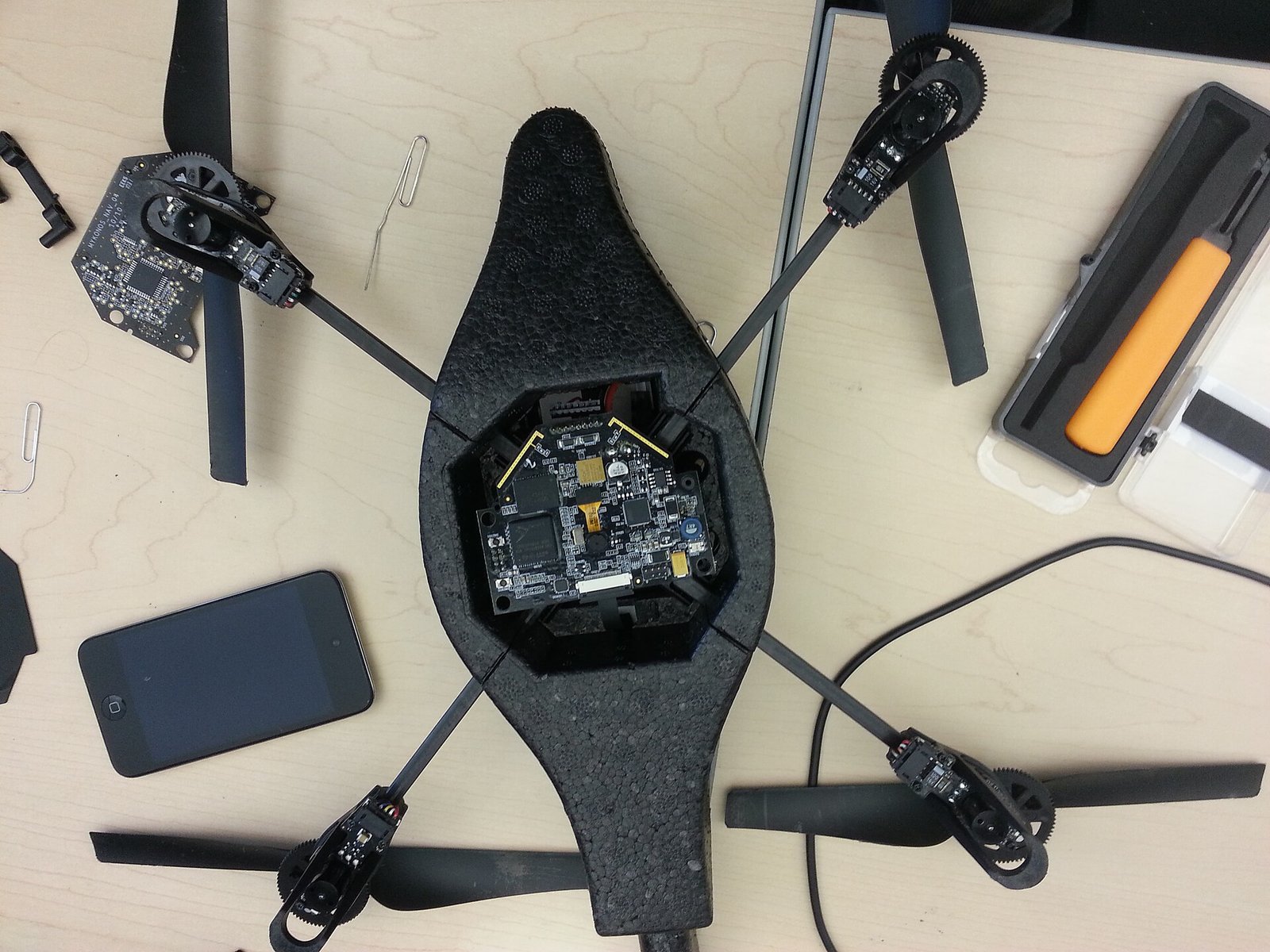
    Featured image: Ryan Decker, “Quadcopter Bottom Removed,” CC BY-SA 3.0, via Wikimedia Commons. Image may be cropped for display. Source.
  • Blue UAS Is Moving to DCMA: What Drone Buyers Should Recheck

    Blue UAS Is Moving to DCMA: What Drone Buyers Should Recheck

    Government drone procurement is not a simple matter of choosing the aircraft with the best camera or longest advertised flight time. Buyers also need to confirm that the exact model and configuration meet the requirements of the program, acquisition and mission they are supporting.

    The Defense Innovation Unit’s Blue UAS Cleared List page currently carries a notice that the list is transitioning to the Defense Contract Management Agency (DCMA), and directs visitors to the DCMA Blue List. That change is a practical reminder: do not rely on an old screenshot, a vendor’s broad “cleared” claim or a list saved in a project folder months ago.

    Verify the configuration, not just the brand

    Procurement teams should check the current official listing and confirm the exact aircraft, controller, communications equipment, software and accessories in the proposed configuration. A product family name may cover multiple variants. Firmware changes, substitutions or third-party payloads can also change the system being evaluated, so record the configuration and the date on which the source was checked.

    Developers should make those details easy to reproduce. Maintain a bill of materials, software and firmware versions, update process, support contacts, data flows and any relevant security documentation. If a supplier changes a component, route that change through the organization’s review process instead of assuming the prior assessment still applies.

    Ask better questions in the purchasing process

    • Which official list or procurement authority is relevant to this purchase?
    • Does the exact configuration appear in the current source, and when was it checked?
    • What software, firmware and hardware versions were evaluated?
    • How are updates, defects and end-of-support communicated?
    • What data leaves the aircraft, controller or supporting cloud services?

    This is a procurement checklist, not a claim that every listed product fits every mission. Requirements vary across agencies and contracts. Consult the current official program and acquisition documents and obtain the appropriate contracting and security review before making a purchase decision.

    Sources

    Featured image: Sgt. Zelika Stewart / U.S. Army, public domain, via Wikimedia Commons. The photo is illustrative and does not depict a product on the Blue UAS list. Image may be cropped for display. Source.
  • Before Your Drone Leaves the Bench, Check the Airspace—not Just the App

    Before Your Drone Leaves the Bench, Check the Airspace—not Just the App

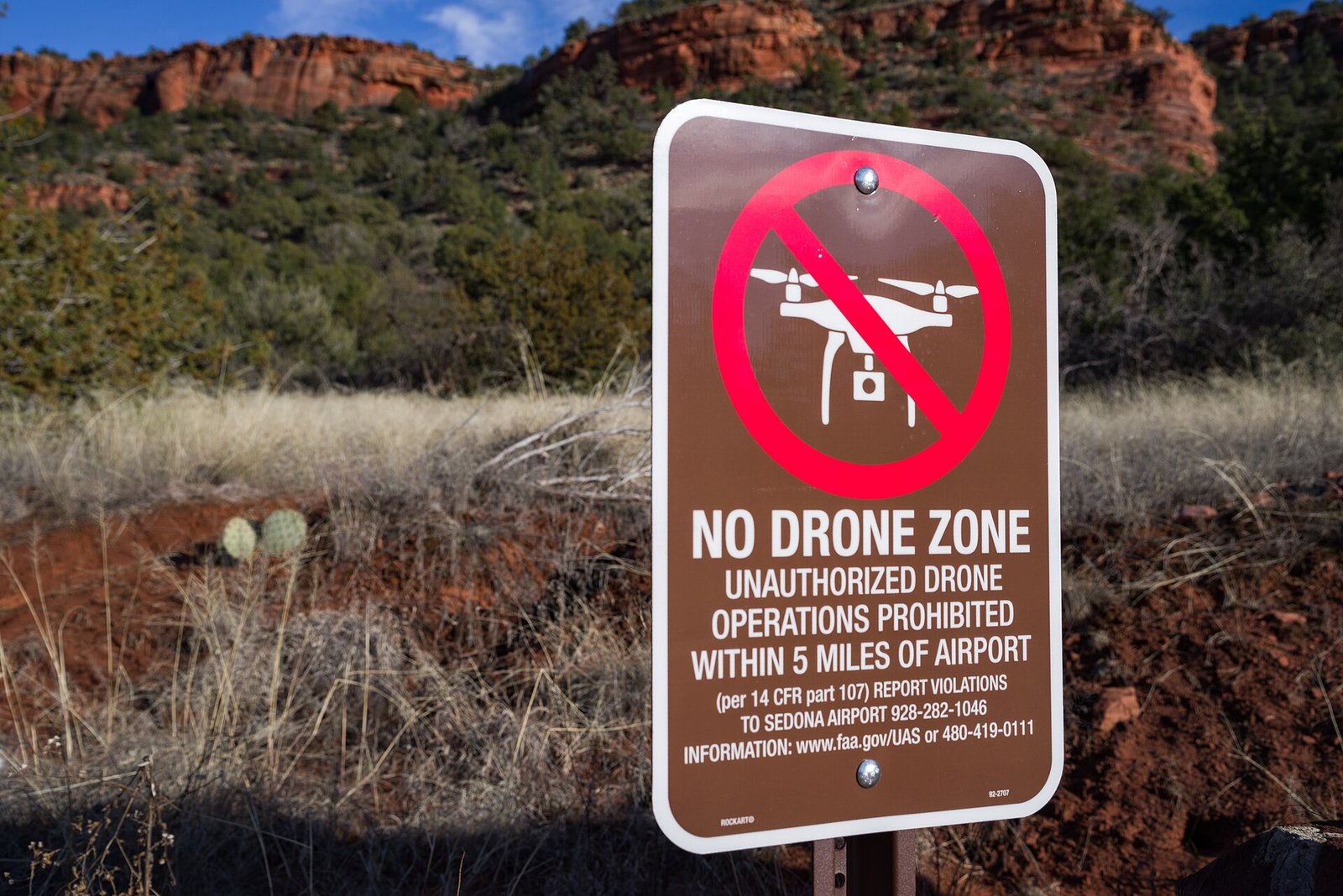
    A drone app can show a green map, display a geofence or report that no restriction was found in its data. None of those signals should be mistaken for a universal authorization to fly.

    The FAA says drone pilots are responsible for knowing where it is safe and permitted to operate. Its guidance points users to airspace restrictions and the B4UFLY service for recreational flyers, and describes FAA-Recognized Identification Areas as specific locations where drones may fly without Remote ID equipment. Each tool answers a particular question; none removes the operator’s responsibility to follow the applicable rules.

    Why this matters to developers

    Airspace data has a source, a timestamp, a geographic boundary and a scope. A consumer interface that collapses all of that into a green check can hide stale information or confuse an advisory with an authorization. If your product includes map layers or flight-planning features, make the source and last-updated state visible, explain what the result does—and does not—mean, and provide a clear way to see the underlying restriction.

    Do not design a UI that implies an app has approved a flight unless it actually represents a valid authorization from the responsible authority. Avoid treating a downloaded geofence as a substitute for checking current conditions. For operators, the location, purpose, aircraft and operating rules can affect what is required.

    A safer map workflow

    • Identify the authority and source behind every restriction layer.
    • Show when data was refreshed and what geographic area it covers.
    • Distinguish informational guidance from an actual approval or waiver.
    • Explain what the user should verify when the app cannot resolve a condition.
    • Test edge cases such as boundary lines, connectivity loss and outdated cached data.

    These product choices help prevent an interface from becoming a false promise. They also make it easier for an operator to notice uncertainty and stop before a risky launch. Always confirm current restrictions with official sources for the location and operation.

    Sources

    Featured image: Coconino National Forest, “Sedona No Drone Zone,” public domain, via Wikimedia Commons. Image may be cropped for display. Source.

  • Wildfire Drones Need More Than a Camera: Airspace Coordination Is the Hard Part

    Wildfire Drones Need More Than a Camera: Airspace Coordination Is the Hard Part

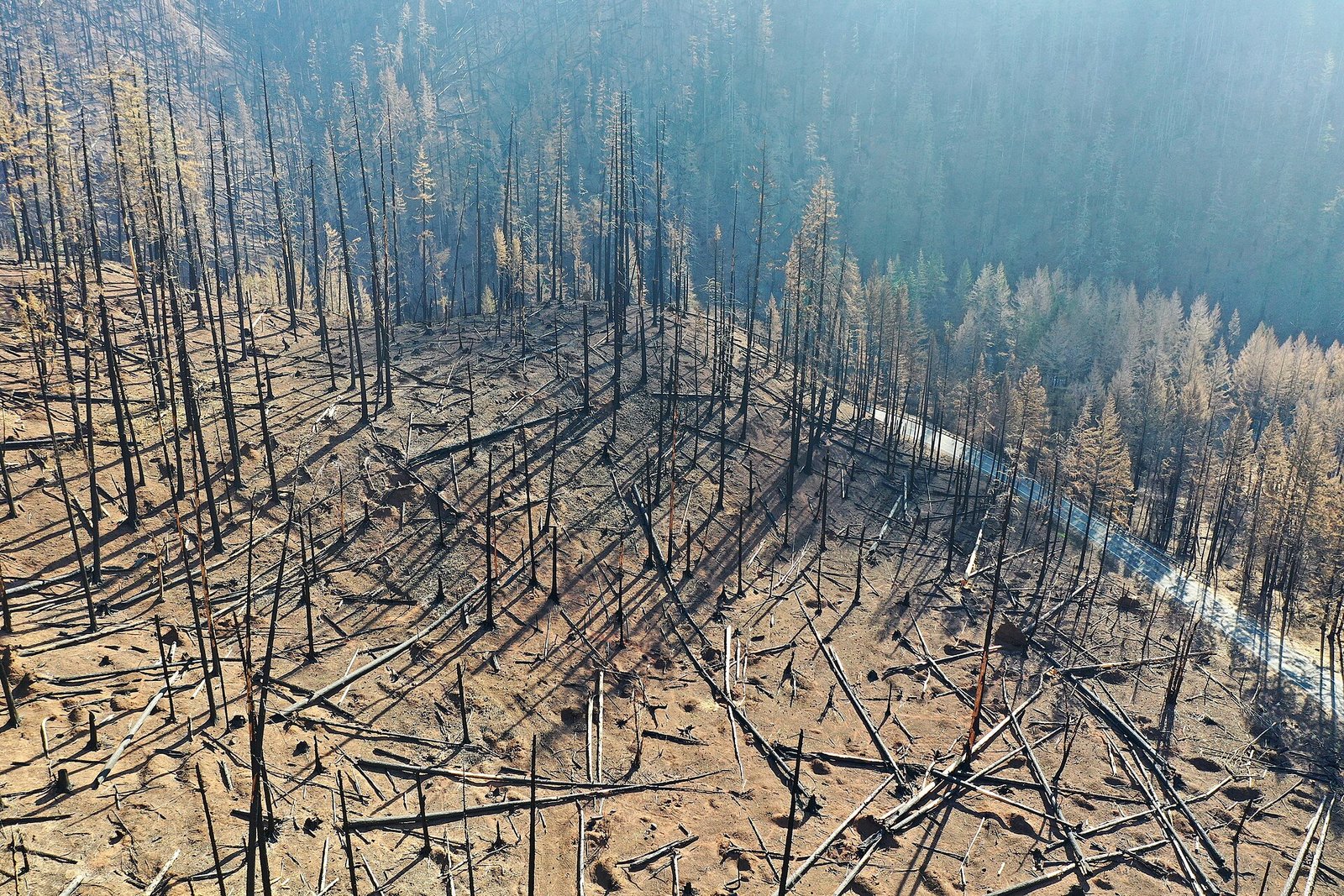
    A drone can produce a striking image of a wildfire. In an active incident, however, the more important engineering question is whether that aircraft can operate without adding risk to firefighters, helicopters, air tankers and other responders.

    The FAA describes UAS uses in wildfire response that include situational awareness, mapping fire perimeters and assessing damage. It also emphasizes coordination with interagency partners and safe integration into the National Airspace System. The technology is valuable precisely because it can help people make decisions—but only when the operation is planned around the shared airspace.

    Design for the incident, not just the flight demo

    For embedded and software teams, wildfire operations expose requirements that a bench test cannot: resilient communications, reliable timestamps, clear location data, readable status, and a way to communicate loss of link or degraded sensors. A camera feed is not enough if the incident team cannot tell when it was captured, where it applies or whether it is current.

    Developers should work with the responsible agency and qualified operators to define what data is useful, who is authorized to receive it, and how the aircraft will be coordinated with other aviation resources. Emergency conditions do not erase airspace rules. FAA guidance points operators toward established authorization and coordination processes, and the exact path depends on the operation.

    Keep the safety case visible

    A useful project plan records the intended mission, operating limits, communication assumptions, data-handling rules and a safe response to equipment failure. It also rehearses how the team will pause or end the mission when conditions change. These are product and operations questions, not features that can be delegated to an autonomy algorithm.

    The FAA’s wildfire page explains the value of UAS while highlighting coordination among agencies. That is the key lesson for developers: the most successful emergency drone is not necessarily the one with the highest-resolution camera. It is the one that gives responders trustworthy information while fitting into a coordinated, authorized operation.

    Sources

    Featured image: Oregon Department of Transportation, “Drone view of the fire damage,” CC BY 2.0, via Wikimedia Commons. Image may be cropped for display. Source.
  • A Drone Detection System Is Not a Drone Stopper: What CISA Says to Evaluate

    A Drone Detection System Is Not a Drone Stopper: What CISA Says to Evaluate

    Drone-detection products are often marketed with impressive range numbers. But a sensor’s advertised maximum does not tell a facility whether it will detect the aircraft that matter, work in the site’s environment or give staff information they can act on responsibly.

    CISA’s Unmanned Aircraft System Detection Technology Guidance takes a more useful starting point: define the capability required, consider the site and threat context, choose appropriate detection technology, and integrate it into an existing security plan. That is a procurement and systems-engineering problem—not a contest to find the biggest number in a brochure.

    Start with the decision the system must support

    Before evaluating equipment, write down what a detection alert should help an authorized team decide. Consider the facility layout, nearby airspace, likely sources of interference, staffing, response procedures and the cost of false alerts. Detection and identification are not automatically the same capability, and a sensor should not be treated as a complete account of an aircraft’s intent or operator.

    For developers, this translates into measurable acceptance criteria: what event produces an alert, how location and confidence are represented, how stale data is flagged, and how the system records uncertainty. Test representative conditions and document blind spots. A quiet dashboard is not proof of safety, just as a high alert count is not proof of useful detection.

    Integration matters as much as the sensor

    CISA recommends fitting detection technology into a layered security plan. That means defining who receives an alert, who validates it, what information can be shared and which actions are legally authorized. Detection alone does not authorize interference with an aircraft or its communications. Mitigation authorities are restricted and depend on applicable law and agency authority.

    When comparing vendors, ask for test conditions behind performance figures, data-retention details, interface documentation, maintenance needs and a clear explanation of uncertainty. Include the people who will operate the system in acceptance testing. The goal is reliable situational awareness and a lawful, prepared response—not an unverified promise that one device can solve every UAS risk.

    Sources

    Featured image: Don Ramey Logan, “Palm Springs International Airport,” CC BY 4.0, via Wikimedia Commons. Image may be cropped for display. Source.

  • Remote ID Isn’t Just a Radio: What Drone Developers Need to Know

    Remote ID Isn’t Just a Radio: What Drone Developers Need to Know

    Remote ID is often described as a drone’s digital license plate. For developers, that shorthand misses the important part: the U.S. rule affects which aircraft must comply, what information is broadcast, and how a product’s hardware and software fit into a regulated operation.

    The FAA says drones that are required to be registered—or have been registered—must comply with Remote ID, including aircraft used recreationally, commercially and for public safety. The agency describes two common paths: a Standard Remote ID aircraft with built-in broadcast capability, or a compliant broadcast module attached to a drone. Those paths do not have identical operating conditions.

    What the hardware team should take away

    Remote ID is not simply a BLE packet or a field to add to a flight-controller menu. Product teams need to account for the applicable compliance route, accepted declarations of compliance, serial-number handling and the behavior expected by the relevant rule. FAA guidance says a broadcast-module operator must be able to see the aircraft throughout the flight; the agency also distinguishes registration requirements for recreational flyers and Part 107 operators.

    That means firmware, product documentation, manufacturing records and customer support all matter. A radio that transmits something resembling an identifier is not proof that a product is compliant. Developers should confirm the exact product and module status in the FAA’s accepted declaration system and check the current rule text before making compliance claims.

    A practical pre-release checklist

    • Identify the intended operating category and compliance path before freezing hardware.
    • Keep serial-number, model and firmware records consistent across manufacturing and support systems.
    • Test the documented product behavior, not just whether a radio packet appears in a lab capture.
    • Make limitations and user responsibilities clear; do not imply that Remote ID grants permission to fly.
    • Recheck FAA guidance and the regulation when requirements or product configurations change.

    This is a developer-oriented overview, not legal advice or a compliance determination. Regulations and FAA-accepted product declarations can change; manufacturers and operators should consult the current official material.

    Sources

    Featured image: BLM Oregon & Washington, “BLM drone training above Horning Seed Orchard,” public domain, via Wikimedia Commons. Image may be cropped for display. Source.