
A Yocto build can begin as a handful of local changes and slowly become a tangle of patches, recipes and machine settings. Layers are the project’s way to organize that metadata so board support, distro policy and product-specific changes can evolve without being mixed together.
The Yocto Project manual describes layers as a way to isolate different types of customization. It recommends checking the OpenEmbedded Metadata Index before creating a new layer, because an existing community layer may already provide some or all of the metadata you need.
Give each layer a clear job
A board-support layer should hold machine-specific configuration and support for the hardware family. A distro layer can express policy shared across products, such as package selection or configuration defaults. A product layer can hold application recipes and customizations unique to a device or product line.
The exact split depends on the organization, but the test is practical: can another team reuse or upgrade one concern without inheriting unrelated product decisions? A single “everything” layer often makes it difficult to review why a change exists and whether a patch is still needed upstream.
Use the tooling instead of hand-editing every file
The manual documents bitbake-layers create-layer for creating a general layer and bitbake-layers add-layer for adding it to the build configuration. Those commands require an initialized build environment; running them before the project’s setup script means the shell may not know where BitBake tools are located.
When reviewing a new layer, check its declared compatibility, dependencies, priority and licensing. Prefer upstream fixes over carrying long-lived local patches, and record the source revisions that produced a release image.
A small review checklist
- Search the metadata index before creating a new layer.
- Give the layer a narrow, documented purpose.
- Keep machine, distro and product changes distinguishable.
- Declare layer dependencies and compatibility honestly.
- Test the image from a clean, version-pinned build configuration.
Layer boundaries are not bureaucracy. They make it easier to upgrade a BSP, maintain product variants and explain exactly which metadata shaped a shipped image.
Sources
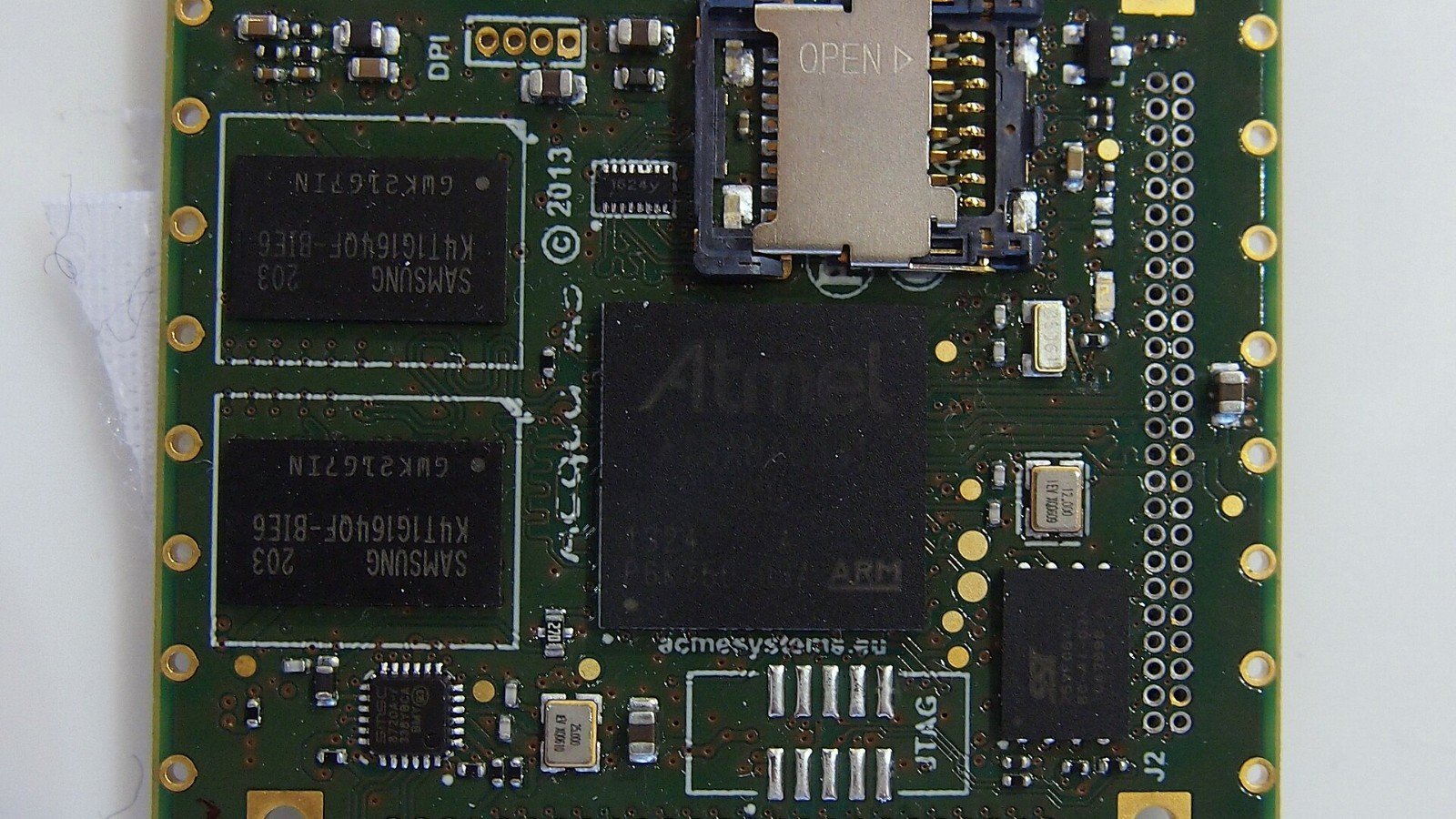
Featured image credit: Illustrative Atmel Acqua A5 board photo by Ordercrazy via Wikimedia Commons, CC0. Cropped to 16:9. Source.

Leave a Reply