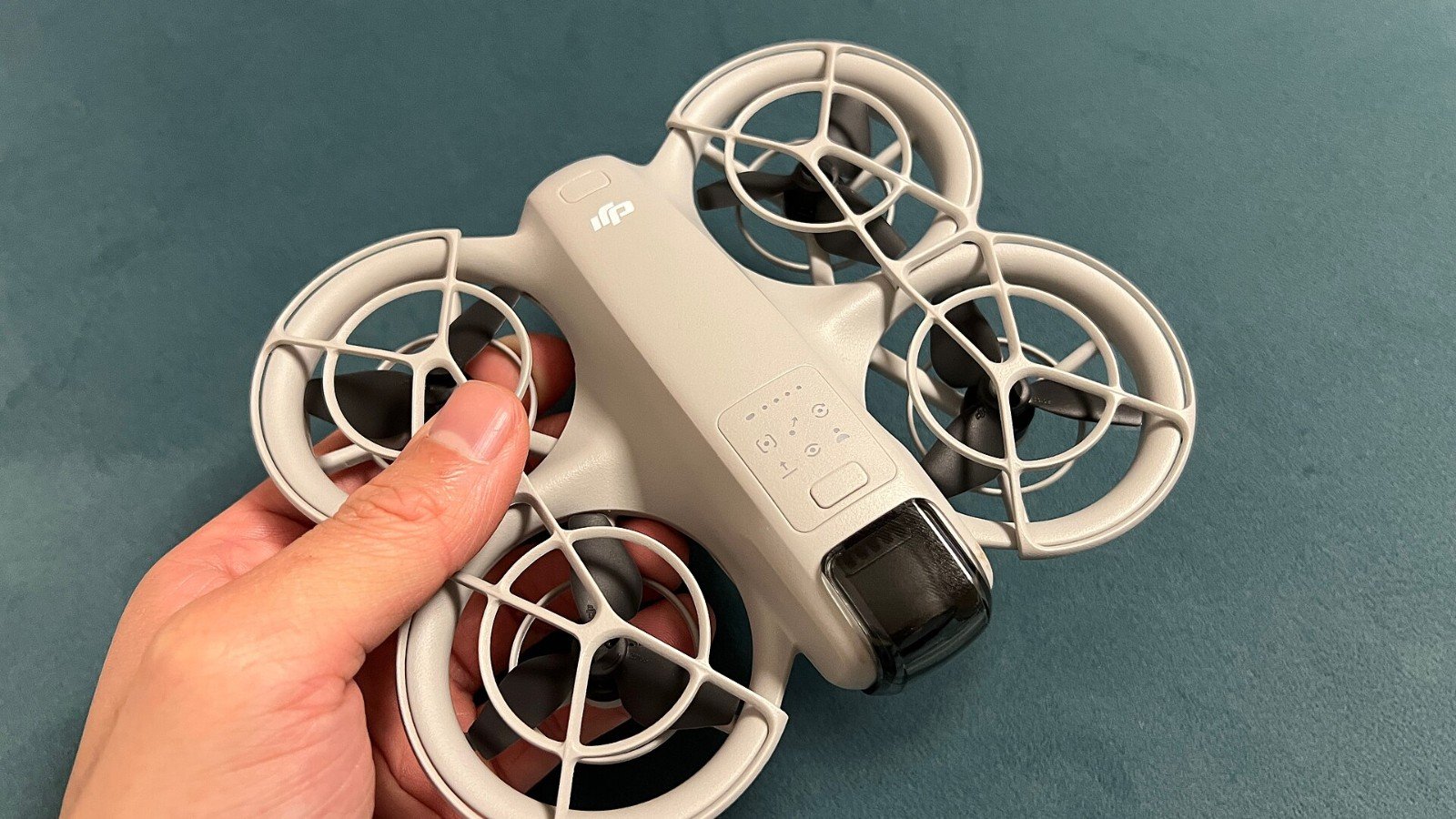
The DJI Neo’s palm takeoff is one of its most attention-grabbing features: select a supported shooting mode and the compact drone can launch without a conventional controller. The short clip looks simple, but the propellers are still moving aircraft parts. Follow DJI’s handling advice and local flight rules rather than treating the hand launch as a toy trick.
Set up before you press the mode button
DJI advises using a windless environment as much as possible for palm takeoff and landing. Extend your palm horizontally and keep it still. Choose an open area away from people, pets, loose clothing, branches and anything the aircraft could strike. Check that the guards and propellers are in good condition and that the selected shot has a safe, unobstructed path.
Do not grab the drone while it is flying or put fingers near the propellers. Wait for it to land and stop before handling it. If wind, crowds or a cramped space make a clean launch uncertain, do not use palm takeoff—use the manufacturer’s safer setup guidance or postpone the flight.
Remember what the feature cannot do
DJI says the Neo does not support obstacle avoidance. Propeller guards do not make it collision-proof, and an automated follow shot does not replace your attention. Keep the aircraft in visual line of sight and avoid flying over people. Check your local rules, privacy expectations and permitted airspace before filming.
Bottom line: Palm launch is convenient when the environment is calm and clear. If you cannot hold your hand steady, see the entire flight path and keep others clear, skip the trick.
Official guide
DJI: Neo FAQ and palm takeoff guidance
Featured image: NAN LIU via Wikimedia Commons, CC BY-SA 2.0. Image source and license.