
A drone app can show a green map, display a geofence or report that no restriction was found in its data. None of those signals should be mistaken for a universal authorization to fly.
The FAA says drone pilots are responsible for knowing where it is safe and permitted to operate. Its guidance points users to airspace restrictions and the B4UFLY service for recreational flyers, and describes FAA-Recognized Identification Areas as specific locations where drones may fly without Remote ID equipment. Each tool answers a particular question; none removes the operator’s responsibility to follow the applicable rules.
Why this matters to developers
Airspace data has a source, a timestamp, a geographic boundary and a scope. A consumer interface that collapses all of that into a green check can hide stale information or confuse an advisory with an authorization. If your product includes map layers or flight-planning features, make the source and last-updated state visible, explain what the result does—and does not—mean, and provide a clear way to see the underlying restriction.
Do not design a UI that implies an app has approved a flight unless it actually represents a valid authorization from the responsible authority. Avoid treating a downloaded geofence as a substitute for checking current conditions. For operators, the location, purpose, aircraft and operating rules can affect what is required.
A safer map workflow
- Identify the authority and source behind every restriction layer.
- Show when data was refreshed and what geographic area it covers.
- Distinguish informational guidance from an actual approval or waiver.
- Explain what the user should verify when the app cannot resolve a condition.
- Test edge cases such as boundary lines, connectivity loss and outdated cached data.
These product choices help prevent an interface from becoming a false promise. They also make it easier for an operator to notice uncertainty and stop before a risky launch. Always confirm current restrictions with official sources for the location and operation.
Sources
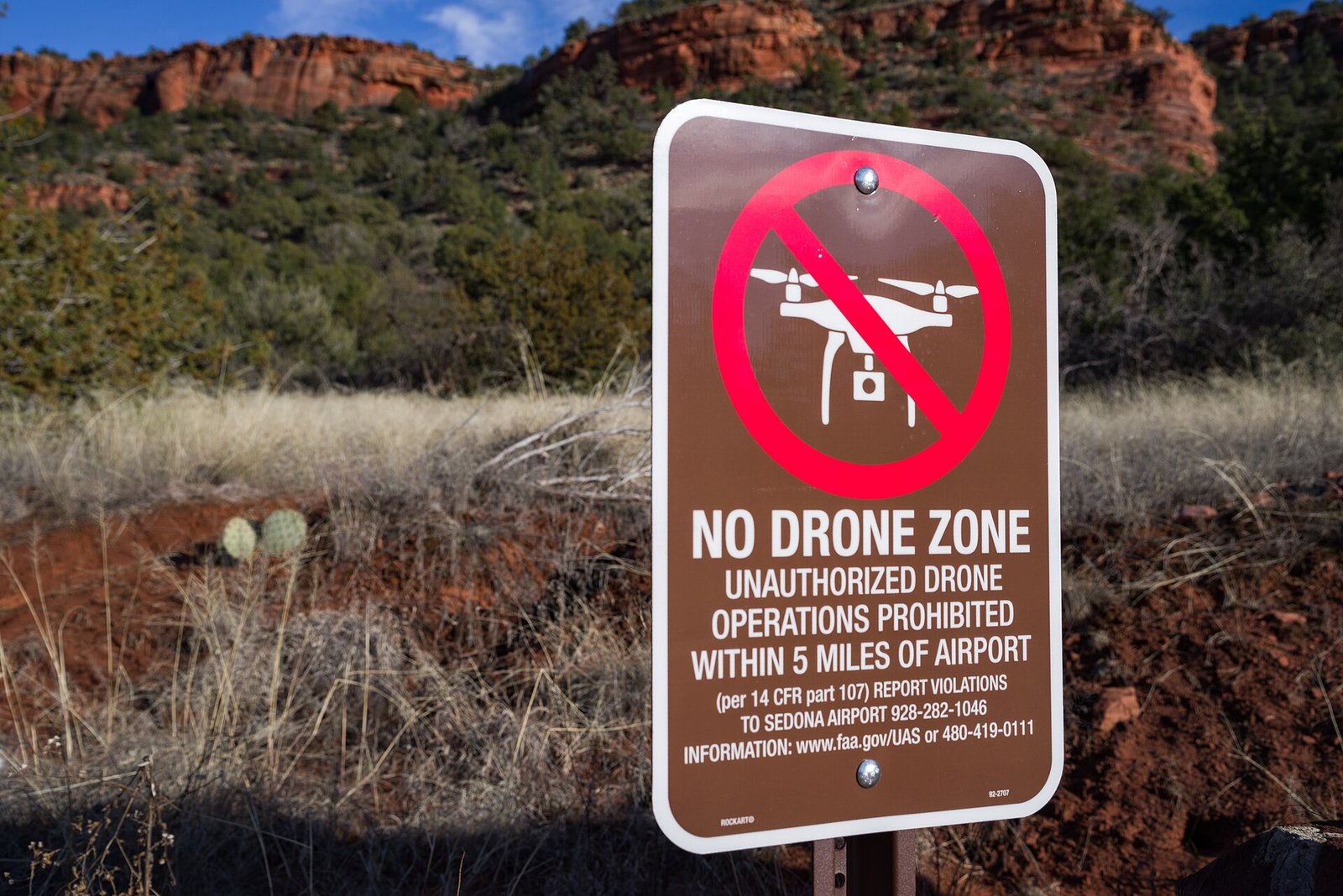
Featured image: Coconino National Forest, “Sedona No Drone Zone,” public domain, via Wikimedia Commons. Image may be cropped for display. Source.
.jpg)
Leave a Reply