
Your ESP32 sketch may call deep sleep and still drain a battery far sooner than expected. The usual reason is that “the chip is asleep” and “the whole board is using almost no current” are not the same thing.
In deep sleep, the ESP32 shuts down or clocks off parts of the chip, and wake-up sources can restart the application. But a development board also has a voltage regulator, USB-to-serial chip, power LED and sometimes sensors or displays. Any of those can draw current while the MCU sleeps. A sensor left powered or a network connection that takes longer than expected can dominate the average.
Measure at the battery, not just in the datasheet
Start by measuring current in series with the actual battery supply, with the exact board, regulator, sensors and firmware you intend to use. Capture both sleep current and the complete active cycle: boot, sensor warm-up, Wi-Fi association, transmission, retries and return to sleep. A multimeter that averages slowly can miss short current peaks; use an instrument or logger suited to the time scale and current range.
Record the voltage and current over time. Then estimate average current using the full period, not just the low point between wake-ups. A current measurement taken directly at a bare module will not predict a finished product powered through a different regulator.
A worked estimate—and its limits
Suppose a project draws 100mA for two seconds once per minute and 10µA during the remaining 58 seconds. The simplified average is about 3.34mA: (100mA × 2/60) + (0.01mA × 58/60). A 2,000mAh battery divided by 3.34mA gives roughly 25 days in an ideal calculation.
That is a planning estimate, not a runtime promise. It ignores regulator losses, battery capacity at the chosen load and temperature, self-discharge, Wi-Fi retries, startup variation and aging. Measure your own duty cycle and leave margin; battery chemistry and voltage conversion affect usable energy.
Five places to look for hidden drain
- Power LED: disable or remove it only if the board design permits and you understand the modification.
- USB-to-serial interface: some dev boards keep this circuitry powered continuously.
- Regulator quiescent current: a regulator can consume meaningful current even when the load is tiny; inspect its datasheet and measure the board.
- Peripherals: switch sensors, displays and pull-up circuits off when appropriate, or choose parts with a real low-power mode.
- Wake workload: reduce unnecessary scans and retries, send only the needed data, and verify that firmware actually enters sleep after every branch.
Espressif’s ESP-IDF power-management documentation explains chip sleep modes and wake sources. The exact sleep current depends on chip configuration and board implementation, so do not apply a bare-chip value to a complete dev board without measurement.
A practical test loop
- Measure baseline current with your board powered but the application idle.
- Measure deep-sleep current with the peripherals attached and then isolate them one by one.
- Log current through at least dozens of wake-and-send cycles, including weak Wi-Fi conditions.
- Estimate lifetime from average current and the battery’s usable capacity, then validate with a longer real-world run.
Bottom line: Deep sleep is a firmware feature, not a battery-life guarantee. Measure the whole power path and the complete duty cycle before changing batteries or promising a service interval.
Sources: ESP-IDF low-power mode overview; ESP-IDF sleep modes and wake-up sources.
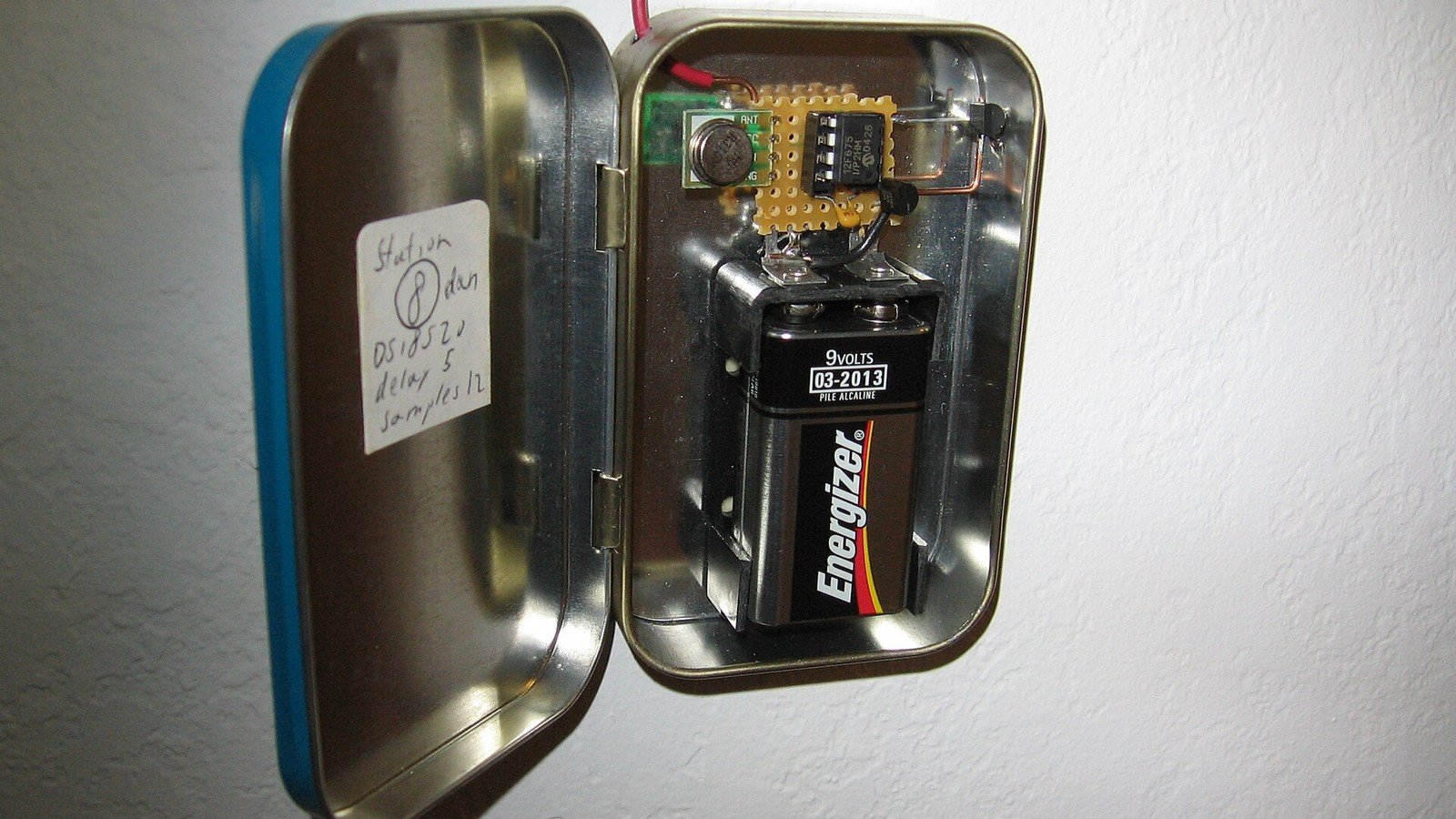
Featured photo: Illustrative wireless temperature-sensor prototype by Micah Elizabeth Scott. Photo via Wikimedia Commons, licensed under CC BY-SA 2.0. The image was cropped and resized for this article.
.jpg)
Leave a Reply