
A maker has turned a tiny ESP32-S3 board into a handheld 3D-scanning proof of concept—using a camera, a tracking target and geometry algorithms rather than a conventional depth camera. The striking idea is not that a microcontroller has become a professional scanner; it is how carefully the project narrows the problem.
CircuitDigest’s October 2026 coverage of the creator’s project describes a Seeed Studio XIAO ESP32-S3 paired with a round-screen expansion. The report says the hardware cost is roughly $20, but that figure is the project coverage’s estimate, not a verified shopping total for every region or bill of materials.
How can a small MCU reconstruct a shape?
The scanner uses fiducial markers on a tracking target to estimate the camera’s position as the operator moves around an object. Software then combines multiple views using space carving: a 3D voxel grid is tested against what each camera image could see, and inconsistent regions are removed. A marching-cubes lookup table converts the remaining voxel surface into a triangle mesh.
That pipeline trades generality for a constrained setup. The camera must observe the markers reliably, the object needs enough views, and the reconstruction code has to fit the board’s memory and processing budget. The project reportedly uses a low-resolution live preview for the display while capturing higher-resolution frames for the heavier processing stage.
What the project report says—and what it doesn’t prove
The coverage reports approximately 1mm structural resolution and says the creator targets small objects such as trinkets or field specimens. Treat those as project-reported results: we have not independently tested the scanner, reproduced the build or verified that resolution across different objects.
A small demo is also not a substitute for calibrated metrology. Shiny, transparent, featureless or moving surfaces can be difficult for camera-based reconstruction. Lighting, tracking accuracy, camera calibration, surface texture and the number of viewpoints all affect the result. A mesh that looks convincing on screen may still be unsuitable for dimension-critical parts.
Why it is still a useful embedded-computing story
The project illustrates a broader design lesson: embedded vision improves when the problem is divided into manageable stages. A low-cost board does not need to run a giant neural model to do useful computer vision. In this case, pose estimation and classical geometry do much of the work, while a display offers immediate feedback.
For a student or maker who wants to reproduce the idea, start by studying the creator’s original post, bill of materials and source code before buying parts. Validate camera capture, marker tracking and memory use separately. Then test a simple object under controlled light, and record the measured dimensions against a known reference. Do not infer that every XIAO ESP32-S3 kit includes the same display, camera or software.
Bottom line: The reported scanner is a clever low-cost proof of concept, not a ready-made replacement for photogrammetry apps or industrial scanners. Its real hook is the engineering: constrained capture, tracking markers and efficient 3D reconstruction on a very small computer.
Sources: Original ESP32 object-scanner project shared by its creator; CircuitDigest project coverage; Seeed Studio XIAO ESP32-S3 documentation.
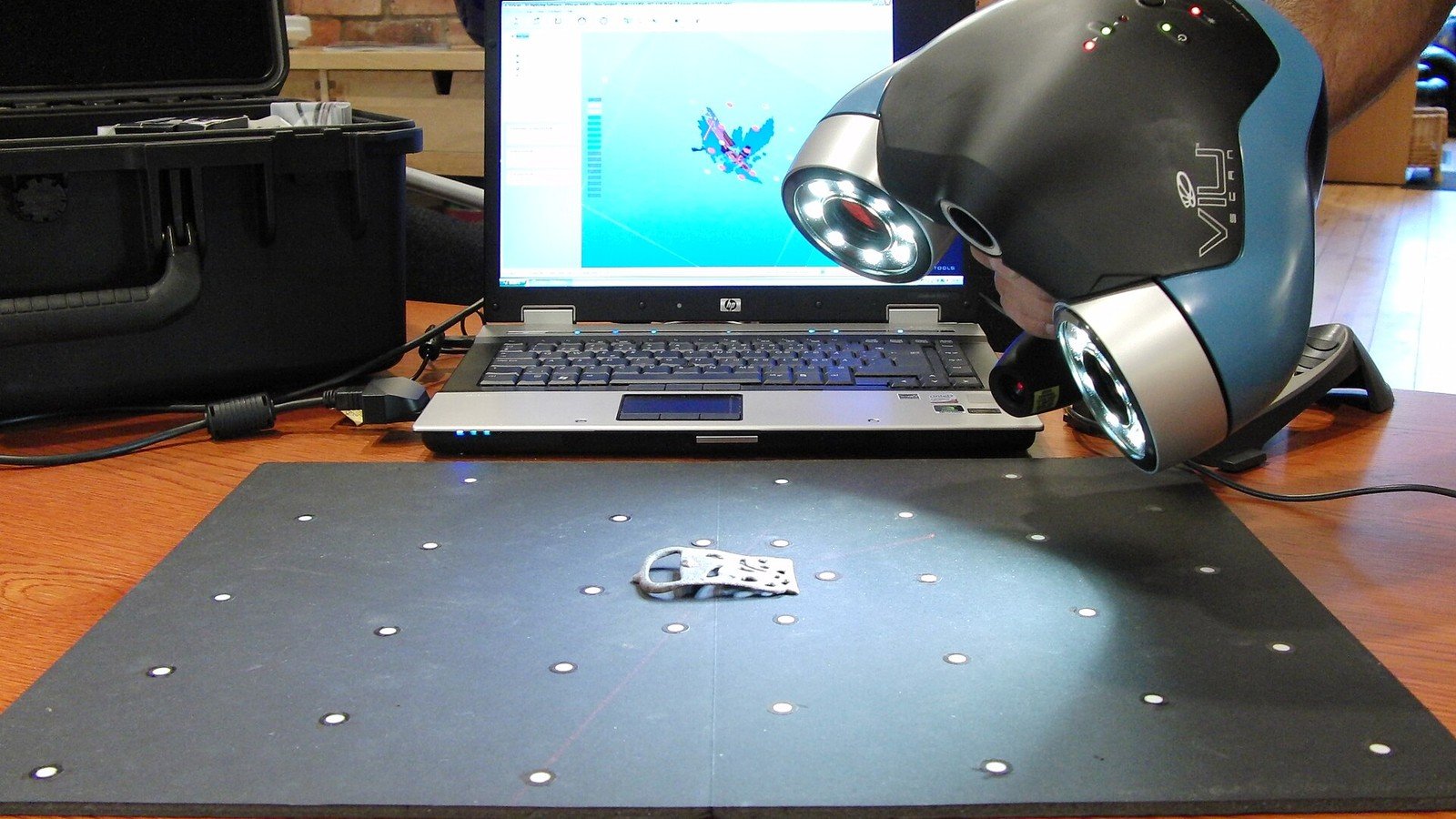
Featured photo: Illustrative photo of a separate handheld 3D mapping scanner by CSIRO; it is not the ESP32-S3 DIY project pictured in the source. Photo via Wikimedia Commons, licensed under CC BY 3.0. The image was cropped and resized for this article.
