
Arduino’s UNO Q looks like a new board in the familiar UNO family, but its defining feature is that it combines two different kinds of processor: a Linux-capable Qualcomm Dragonwing QRB2210 microprocessor and an STM32U585 microcontroller for real-time control.
That “two brains” design is more than a headline. It gives a project a place to run Linux applications, Python, networking and supported AI software, while a separate MCU handles direct hardware work such as reading sensors and controlling outputs. The two sides are designed to work together; they do not have identical timing or responsibilities.
Why put a microcontroller beside Linux?
A Linux computer is useful for tasks such as a web dashboard, image handling, file storage and network services. But a general-purpose OS can schedule other work at inconvenient times, so it is not the right place to assume hard, repeatable deadlines for every pin transition.
The microcontroller side is designed for lower-level, time-sensitive I/O. In a practical machine-vision sorter, for example, the Linux processor might receive and analyse a camera frame, while the MCU controls a conveyor sensor and actuator sequence. The design still needs appropriate safety interlocks and timing validation; putting an MCU on the board does not make an unsafe mechanism safe by itself.
What UNO Q brings, according to Arduino
- Debian-capable Qualcomm Dragonwing QRB2210 MPU plus STM32U585 MCU
- 2GB or 4GB RAM configurations and 16GB or 32GB eMMC storage, depending on model
- Dual-band Wi-Fi 5 and Bluetooth 5.1
- Arduino App Lab, with support for mixing sketches, Python and supported AI workflows
- A USB-C connection, expansion headers and an LED matrix for local feedback
Check the exact model’s storage and memory before ordering: the variants are not interchangeable merely because they share a board family name. Arduino’s official product page also documents power and accessory requirements.
UNO Q versus a classic Arduino or a Raspberry Pi
A classic UNO-class microcontroller board is simpler when the job is to read inputs, drive relays or LEDs, and run a compact control loop. It typically starts quickly and has no general-purpose Linux environment to maintain. A Raspberry Pi single-board computer is more natural when the project needs a full desktop or server-style Linux environment and abundant software packages. UNO Q is aimed at designs that need both styles of work in a single platform.
That does not make UNO Q a drop-in replacement for every Pi or Arduino. Linux adds boot time, software updates and a larger power budget than a simple MCU project. The MCU and MPU also have different toolchains and memory spaces. Before committing, make a small proof of concept that covers the sensor interface, Linux-to-MCU communication, startup behaviour and failure recovery.
Who should consider it?
UNO Q is worth evaluating for edge-vision prototypes, connected instruments and interactive devices where Linux features and predictable low-level I/O belong together. For a battery sensor that wakes briefly, or a basic motor controller, the additional Linux system may be unnecessary. For a camera-only Linux project, a standard SBC may be simpler.
Bottom line: UNO Q’s interesting proposition is not “Arduino but faster.” It is the separation of application-level computing from microcontroller-level control. Choose it when your project genuinely needs both, and test how the two processors share work before building the final product.
Sources: Arduino UNO Q official product page; Arduino UNO Q documentation.
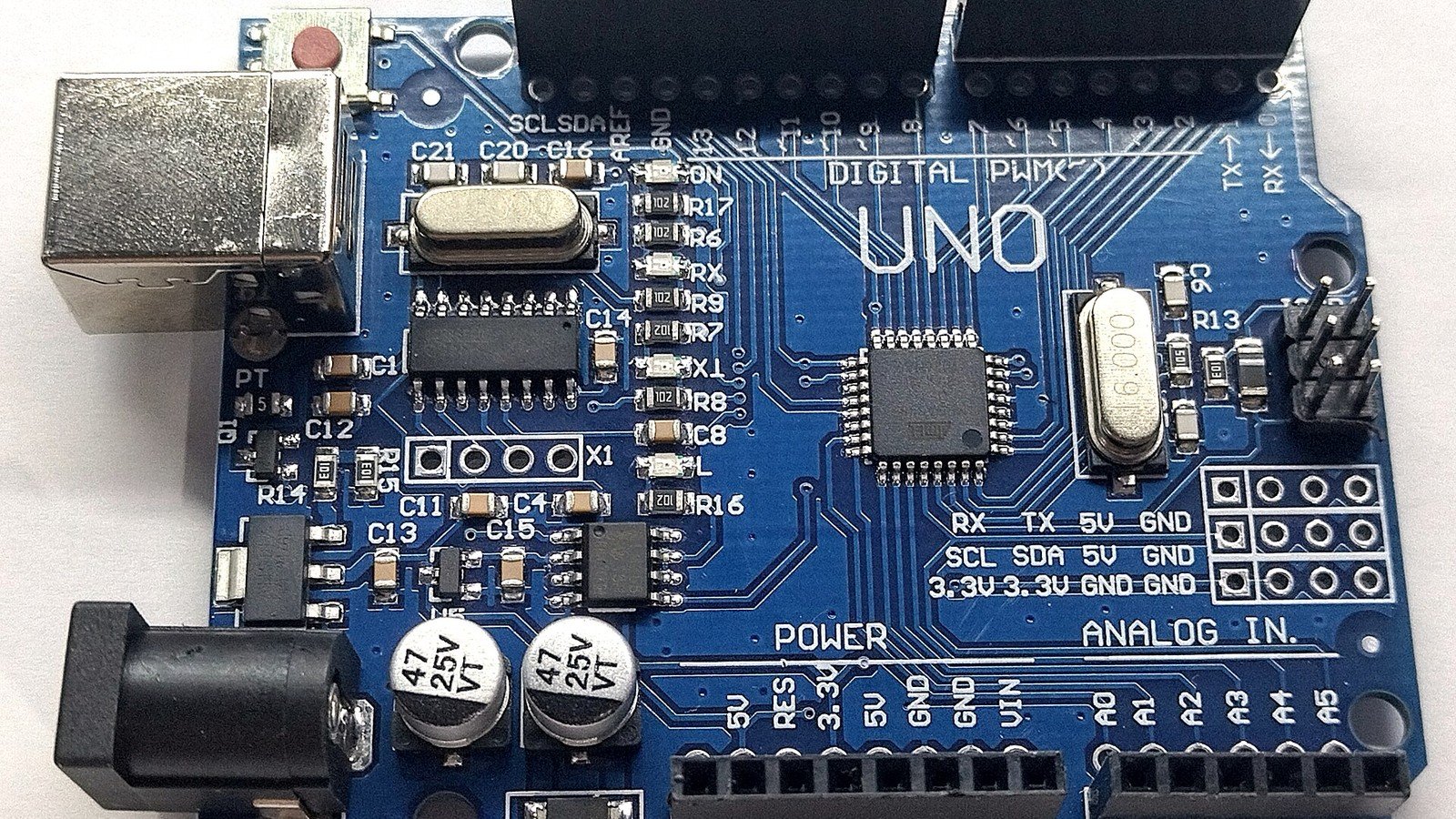
Featured photo: Illustrative photo of a classic Arduino Uno board by JrawX; it is not the UNO Q. Photo via Wikimedia Commons, licensed under CC0. The image was cropped and resized for this article.

Leave a Reply