


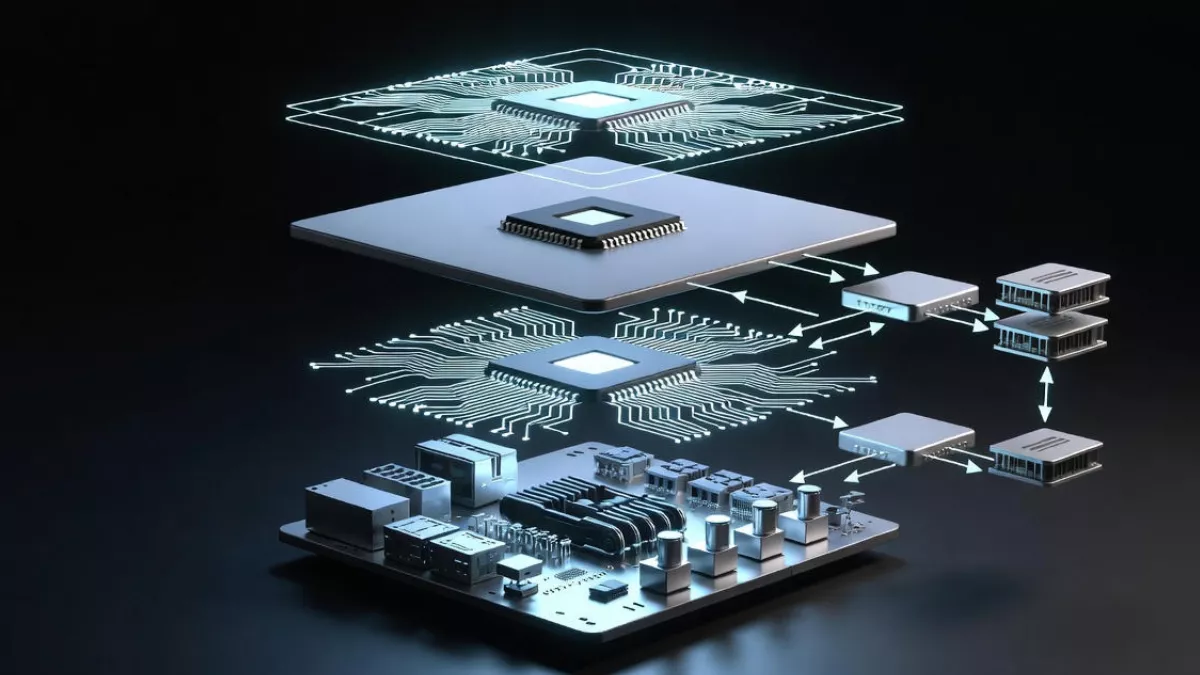
Linux Driver Architecture explained in a simple, beginner-friendly way. Learn how device drivers work in Linux, understand the Linux driver model, types of Linux drivers, and real-world driver stacks with clear examples.
If you have ever wondered how Linux talks to hardware, this article is for you. Not in a dry textbook way. Not in a “kernel hacker only” way. But in a way that makes you say, “Oh, now I get it.”
We are going to break down Linux Driver Architecture step by step. You will understand what device drivers are, how the Linux driver model works, the different types of Linux drivers, and how driver stacks are built in real systems.
What Is Linux Driver Architecture?
At its core, Linux Driver Architecture describes how the Linux kernel communicates with hardware devices through software components called drivers.
Hardware does not understand Linux.
Linux does not directly understand hardware.
Drivers sit in between and act as translators.
Think of the Linux kernel as a city’s control room and hardware devices as machines spread across the city. Device drivers are the trained operators who know exactly how to talk to each machine, using the right language and commands.
Linux driver architecture defines:
- How drivers are written
- How they are loaded and unloaded
- How they interact with the kernel
- How they expose devices to user space
- How multiple drivers work together as stacks
Once you understand this architecture, kernel development stops feeling scary and starts feeling logical.
Device Drivers Defined (In Simple Words)
Let’s clearly define it, because many beginners get confused here.
Device drivers defined:
A device driver is a piece of kernel code that allows the Linux operating system to control and communicate with a specific hardware device.
That’s it. Nothing more dramatic than that.
Examples:
- A USB driver knows how to talk to USB controllers
- A network driver knows how to send and receive packets
- An audio driver knows how to stream sound data
- A GPIO driver knows how to toggle pins
Without drivers:
- Your keyboard would not work
- Your display would stay black
- Your Wi-Fi would be useless
- Your storage devices would be invisible
Every meaningful interaction with hardware goes through a driver.
Why Linux Driver Architecture Matters So Much
Linux runs everywhere. Phones, routers, cars, satellites, servers, laptops, TVs, medical devices.
This is possible because Linux driver architecture is:
- Modular
- Scalable
- Hardware-agnostic
- Cleanly layered
You can plug in new hardware and load a driver without rebuilding the entire kernel. That’s not an accident. That’s architecture.
For embedded engineers, understanding Linux driver architecture is not optional.
For kernel developers, it’s daily work.
For system programmers, it explains why things behave the way they do.
Big Picture: How Linux Talks to Hardware
Before we dive into code concepts, let’s zoom out.
The communication flow looks like this:
User Space
↓
System Calls
↓
Kernel Subsystems
↓
Device Drivers
↓
Hardware
You never talk to hardware directly from user space. You talk to files, sockets, or devices, and the kernel routes everything to the right driver.
This separation is what makes Linux stable and secure.
The Linux Driver Model Explained
The Linux driver model is the framework that organizes how devices and drivers relate to each other inside the kernel.
This is where Linux really shines.
The driver model answers questions like:
- How does the kernel know which driver matches which device?
- How does hot-plugging work?
- How are devices represented internally?
- How do drivers bind and unbind from devices?
Core Concepts of the Linux Driver Model
There are four pillars you must understand:
- Devices
- Drivers
- Buses
- Classes
Let’s go through them slowly.
Devices in the Linux Kernel
A device represents a piece of hardware.
In kernel terms, a device is described by a struct device.
It contains:
- Device name
- Parent device
- Bus information
- Power management data
- Driver binding info
Every real hardware component becomes a device object inside the kernel.
Drivers in the Linux Kernel
A driver represents the software logic that controls a device.
In kernel terms, a driver is described by a struct device_driver.
It defines:
- Supported device IDs
- Probe function (called when device is detected)
- Remove function (called when device is removed)
When a device appears, the kernel tries to match it with the correct driver.
Buses: The Matchmaker
A bus connects devices and drivers.
Examples:
- PCI
- USB
- I2C
- SPI
- Platform bus
The bus is responsible for:
- Enumerating devices
- Matching devices with drivers
- Managing hot-plug events
This is why a USB device just works when you plug it in.
Classes: User-Friendly Grouping
Classes group devices by function, not by hardware.
Examples:
/sys/class/netfor network devices/sys/class/inputfor input devices/sys/class/blockfor storage
Classes help user space understand what a device does.
How Driver Binding Actually Works
Here is the real magic.
When a device is detected:
- The bus creates a device object
- The kernel scans registered drivers
- Matching is done using IDs
- The driver’s probe function is called
- The driver initializes the hardware
This process is automatic and elegant.
That’s the Linux driver model in action.
Types of Linux Drivers (With Real Examples)
Understanding types of Linux drivers helps you choose the right approach when writing one.
Linux drivers fall into several practical categories.
Character Device Drivers
Character drivers handle data as a stream of bytes.
Examples:
- Serial ports
- Keyboards
- GPIO
- Sensors
They usually appear as:
/dev/ttyS0
/dev/gpiochip0
Operations include:
- open
- read
- write
- ioctl
These are the easiest drivers for beginners.
Block Device Drivers
Block drivers handle data in fixed-size blocks.
Examples:
- Hard disks
- SSDs
- SD cards
They interact with the block layer and filesystem.
You almost never write one unless you’re working on storage systems.
Network Device Drivers
Network drivers handle packets, not files.
Examples:
- Ethernet drivers
- Wi-Fi drivers
They integrate with the Linux networking stack and deal with:
- Packets
- Queues
- Interrupts
- DMA
These drivers are complex but fascinating.
Platform Drivers
Platform drivers are used for on-chip peripherals.
Common in embedded systems.
Examples:
- GPIO controllers
- UART
- I2C controllers
- Audio codecs
They rely on:
- Device Tree
- ACPI (on PCs)
Most embedded Linux drivers are platform drivers.
USB Drivers
USB drivers handle devices connected via USB.
Examples:
- Pen drives
- USB cameras
- USB serial adapters
They use USB descriptors and endpoints.
Driver Stacks: One Device, Multiple Drivers
Now we reach an advanced but very important concept: driver stacks.
In real systems, a single device is rarely controlled by just one driver.
Instead, multiple drivers work together in layers.
What Is a Driver Stack?
A driver stack is a layered set of drivers where each layer handles a specific responsibility.
Upper layers focus on functionality.
Lower layers focus on hardware.
This separation keeps drivers clean and reusable.
Example: Audio Driver Stack
A typical Linux audio stack looks like this:
User Application
↓
ALSA User Library
↓
ALSA Core
↓
PCM Driver
↓
Codec Driver
↓
I2S Controller Driver
↓
Hardware
Each layer has a clear role.
No single driver tries to do everything.
Example: Storage Driver Stack
Filesystem
↓
Block Layer
↓
SCSI Layer
↓
Host Controller Driver
↓
Hardware
This design allows Linux to support thousands of devices without chaos.
Why Driver Stacks Matter in Linux Driver Architecture
Driver stacks make Linux:
- Easier to maintain
- Easier to extend
- Easier to debug
You fix one layer without breaking others.
This is one of the strongest design choices in Linux driver architecture.
How Drivers Expose Devices to User Space
Drivers usually expose hardware through:
- Device files in
/dev - Sysfs entries in
/sys - Procfs entries in
/proc
User space never touches kernel internals.
This clean separation is intentional.
Loadable Kernel Modules and Driver Architecture
Most Linux drivers are loadable kernel modules.
This means:
- Drivers can be loaded at runtime
- Drivers can be unloaded safely
- Kernel does not need recompilation
Commands you already know:
insmod
rmmod
modprobe
This modularity is a cornerstone of Linux driver architecture.
Error Handling and Stability in Drivers
Good drivers:
- Validate input
- Handle interrupts safely
- Use proper locking
- Respect power management
Bad drivers crash kernels.
Linux driver architecture gives you tools, but discipline matters.
Power Management in Linux Drivers
Modern drivers must support:
- Suspend
- Resume
- Runtime power management
The driver model provides hooks so drivers cooperate with system power states.
This is critical for laptops and embedded devices.
Device Tree and Linux Driver Architecture
In embedded systems, hardware is described using Device Tree.
Device Tree:
- Describes hardware layout
- Removes hardcoded assumptions
- Allows reuse of drivers
Drivers match devices using compatible strings.
This is a clean and scalable design.
Common Beginner Mistakes With Linux Drivers
Let’s be honest. Everyone makes these mistakes.
- Mixing user space and kernel concepts
- Ignoring locking
- Assuming single-threaded execution
- Hardcoding hardware values
- Skipping error handling
Understanding Linux driver architecture helps you avoid these traps early.
How to Start Learning Linux Driver Development
If you’re serious:
- Learn kernel basics
- Understand character drivers first
- Study the Linux driver model
- Read existing drivers
- Debug with printk and ftrace
Start small. Stay consistent.
Why Linux Driver Architecture Is Worth Learning
Once it clicks:
- Kernel code stops feeling mysterious
- Hardware debugging becomes logical
- Embedded Linux feels powerful, not fragile
This knowledge compounds over time.
FAQ of Linux Driver Architecture
1. What is Linux Driver Architecture in simple words?
Linux Driver Architecture is the design that explains how the Linux kernel communicates with hardware using device drivers. It defines how drivers are written, loaded, connected to devices, and how they interact with the kernel and user space.
2. What is a device driver in Linux?
A device driver in Linux is a kernel-level program that allows the operating system to control and communicate with a specific hardware device like a keyboard, network card, display, or sensor.
3. Why are device drivers important in Linux?
Device drivers are important because without them, Linux cannot recognize or use hardware. Drivers act as translators between hardware and the Linux kernel, making devices functional and accessible to applications.
4. What is the Linux driver model?
The Linux driver model is a framework inside the kernel that manages devices, drivers, buses, and classes. It handles device discovery, driver binding, hot-plugging, and power management in a structured way.
5. What are the main types of Linux drivers?
The main types of Linux drivers are character drivers, block drivers, network drivers, platform drivers, and USB drivers. Each type is designed to handle a specific kind of hardware interaction.
6. What is the difference between character and block drivers?
Character drivers handle data as a stream of bytes, like keyboards or serial ports. Block drivers handle data in fixed-size blocks, such as hard disks and SSDs, and are used by filesystems.
7. What are driver stacks in Linux?
Driver stacks are layered combinations of multiple drivers that work together to control a device. Each layer handles a specific task, making the system modular, maintainable, and easier to extend.
8. How does Linux match a device with the correct driver?
Linux matches devices with drivers using device IDs, compatible strings, or bus-specific information. When a device is detected, the kernel automatically binds it to the correct driver using the Linux driver model.
9. What is a platform driver in Linux?
A platform driver is used for on-chip or non-discoverable hardware, commonly found in embedded systems. These drivers rely on Device Tree or ACPI information to identify and configure hardware.
10. How do Linux drivers communicate with user space?
Linux drivers communicate with user space through device files in /dev, sysfs entries in /sys, and sometimes procfs. Applications interact with drivers using system calls like read, write, and ioctl.
11. What is the role of Device Tree in Linux driver architecture?
Device Tree describes the hardware layout of an embedded system. It allows Linux drivers to be reused across different boards by separating hardware description from driver code.
12. Is Linux driver development difficult for beginners?
Linux driver development can feel challenging at first, but starting with simple character drivers and understanding the Linux driver architecture makes learning much easier. With practice, it becomes logical and manageable.
Read More about Process : What is is Process
Read More about System Call in Linux : What is System call
Read More about IPC : What is IPC


Mr. Raj Kumar is a highly experienced Technical Content Engineer with 7 years of dedicated expertise in the intricate field of embedded systems. At Embedded Prep, Raj is at the forefront of creating and curating high-quality technical content designed to educate and empower aspiring and seasoned professionals in the embedded domain.
Throughout his career, Raj has honed a unique skill set that bridges the gap between deep technical understanding and effective communication. His work encompasses a wide range of educational materials, including in-depth tutorials, practical guides, course modules, and insightful articles focused on embedded hardware and software solutions. He possesses a strong grasp of embedded architectures, microcontrollers, real-time operating systems (RTOS), firmware development, and various communication protocols relevant to the embedded industry.
Raj is adept at collaborating closely with subject matter experts, engineers, and instructional designers to ensure the accuracy, completeness, and pedagogical effectiveness of the content. His meticulous attention to detail and commitment to clarity are instrumental in transforming complex embedded concepts into easily digestible and engaging learning experiences. At Embedded Prep, he plays a crucial role in building a robust knowledge base that helps learners master the complexities of embedded technologies.












